
Shopify Product Category vs Product Type: Choose the Right Field
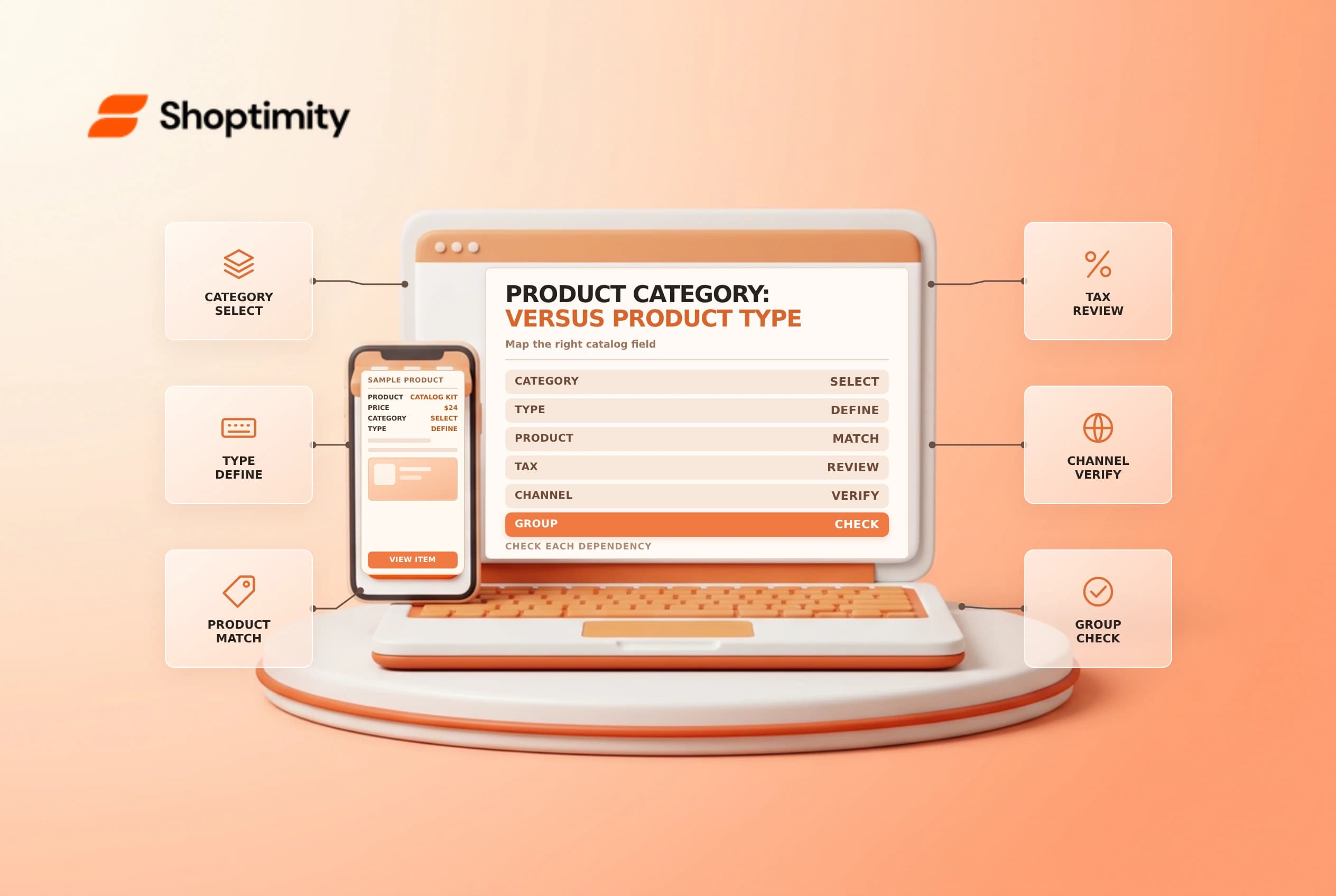
Shopify product category and product type both help organize a catalog, but they serve different purposes. Category uses Shopify's standardized taxonomy; product type is a merchant-defined label. Choosing a clear mapping can improve consistency without assuming that either field replaces a tax review or a complete merchandising plan.
Understand the distinction
Shopify's product type guide says each product can have one product category and one product type. Category is chosen from Shopify's predefined taxonomy, while product type is a custom classification. Shopify says categories can help with tax calculations and selling on channels that use standardized product classifications.
| Field | Example | Primary role |
|---|---|---|
| Product category | A specific bedding category in Shopify's taxonomy | Standardized classification |
| Product type | A merchant's “Colorful linens” grouping | Custom organization |
| Vendor | The product's recorded manufacturer or supplier | A separate organization field |
| Collection | A group assembled for browsing or operations | Grouping products or variants |
| Category metafields | Supported attributes associated with the category | Structured product details |
A custom product type does not replace the standardized category in an integration that expects taxonomy data. Conversely, a standard category does not automatically convey every internal grouping your team needs.
Map a small sample
Start with a few products from each product family and choose the most accurate category available. Use a consistent product type only where the team has a real reason for it, such as organizing a collection or filtering a product list. Avoid creating near-duplicate types through inconsistent spelling or capitalization.
Shopify's category guide notes that categories can unlock relevant category metafields. Review any values and connected variants when changing a category; do not assume all attributes or sales-channel requirements will remain unchanged. Save the prior mapping and ask the catalog owner to approve the new one.
Check tax, channels and collections
A correct category can help tax calculation, but tax treatment depends on jurisdiction, product details and store configuration. Involve a qualified tax adviser for uncertain products. If an external sales channel maps or requires category data, verify its own requirements and inspect the actual listing after the update.
Before changing types in bulk, identify automated collection conditions, reports and processes that refer to the old value. A renamed type can change which items satisfy a condition. Preview the affected collection and confirm that eligible products still appear. Record exceptions rather than forcing unlike products into one broad type.
| Test | Check |
|---|---|
| One representative product | Category and type are accurate |
| Category-specific attributes | Values still match the item |
| Collection using type | Intended products remain included |
| Sales channel | Listing classification is accepted and accurate |
| Tax-sensitive item | Tax owner reviews the treatment |
Roll out and maintain
Use a small approved batch first, review the admin results and storefront, then expand. Maintain a short naming dictionary and assign an owner for new types. If importing product data, follow the product CSV guide and test the actual file; a spreadsheet change is not evidence that the right product or variant was updated.
Schedule periodic checks for uncategorized products and duplicate type names. Keep the original values and the decision record so the team can investigate a surprising collection or report. The goal is accurate, reusable classification, not merely filling every field.
See category metafields and product CSV import checks.
Ready to build a faster, higher-converting store?
Every Shoptimity theme ships with conversion widgets built in — so you get speed and features without stacking apps.
7-day free trial · all themes included · cancel anytime
Continue Reading
Shopify Flow Variant Added vs Deleted: Safe Alerts
Compare Shopify Flow variant added and deleted triggers, understand the default-variant exception, a...
Shopify Flow Workflow Error Trigger: Alert Limits
Use the Shopify Flow workflow error trigger to route internal alerts, understand the 30-day suppress...
Shopify Flow Fulfillment Rescheduled: 3PL Alerts
Build Shopify Flow fulfillment rescheduled alerts for third-party services, review affected assignme...