
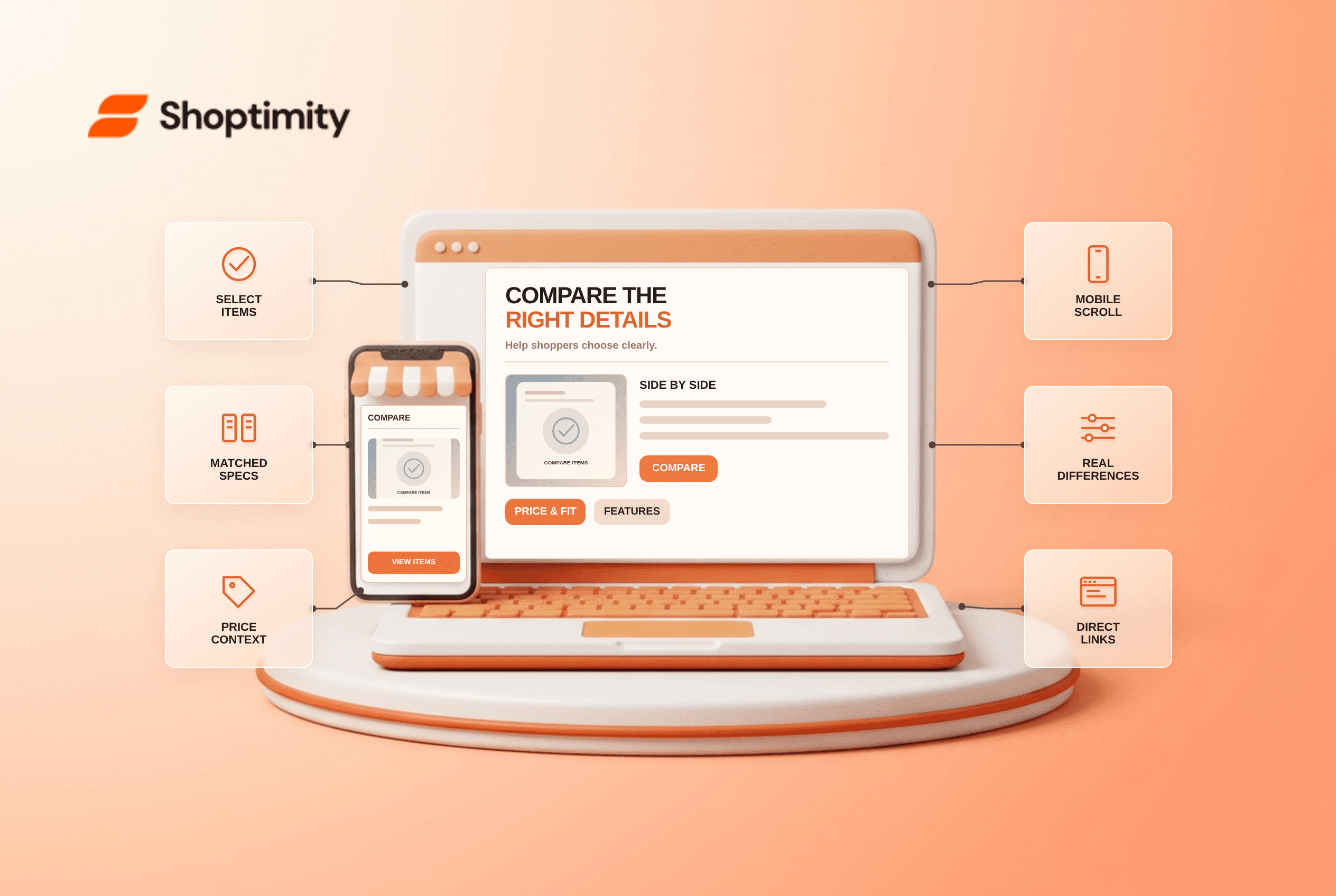
A product comparison table should put a small set of genuinely comparable products against the features that affect a purchase. Keep price, variant, stock and key specifications accurate; label differences rather than listing every shared detail. On mobile, preserve product identity while columns scroll and provide a route back to each product. A comparison is useful only if shoppers trust that every value describes the same thing.
What should a product comparison table include?
Start with the shopper's decision, not the catalog schema. If two headphones differ chiefly in fit, battery life and noise control, those belong above generic brand copy. A useful row identifies units and conditions: “Battery life, hours with noise cancellation on” is comparable; “long-lasting battery” is not. Price needs currency and variant context, especially when the cheapest option is a different size or configuration.
According to Baymard's product-comparison research, shoppers need an accessible way to add products to a comparison and a reminder of which items they have selected. The research does not imply every catalog needs a matrix. Choose this format for products with meaningful trade-offs; it is unnecessary for nearly identical consumables with only one obvious choice.
How do you build a trustworthy comparison?
Use one canonical source for each attribute and expose what is unknown. We checked published UX guidance and W3C's table guidance; we did not compare your catalog or test a Shoptimity merchant's sales. Use these checks with your actual products:
- Start with 2 models that a customer would realistically consider together, including the relevant variant for each. Expand to 4 models only if the comparison remains readable.
- Choose a short set of decision-making attributes. Put material, fit or compatibility before marketing adjectives when they are decisive.
- Normalize the units and conditions. Compare grams with grams, not grams with shipping weight in kilograms.
- Mark “not specified” where the supplier has not provided a verified value; never turn missing data into an invented zero.
- Show current price, availability and a direct link to the exact product or variant. Refresh dynamic values when the selection changes.
- On small screens, test horizontal scrolling or a well-labeled stacked view. Check keyboard access and whether the row and column labels remain understandable.
A table can be compact without becoming misleading. For instance, comparing a 13-inch and a 15-inch laptop bag requires the interior sleeve dimensions, not just the bag's outer width. A label such as “fits 15-inch laptops” is insufficient if a particular device is unusually wide. Use supplier measurements and state the measuring convention.
What makes a mobile comparison readable?
Keep relationships intact rather than clipping columns. The W3C WAI table tutorial explains how row and column headers associate values with their labels; its small-screen guidance warns against cutting off wide tables. A horizontally scrollable comparison area can retain those relationships. Make the scroll area discoverable and keyboard operable, and test at high zoom.
The trade-off is that a wide matrix demands horizontal movement. Limit the number of products in view, keep item names visible if possible, and provide a clear “remove from comparison” action. A card layout is an alternative when customers mainly read one product at a time, but it makes side-by-side differences harder to spot.
When is a comparison table the wrong tool?
Skip it when the data is unreliable or the products are not substitutes. A blank-heavy matrix implies rigor it does not have. Likewise, comparing a basic refill to an entire starter kit can misrepresent what the prices include. Fix the catalog fields first and make the item types clear. Shoptimity themes can organize product presentation, but the merchant must own accurate specifications. For a narrower decision, send shoppers to the relevant published product details rather than inventing a comparison between unlike products.
Ready to build a faster, higher-converting store?
Every Shoptimity theme ships with conversion widgets built in — so you get speed and features without stacking apps.
7-day free trial · all themes included · cancel anytime
Continue Reading

Top Shopify Theme for Wholesale: A 2026 Buyer's Guide
You've just spent weeks sourcing inventory and building supplier relationships. But when you launch ...

Ecommerce Return Status Updates: Separate Request and Refund
Ecommerce return status updates should separate request, label, receipt, inspection and refund so sh...

Ecommerce Delivery Delay Updates: Show the New Reality
Ecommerce delivery delay updates should replace stale promises with a dated revised estimate, clear ...