
Setup Guide
Follow these simple steps to get your Shopify theme licenses up and running in minutes.
Browse Premium Themes
Explore professionally designed Shopify themes crafted for fashion, beauty, furniture, electronics, and modern ecommerce brands. Discover premium storefront layouts built for performance and conversions.

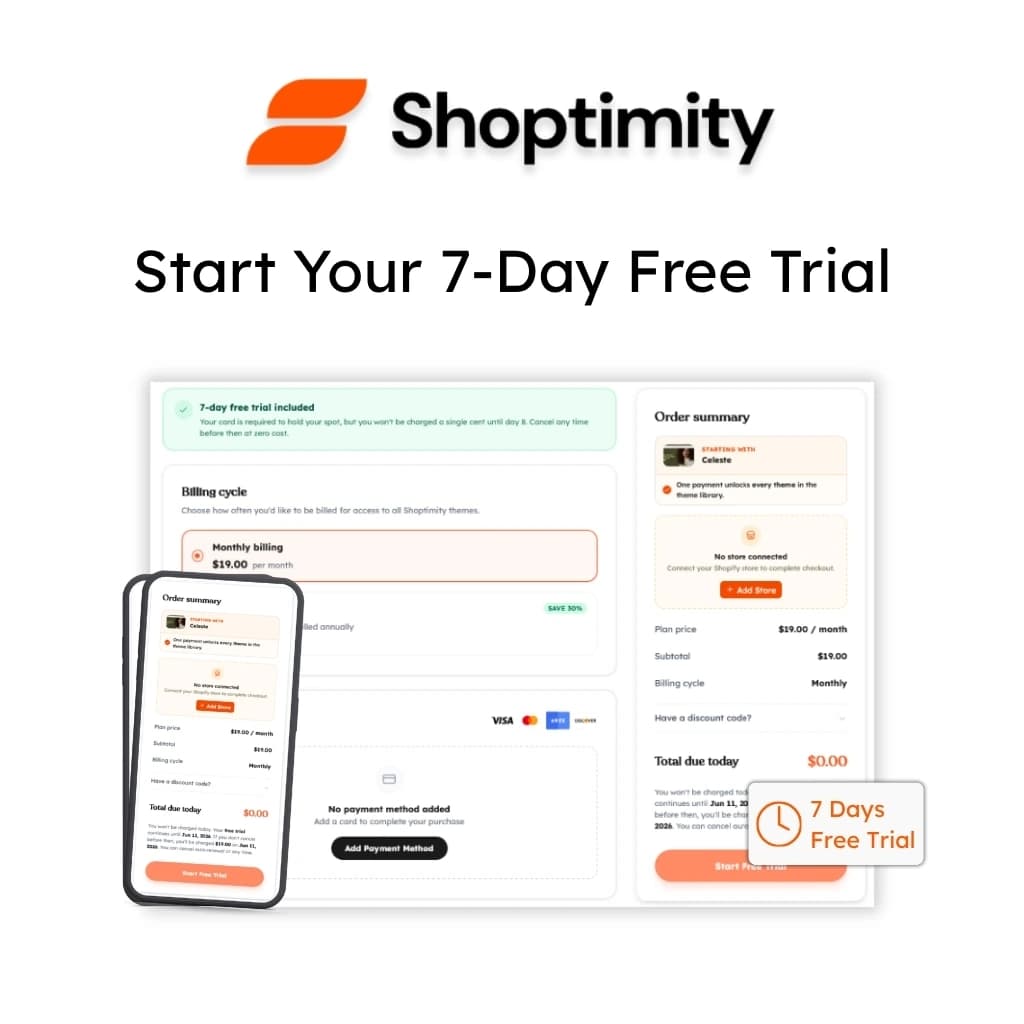
Start Your Free Trial
Unlock instant access to the complete premium theme library with a free trial. Browse premium presets, storefront sections, and ready-to-launch Shopify designs.
Access Your Dashboard
Sign in securely using Google or your email address to manage your themes, storefront access, downloads, and membership from one centralized dashboard.

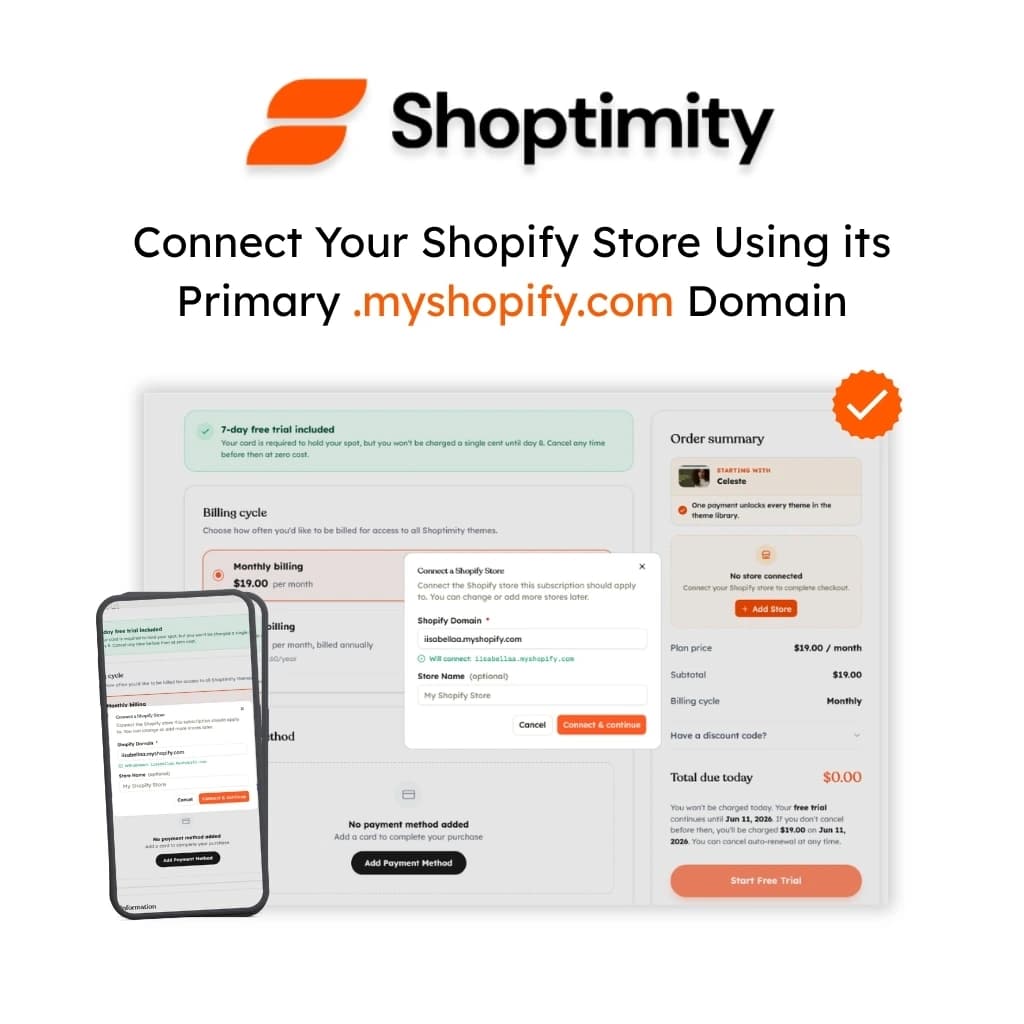
Connect Your Shopify Store
Connect your valid Shopify .myshopify.com store securely to activate theme access for your workspace and manage your storefront experience seamlessly.
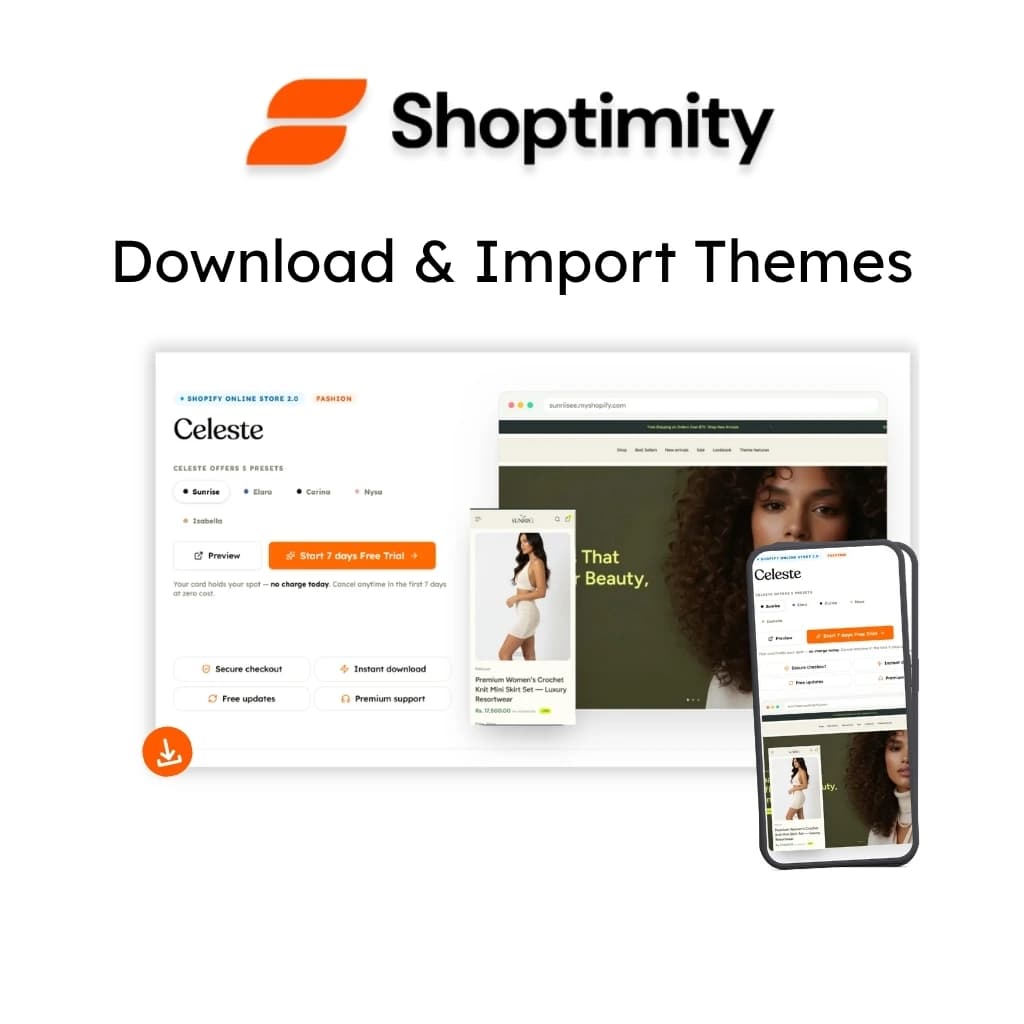
Download & Import Themes
Download premium Shopify themes, ready-to-use sections, and optimized storefront layouts designed to help you launch faster with a modern shopping experience.
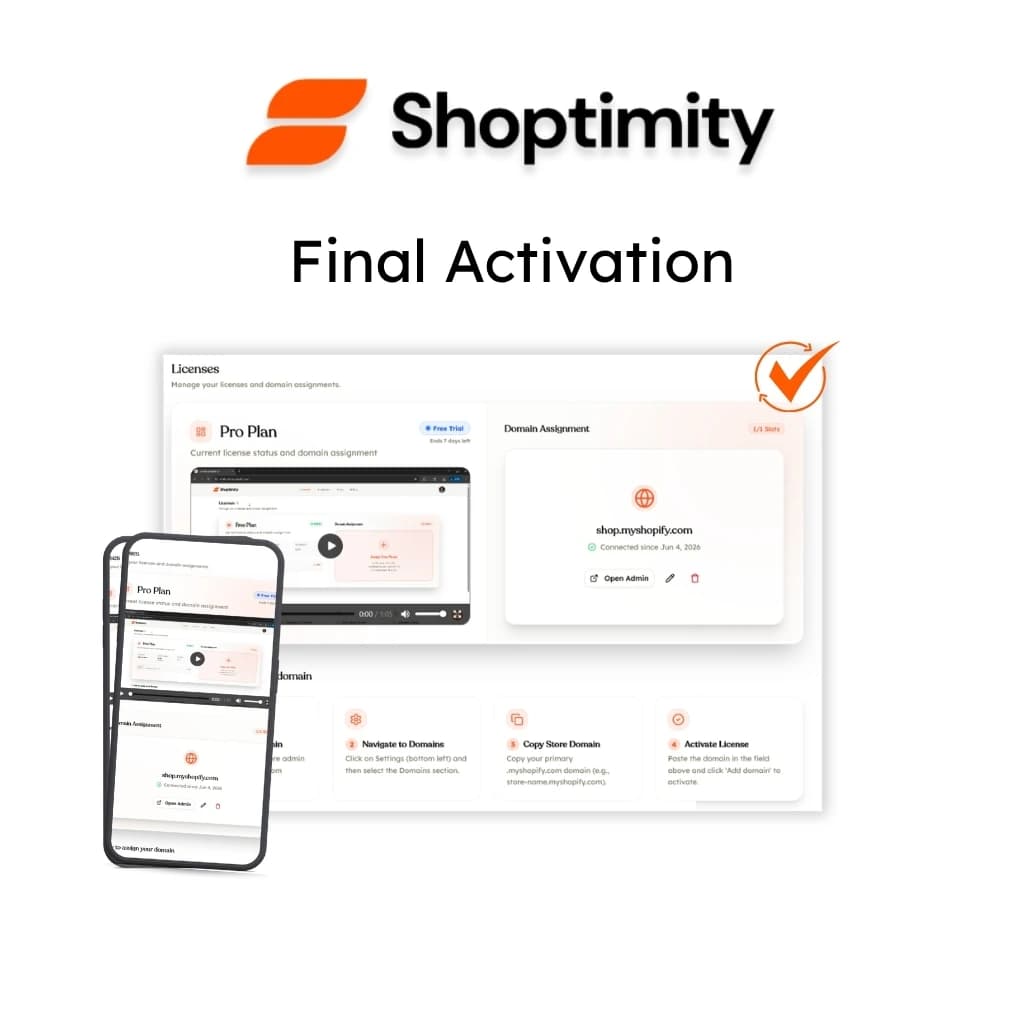
Final Activation
Upload the ZIP file to your Shopify Admin. Your license will automatically activate once the theme is installed on a registered domain. You're now ready to build!

Ready to upgrade your store?
Join thousands of successful brand owners who have already made the switch to Shoptimity.