
How to Launch a Dropshipping Store in 7 Days (Shopify Edition)
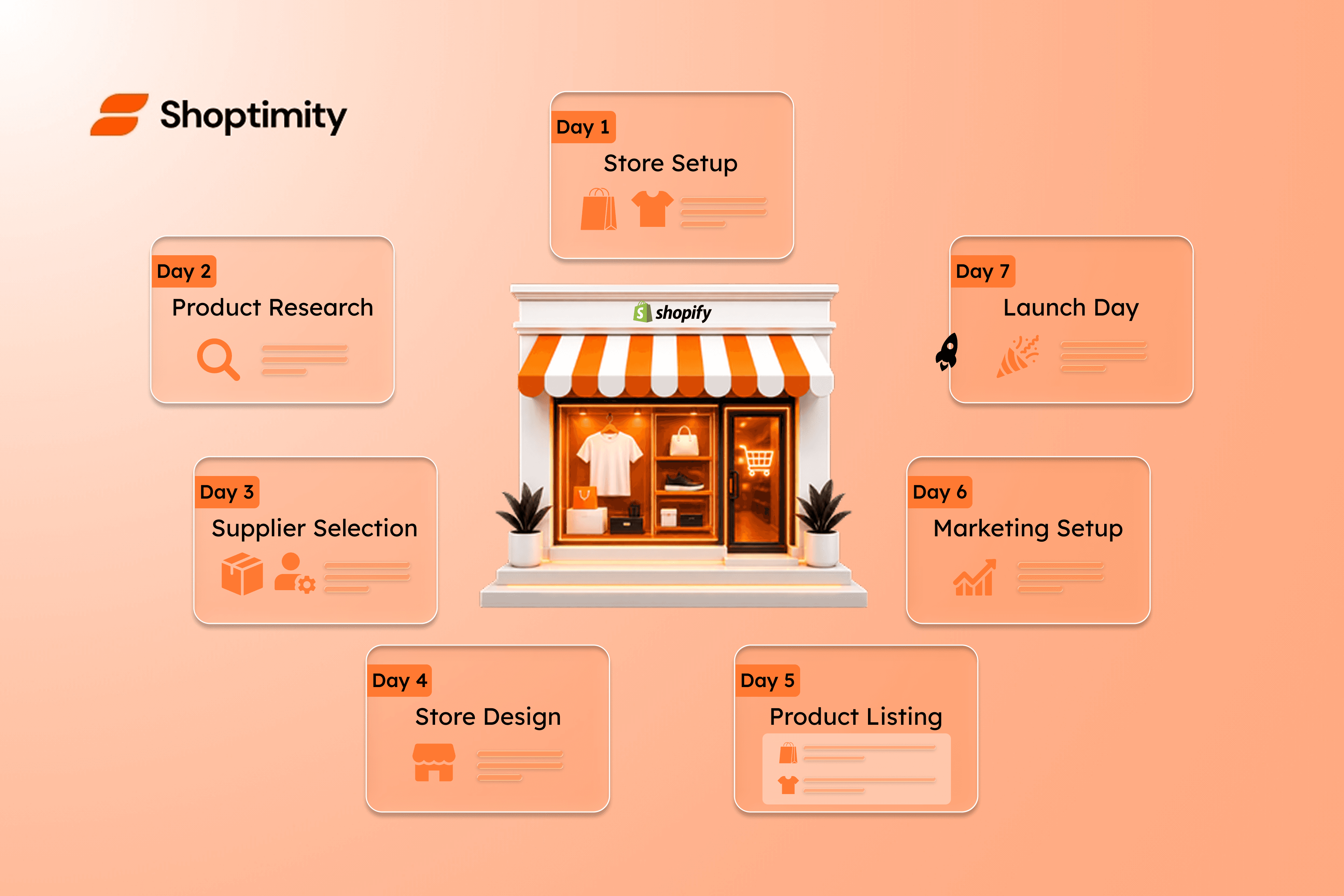
You can launch a Shopify dropshipping store in 7 days. Not 7 weeks. Not 7 months. Seven days.
Will it be perfect? No. Will it make money on day one? Probably not. But will you have a real, live, functional store with products, payments, and traffic? Yes.
This guide walks you through each day with a realistic time budget. It's built for 2026 — meaning the tools, apps, and tactics reflect what's actually working right now, not what worked in 2018.
What You Need Before Day 1
Before you start the 7-day sprint, gather these:
- A Shopify account. 3-day free trial, then $39/month for the basic plan.
- A theme. Shoptimity is the fastest path — 80+ widgets and a page builder mean fewer apps to install.
- A product niche. Not "everything." Pick one — dropshipping is a niche game now.
- A budget. $500–$1,500 to cover Shopify fees, samples, apps, and your first ads.
- 4–6 hours per day. Realistic for most people with day jobs.
That's it. You don't need a logo designer, a developer, or a warehouse.
Day 1: Pick Your Niche and Source Products
Choose a Niche (90 minutes)
Don't pick "fitness" or "pet products." Pick a specific slice:
- "Yoga props for hot yoga" — better than "fitness."
- "Dental care for small dogs" — better than "pet products."
- "Minimalist desk accessories for remote workers" — better than "office supplies."
Run any idea through this filter:
❤️ Passion
You'll be writing about this daily. Pick something you can actually talk about.
💰 Margin
$20+ AOV minimum. Below that, ad costs eat your margin alive.
🚚 Shipping time
Avoid products that ship from China in 4–6 weeks. Use US/EU suppliers.
✨ Differentiation
Can you position it differently than the 1,000 stores selling the same thing?
Source Products (2.5 hours)
Top suppliers in 2026:
📦 Zendrop
US/EU warehouses for faster shipping.
🔌 Spocket
US/EU suppliers that integrate directly with Shopify.
🏬 CJ Dropshipping
Better product range, with US warehouses.
🎨 Printful / Printify
For print-on-demand products.
Browse, shortlist 3–5 products, and order samples (most ship for $2–5).
The supplier app plus a product-sourcing app runs about $30–50/month. Build it into your budget.
Day 2: Set Up Shopify and Install Your Theme
Connect Your Domain (30 minutes)
Buy a domain from Namecheap ($10–15/year), or use a free myshopify.com subdomain for now.
Install Shoptimity (10 minutes)
Install it from the Shopify Theme Store. At $19/month (or $160/year), you get 80+ widgets and a page builder — the fastest path to a polished store, with far fewer apps to manage.
Configure the Basics (3.5 hours)
- Add your logo (use Canva free if you don't have a designer).
- Set up your menu structure.
- Configure shipping zones.
- Set up taxes (use Shopify's automatic tax settings).
- Connect a payment provider (Stripe via Shopify Payments is fastest).
- Set up your "About" and "Contact" pages.
By the end of Day 2, you have a skeleton store.
Day 3: Build Out Product Pages
This is where most new dropshippers waste a week. Don't. Here's the efficient path.
Import Your Products (1 hour)
If your supplier app supports it (Zendrop and Spocket do), bulk-import products. Edit titles and descriptions — never ship supplier copy verbatim.
Write Compelling Descriptions (3 hours)
For each product, write:
- Hook (1 sentence): the benefit, not the feature.
- Bullet points (3–5): specs, materials, sizing.
- Objection handling (1 paragraph): address the top 3 buyer concerns.
- CTA (1 sentence): a nudge, not a hard sell.
Aim for 200–400 words per product. Less than 200 reads as thin content; more than 500 and nobody reads it.
Add Images and Trust Elements (1 hour)
- Use supplier images, but edit them — add lifestyle backgrounds in Canva. White backgrounds work; lifestyle backgrounds convert better.
- Add the reviews widget (built into Shoptimity) — even with zero reviews at launch, it displays as you collect them.
- Add size guides, shipping estimates, and trust badges — all built into Shoptimity.
Day 4: Build Your Homepage and Collection Pages
Homepage (2 hours)
A standard, proven structure:
- Hero banner with your value prop and one CTA.
- Trust bar (free shipping, returns, secure checkout).
- Featured collection (4–8 products).
- Value props (3 icons with text).
- Customer testimonials (none yet — use placeholders, replace as you collect reviews).
- Newsletter signup with a 10% discount.
- Instagram feed (optional).
Use Shoptimity's drag-and-drop page builder. No code needed.
Collection Pages (1 hour)
- Enable filters (size, color, price).
- Add collection descriptions (50–100 words of SEO-friendly text).
- Show 9–12 products per page.
About Page (1 hour)
Write 300–500 words, including your founder story (even if brief), your mission or why this product, and a real photo of yourself — real photos convert better than stock.
Day 5: Set Up Email, Analytics, and Trust
Email Marketing (1 hour)
Install Klaviyo (free up to 250 contacts). Set up:
- Welcome flow: 5% off, then 10% off if not purchased within 7 days.
- Abandoned cart flow: 3 emails over 5 days.
- Post-purchase flow: review request, then cross-sell.
Analytics (1 hour)
- Install Google Analytics 4 via Shopify's native integration.
- Install Microsoft Clarity (free heatmap tool — invaluable for the first month).
- Set up conversion tracking in Meta Ads Manager.
Trust Elements (1 hour)
- Add a reviews widget (Shoptimity has one).
- Create shipping, returns, and privacy policy pages (Shopify has generators).
- Add SSL, secure-checkout, and any relevant industry trust marks.
Day 6: Pre-Launch Checklist
Test Everything (2 hours)
- Place a test order end-to-end.
- Try checkout on mobile and desktop.
- Click every link and every button.
- Submit a contact form and subscribe to the newsletter.
- Try to break the site.
Optimise Speed (30 minutes)
- Run your store through PageSpeed Insights.
- Compress any images over 300KB.
- Remove unused apps.
- Shoptimity is built lean, so you shouldn't have speed issues out of the box.
Legal Stuff (30 minutes)
- Add terms of service.
- Add a privacy policy.
- Add a cookie-consent banner.
- Verify your business info is accurate.
Day 7: Launch and Drive Traffic
Soft Launch (2 hours)
- Make your store "unlisted" but live.
- Share with 5–10 friends and family.
- Ask them to test the full purchase flow.
- Fix anything broken.
Launch Day (2 hours)
- Set your store to public.
- Run a $50–100 Meta ad campaign (interest-based, broad audience).
- Post on your personal socials.
- Submit your site to Google Search Console.
What Comes After Day 7
The first 30 days are about collecting data, not revenue. Track:
- Conversion rate by traffic source.
- Top-performing products.
- Cost per purchase from ads.
- Email signup rate.
The first 30 days are about collecting data, not revenue. Iterate, kill what's not working, and double down on what is.
Frequently Asked Questions
Launch with the right tools from day one
80+ built-in widgets and a drag-and-drop page builder — so you spend your 7 days building a store, not wrestling with apps.
$19/month or $160/year (save 30%) — 7-day free trial, no hidden charges.
Continue Reading
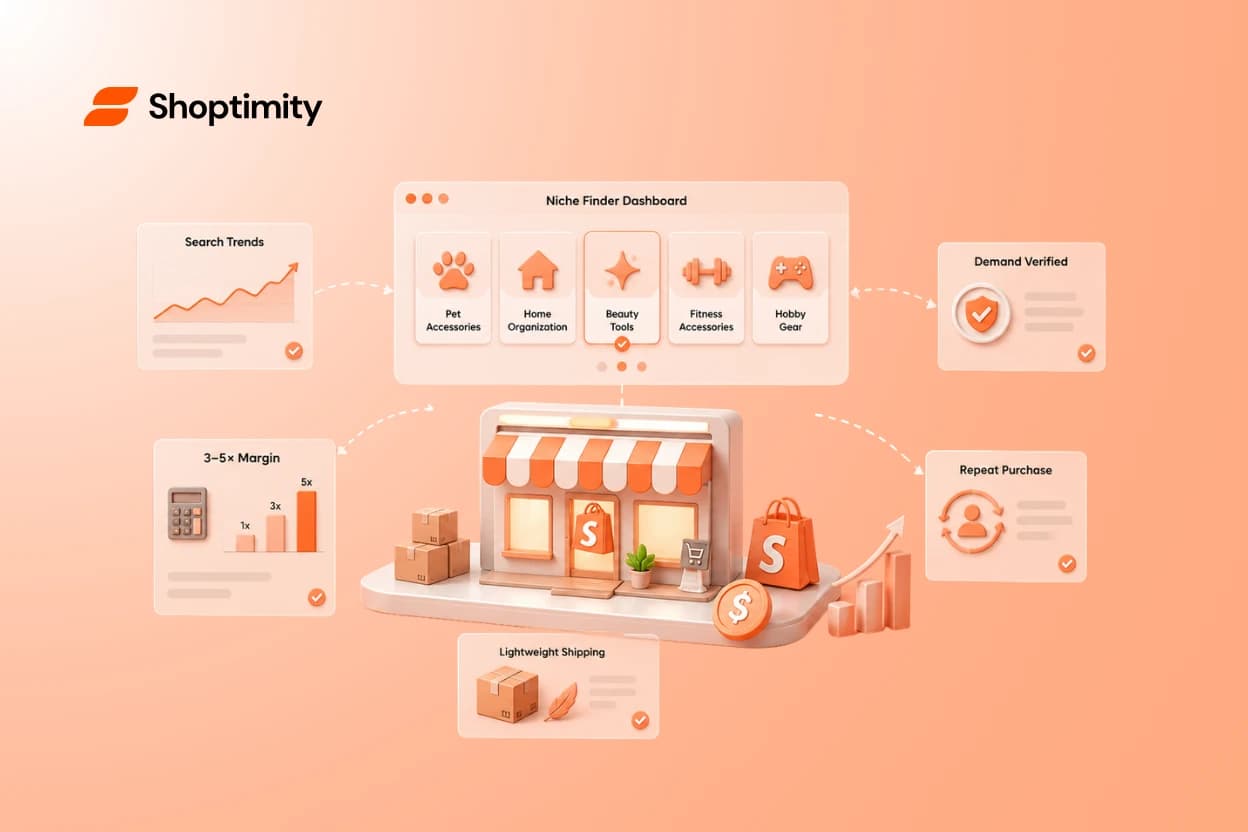
Best Shopify Dropshipping Niches in 2026 (and How to Actually Pick Yours)
Quick answer: the niches consistently working on Shopify in 2026 cluster around five traits: repeat ...
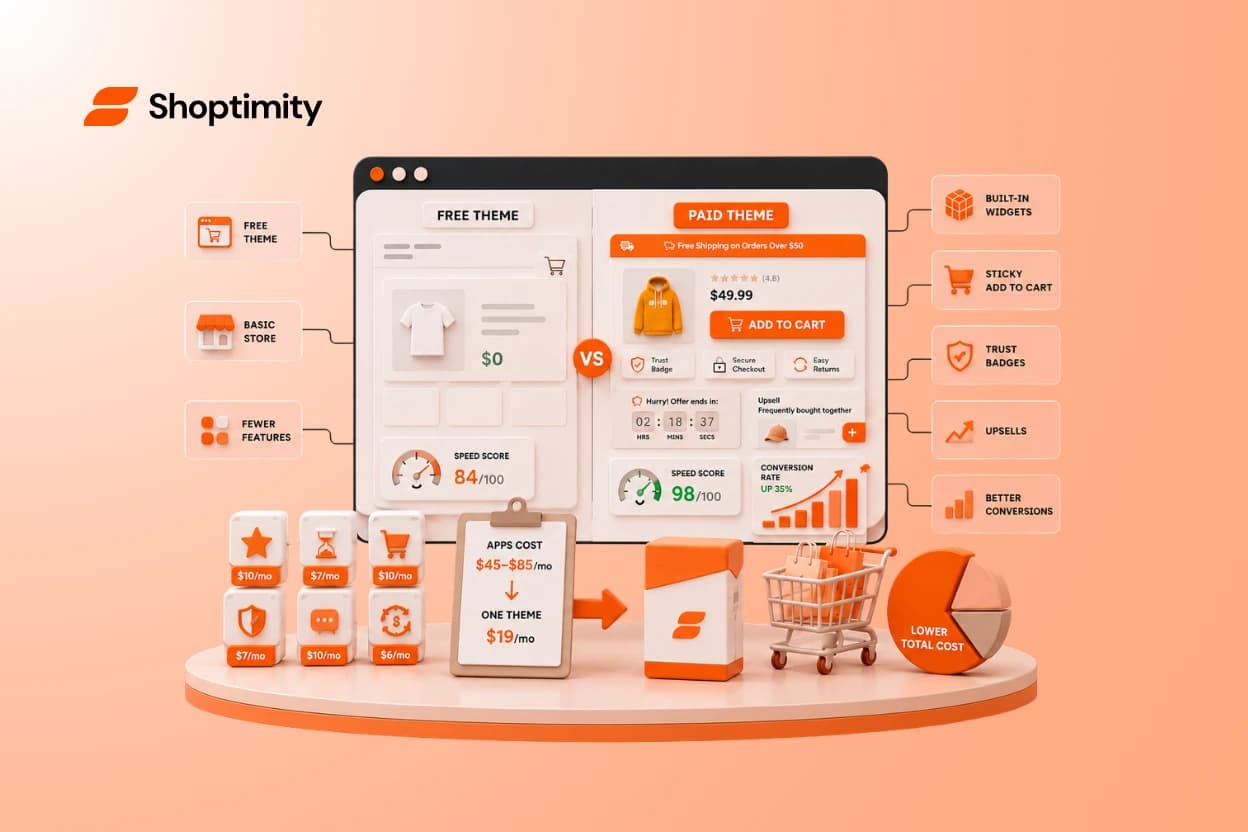
Free vs Paid Shopify Themes for Dropshipping: When (and Why) to Upgrade
Quick answer: start on a free theme if you're still validating products — Dawn is fast and costs not...
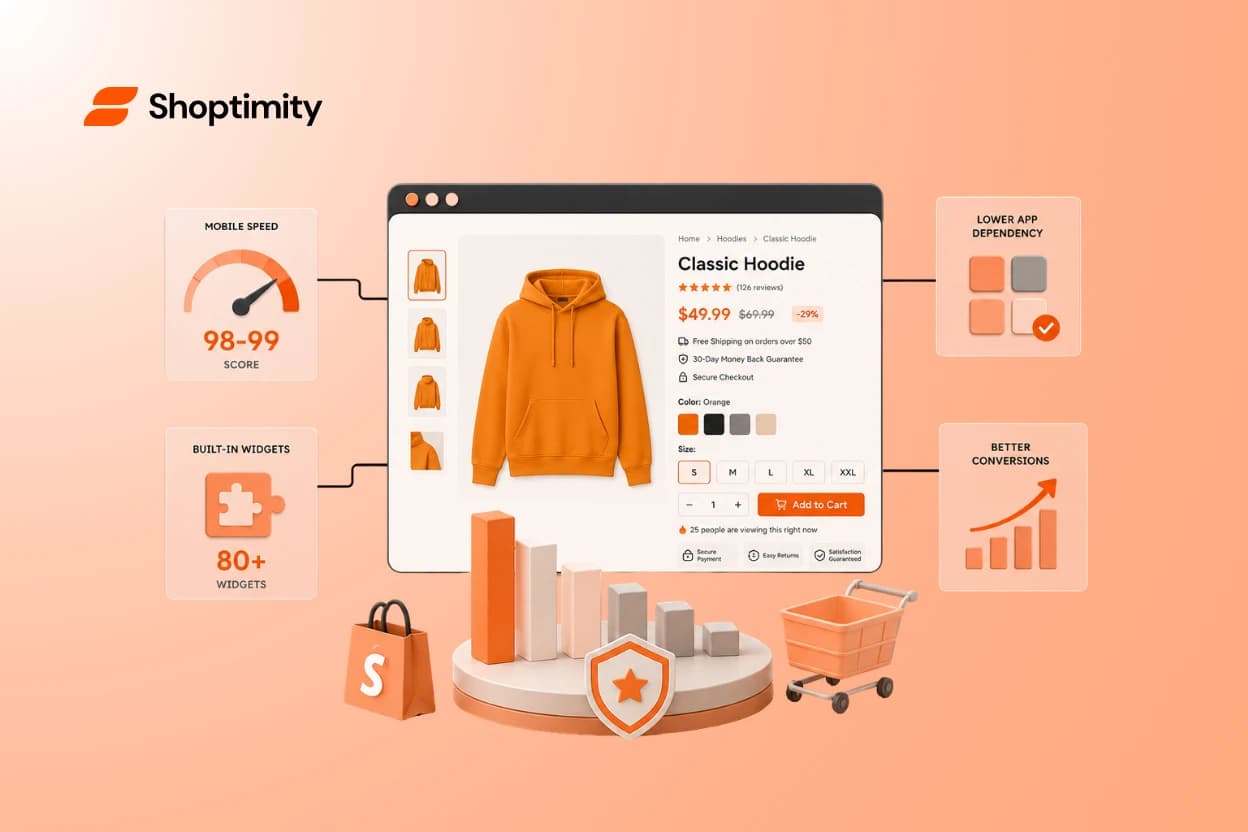
The 7 Best Shopify Themes for Dropshipping in 2026
Quick answer: The best Shopify theme for dropshipping in 2026 is one that loads in under 2 seconds o...