
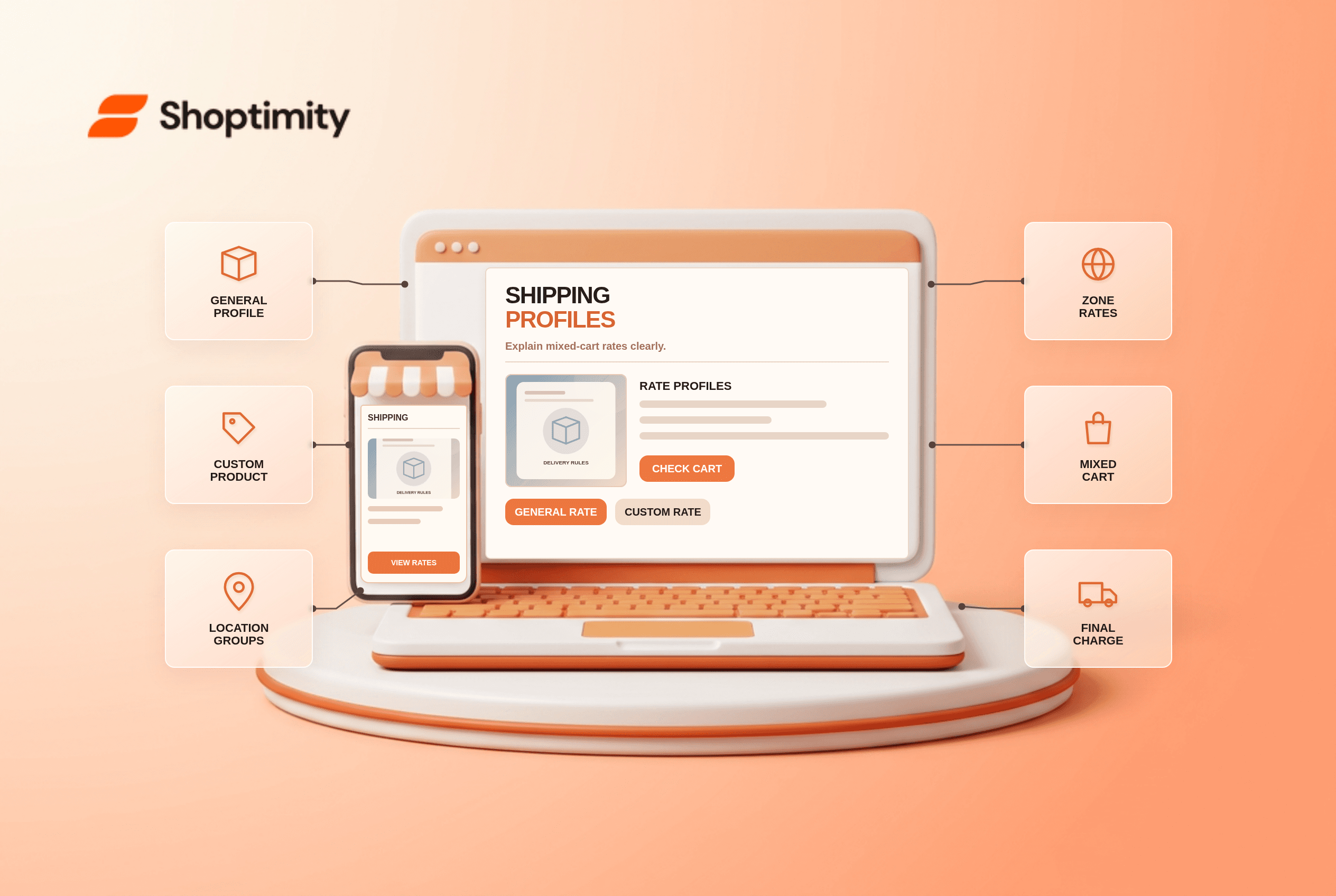
Shopify shipping profiles let a merchant set rates for specific products and fulfillment locations. They are useful for a fragile item, an oversized product or a specialty warehouse. They can also surprise a customer who adds items from two profiles and sees a combined shipping charge. Test a mixed cart rather than assuming the two single-item rates will collapse into one.
What is a shipping profile?
A profile groups products, locations, zones and rates. Shopify's shipping-profile overview says every store has a general profile, and merchants can add custom profiles for products needing different rules. Products outside a custom profile use the general profile. Shopify documents up to 99 custom profiles. More profiles are not necessarily better: each adds another route to test.
A custom profile might charge extra for a glass lamp while the general profile covers clothing. If a shopper buys both, the rates can be combined at checkout. The setup guide notes that locations within a profile can also have distinct zones and rates.
How do mixed-cart rates combine?
Shopify calculates applicable rates from the relevant profiles and locations, then presents a combined option. Its combined-rates guide gives an example of a $3 shirt rate plus a $5 pants rate producing $8 for a mixed order. Rates with the same name are added and shown together by that name; differently named rates may instead produce a lowest-cost combination called “Shipping.” Location groups and whether one location can fulfill the cart affect the calculation.
Do not advertise “$5 shipping for every order” simply because one profile uses a $5 flat rate. The full cart can involve a second profile or location. A theme's estimate should either account for that complexity or use a carefully qualified message.
What should you test before changing profiles?
Use four controlled carts to locate the source of an unexpected total. Keep the destination address constant.
- Place an item from the general profile alone in checkout. Record the service name and price.
- Place a custom-profile item alone. Check its origin, destination zone and rate.
- Combine the two items. Compare the total with Shopify's combination rules and rate names.
- Repeat with stock assigned to a different fulfillment location or location group. Note whether the route or total changes.
- Test the zone boundary and a realistic package weight if weight-based conditions are used.
- Record the expected price, actual price, profile membership, location and explanation for customer support.
Shopify's combined-rates guide says weight-based and price-based rates can behave differently across profile combinations, including package-weight effects. For a detailed tier audit, read our weight-based shipping guide, which may still be a draft. If a rate is missing entirely, inspect the zone and applicable conditions before editing your theme.
Can a theme override the checkout total?
No. A Shoptimity theme can explain delivery terms and present estimates, but Shopify's shipping settings calculate the charge. Our shipping-bar mismatch article covers the presentation-versus-checkout distinction. We checked public Shopify documentation, not your profiles or warehouses. Confirm the exact behavior in your store: Shopify notes that shipping profiles are gradually moving to shipping options by market for some stores, so the admin interface may differ.
Ready to build a faster, higher-converting store?
Every Shoptimity theme ships with conversion widgets built in — so you get speed and features without stacking apps.
7-day free trial · all themes included · cancel anytime
Continue Reading

Top Shopify Theme for Wholesale: A 2026 Buyer's Guide
You've just spent weeks sourcing inventory and building supplier relationships. But when you launch ...

Ecommerce Return Status Updates: Separate Request and Refund
Ecommerce return status updates should separate request, label, receipt, inspection and refund so sh...

Ecommerce Delivery Delay Updates: Show the New Reality
Ecommerce delivery delay updates should replace stale promises with a dated revised estimate, clear ...