
What Is a Shopify Theme?
Most beginners pick a Shopify theme the way they'd pick a phone wallpaper — by the homepage that looks nicest. Then the product pages feel cramped, the mobile menu is clumsy, and buying gets harder than it should be. A Shopify theme isn't just a look; it's the frame that decides how people browse, read about your products, and reach checkout. This guide explains what a theme actually controls and how to judge one like a store owner, not a decorator.
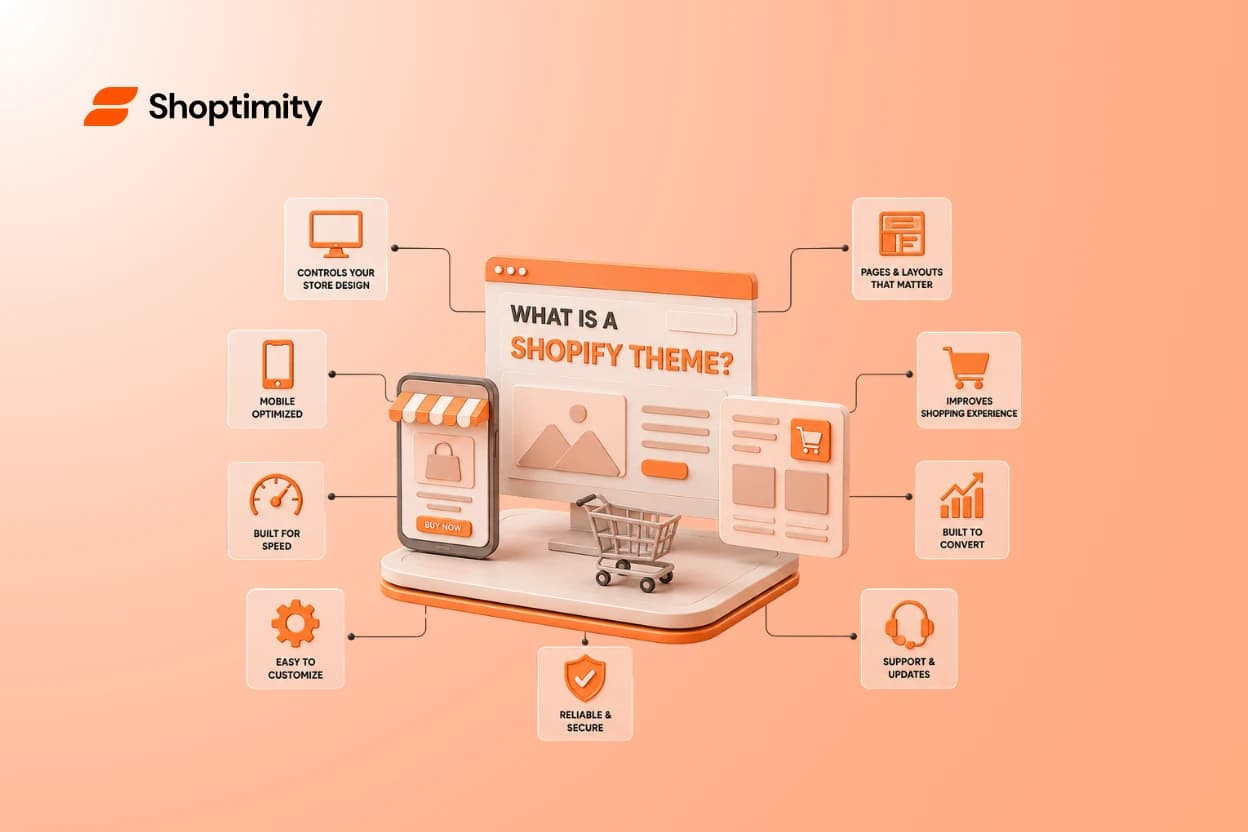
Short answer: a Shopify theme is a pre-built template that controls your store's design and layout — how your homepage, collection pages, product pages, cart, and menus look and behave across desktop and mobile. It shapes the entire shopping experience, not just the front page.
What a Shopify theme actually is
Think of your products and orders as the engine, and the theme as the entire body of the car around it. Shopify runs the store; the theme decides what customers see and how they move through it.
Every theme is built on Shopify's system, so the basics — cart, checkout, payments — always work. What changes from theme to theme is the experience wrapped around those basics.
Quick distinction: Shopify is the platform (the store's brain). The theme is the storefront (what shoppers touch). Swapping themes changes the look and layout without deleting your products or orders.
What a theme controls (more than you'd think)
A theme touches almost every page a customer sees. Miss this and you'll judge a theme on its homepage alone — the exact mistake that trips up beginners.
The pages and pieces your theme shapes
- Homepage — banners, featured products, sections.
- Collection pages — how products are listed, sorted, and filtered.
- Product pages — photos, descriptions, variants, buy button placement.
- Navigation — menus, search, and how people find things.
- Cart and mini-cart — how easy it is to review and check out.
- Mobile layout — how all of the above behaves on a phone.
A theme's homepage is the trailer. Your product and collection pages are the actual movie — and that's where the sale is won or lost.
Design vs. functionality vs. conversion: know the difference
Beginners blur these three together, then get surprised later. Pulling them apart makes theme-shopping far clearer.
- Design — how it looks: colors, fonts, spacing, style. The part everyone notices first.
- Functionality — what it can do: filters, quick view, variant swatches, mobile behavior.
- Conversion structure — how it guides a shopper toward buying: clear product info, trust signals, an easy path to checkout.
A pretty theme with weak functionality frustrates shoppers. A functional theme with no conversion structure gets traffic but few sales. You want all three working together.
The beginner mistake: judging a theme by its homepage
Here's the pattern we see over and over. A beginner falls for a theme's homepage design, installs it, then hits a wall.
The product pages don't fit their photos. The collection layout can't filter the way their catalog needs. The mobile menu feels awkward — and mobile is where most shoppers actually are.
The better approach: evaluate a theme by the whole shopping journey, not the hero banner. Click into a demo's product page, filter a collection, and open it on your phone before you commit.
How to choose the right Shopify theme
Use this checklist to judge any theme like a store owner. It works whether the theme is free, paid, or part of a subscription.
The theme-evaluation checklist:
- Does the product page show photos, variants, and the buy button clearly?
- Can collection pages sort and filter the way your catalog needs?
- Is the mobile experience smooth — menu, images, checkout?
- How fast does the demo load? Speed affects sales and SEO.
- How much can you customize without code?
- Does it include the selling tools you need, or will you buy separate apps?
That last point is the sneaky one. Many themes look complete until you realize you need paid apps for a countdown timer, sticky cart, upsells, or reviews — and each app you add can slow your store down. why site speed affects conversions
Why "selling tools built in" matters more than looks
A theme that already includes conversion features saves you money and keeps your store fast. Instead of stitching together five apps, the tools live inside the theme.
This is the idea behind a theme club. With Shoptimity, one subscription unlocks conversion-ready themes like Celeste with 30+ selling tools already inside — sticky cart, upsells, reviews, smart filters, a free-shipping bar — so your store stays fast instead of bloated with add-ons. browse the themes
Can you change your theme later?
Yes — and you should feel free to. Switching themes changes your design and layout, but your products, customers, and orders stay put in Shopify.
Still, changing later means redoing customization, so it's worth choosing well up front. Preview a theme thoroughly before you build your whole store on it. our store-setup guide
Who should care most about their theme choice
First-time store owners
You want a theme that guides customers to buy without you coding anything.
Dropshippers
You need fast product pages and filters that handle a changing catalog.
DTC & high-ticket brands
You want polished product pages and mobile trust signals that justify the price.
Choose a theme that's built to sell
Now you know what a Shopify theme really is: the frame that shapes every step from browsing to checkout. Judge it by the full journey — product pages, collections, mobile, speed, and the selling tools inside — not just the homepage.
Ready to build a faster, higher-converting store?
Every Shoptimity theme ships with conversion widgets built in — so you get speed and features without stacking apps.
7-day free trial · all themes included · cancel anytime
Continue Reading

Top Shopify Theme for Wholesale: A 2026 Buyer's Guide
You've just spent weeks sourcing inventory and building supplier relationships. But when you launch ...
The Right Dropshipping Shopify Theme Saves You Thousands in Wasted Ad Spend
When a cold visitor lands on your dropshipping store, they have seconds to decide if you're legitima...
Best Shopify Themes for Canadian Fashion Brands in 2026
Your Shopify theme isn't just decoration. It directly affects whether customers trust your brand, ho...