
A faster, more controllable Theme Editor
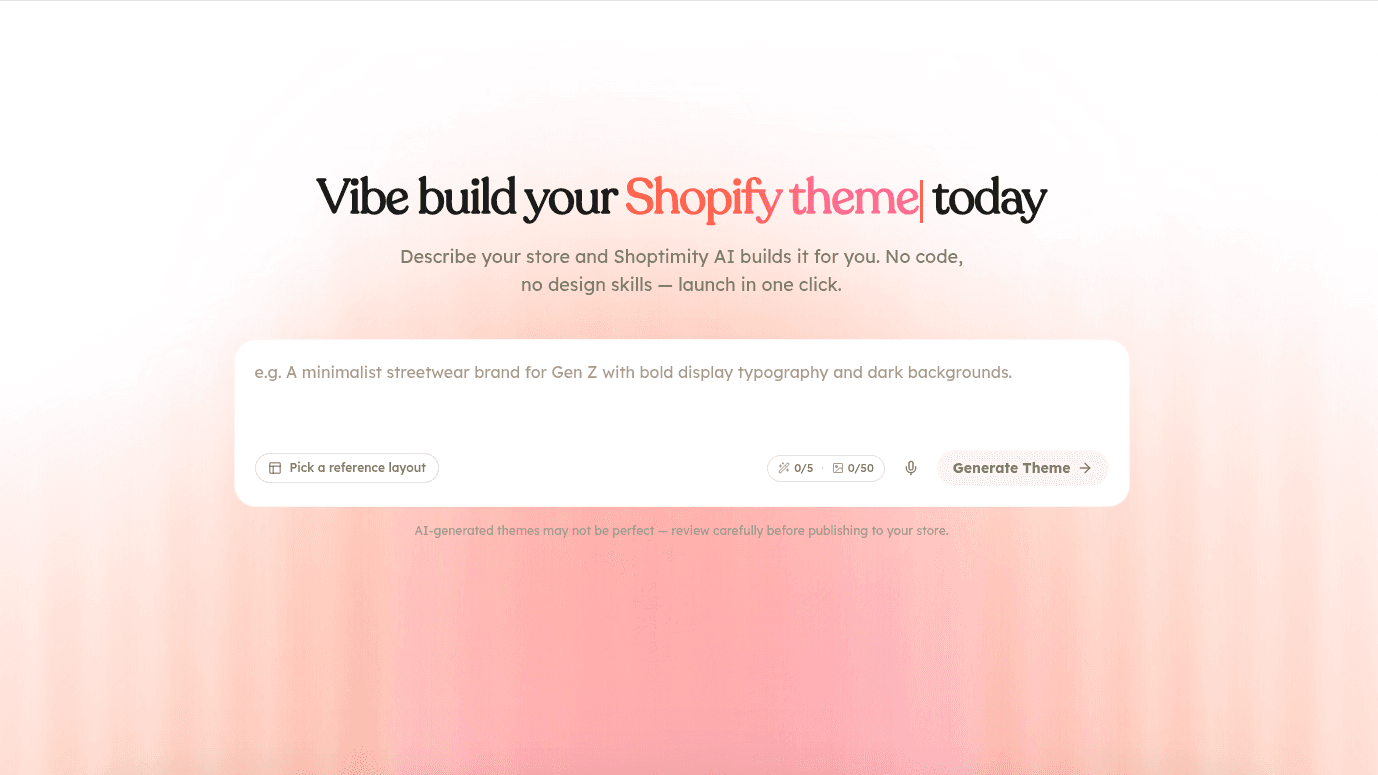
Since launching the AI Theme Builder, we've been hard at work making the editing experience faster and more precise. This update turns the editor into a full, hands-on workspace where you're in control of every section of your theme.
Sections panel
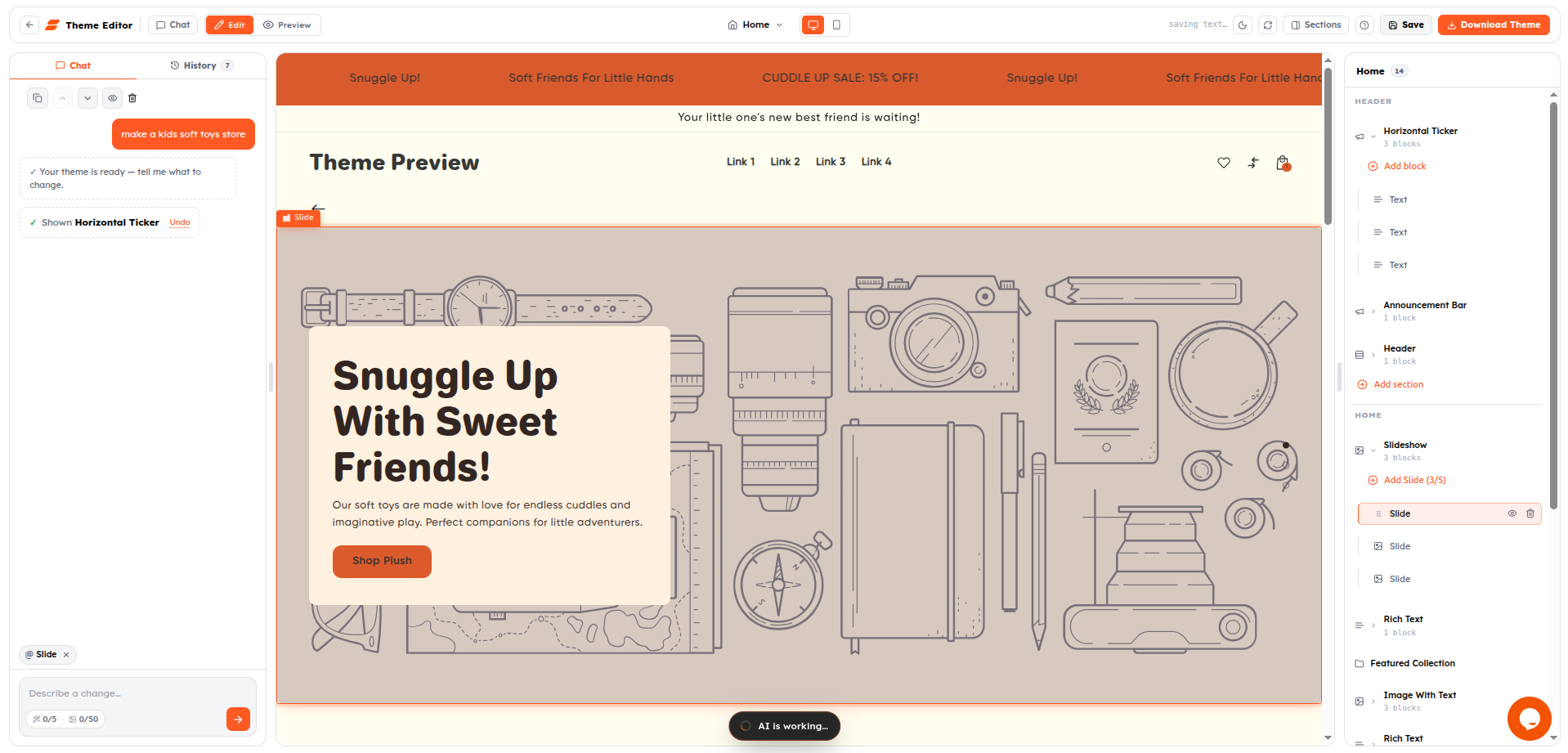
A new sections sidebar lists every section and block on the current page at a glance. Open it from the toolbar to see how your page is structured, jump straight to any section, and switch between templates with the page picker — so you always know exactly where you are.
Full per-section control
Select any section or block to bring up its actions and make targeted changes without touching the rest of the page:
- Move up / move down — reorder sections to get the flow just right.
- Duplicate — reuse a section you like elsewhere on the page.
- Hide / show — toggle a section off without deleting it.
- Remove — drop anything you don't need.
- Insert new sections & blocks — add from a catalog with the "+" handle, placed exactly where you want them.
Edit inline or with AI
- Inline text editing — switch to Edit mode and double-click any text to change it directly on the page.
- Conversational edits — describe the change you want in the chat sidebar and let AI handle it, section by section.
- Preview mode — flip to Preview to see your storefront exactly as shoppers will.
Undo, redo & version history
Experiment freely — nothing is ever permanent.
- Undo & redo — step backward and forward through your changes with confidence.
- Revert to any version — every generation and edit is checkpointed, so you can roll back to an earlier state whenever you like.
- Save checkpoints — mark a version you love and return to it anytime from the History panel.
A smoother workspace
- Live preview updates as you edit, with a viewport toggle to check desktop, tablet, and mobile.
- Light & dark editor themes, quick refresh, and a mobile-optimized layout so you can edit from anywhere.
- One-click export — download a Shopify-ready ZIP the moment your theme is ready.
Together, these make the editor feel less like generating a one-shot theme and more like collaborating on it. Give it a try on your next build.