
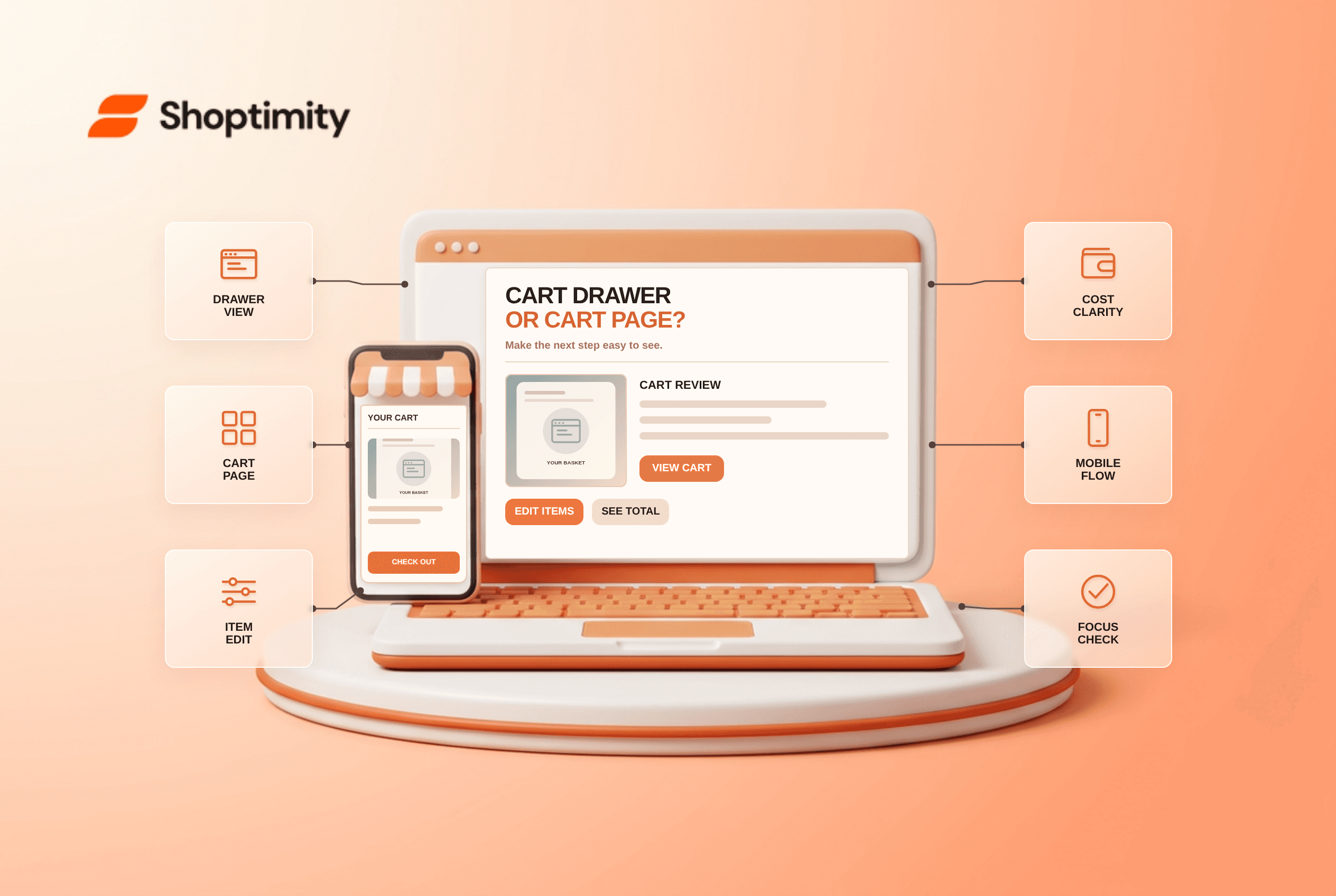
Cart drawer vs cart page is a workflow choice, not a universal conversion contest. A drawer lets shoppers review and adjust a small cart without leaving the product they are browsing. A dedicated page has more room for delivery estimates, discounts and multi-item editing. Use the smallest interface that still shows the information required before checkout, and provide a full-cart route when the drawer cannot do that job.
What is the practical difference?
A drawer overlays the current page; a cart page is its own destination. The comparison below is a design decision guide, not the result of a Shoptimity A/B test.
| Shopper task | Cart drawer | Dedicated cart page |
|---|---|---|
| Confirm one item was added | Quick, in context | Requires navigation unless there is also a notification |
| Edit several variants or quantities | Tight space, especially on phones | More room for item-by-item controls |
| Review shipping, taxes and discounts | Needs deliberate layout or a link | Better suited to a transparent cost summary |
| Resume browsing | Close the panel | Use a back or continue-shopping link |
| Keyboard and screen-reader use | Requires reliable focus management | Normal page navigation is easier to inspect |
According to Baymard's cart benchmark, 23% of surveyed US online shoppers had abandoned an order in the prior quarter solely because they lacked an upfront estimate of total cost. This is a reason to show relevant costs before checkout, not evidence that a cart page outperforms a drawer. Baymard also reports that 58% of benchmarked sites hinder using the cart as a comparison tool; that problem applies to both layouts.
When should you choose a drawer?
Choose a drawer for brief, in-context confirmation when it can still support core edits. A one-item shop with a straightforward shipping offer can show the line item, selected variant, quantity control, subtotal and an obvious checkout button. Add a “View full cart” link when more detail is available there. Do not cover the entire small-screen viewport with an upsell that hides the products the shopper came to check.
We checked public cart usability research and accessibility guidance, not conversion data from your store. These checks reveal usability risks, not a measured lift. The catch with a drawer is that it is an interactive overlay: when it opens, keyboard focus needs to move to it; when it closes, focus should return to the triggering control. Test Escape, screen-reader labels and the underlying page's scroll. A visual slide-in animation alone does not make an accessible cart.
When is a full cart page the better choice?
Pick the page when shoppers need space to compare items or see a cost breakdown. Multi-item baskets, complex discounts, gift options and shipping thresholds put pressure on a narrow panel. A full page can display item thumbnails, variants, quantity editing, remove controls, a summary and an honest shipping estimate without squeezing them under recommendations.
That page has a limitation too: a forced redirect after every add-to-cart action interrupts browsing. A useful hybrid is a brief add confirmation with a clear link to the full cart. Avoid duplicating the same half-working controls in both views. Baymard's checkout UX audit explicitly checks whether customers can edit quantities, remove items and understand costs before proceeding.
How should you evaluate the choice?
Run task-based checks before reading a conversion chart. Use the same products and delivery rules in both designs:
- Add an item with a selected size or color; verify the choice appears correctly.
- Change quantity and remove an item using touch, keyboard and screen reader.
- Inspect discount and shipping messaging before starting checkout.
- Open the cart after an error or an out-of-stock change; confirm the error is visible and actionable.
- Try a three-item basket at narrow mobile width; look for cropped totals and buttons.
- Compare cart-to-checkout progression and support questions by device after launch, with enough traffic to avoid treating noise as a win.
Shoptimity themes provide a starting storefront layout, but a theme's default cart cannot decide what fees your business should display. If extra widgets slow the experience, use our theme-versus-app guide to decide which behavior belongs in the base UI.
A sensible release check is to complete the same basket task in both views before changing the default. If either route hides a shipping condition or fails when a variant becomes unavailable, fix that defect first. Otherwise, the test compares incomplete flows rather than cart patterns.
Ready to build a faster, higher-converting store?
Every Shoptimity theme ships with conversion widgets built in — so you get speed and features without stacking apps.
7-day free trial · all themes included · cancel anytime
Continue Reading

Top Shopify Theme for Wholesale: A 2026 Buyer's Guide
You've just spent weeks sourcing inventory and building supplier relationships. But when you launch ...

Ecommerce Return Status Updates: Separate Request and Refund
Ecommerce return status updates should separate request, label, receipt, inspection and refund so sh...

Ecommerce Delivery Delay Updates: Show the New Reality
Ecommerce delivery delay updates should replace stale promises with a dated revised estimate, clear ...