
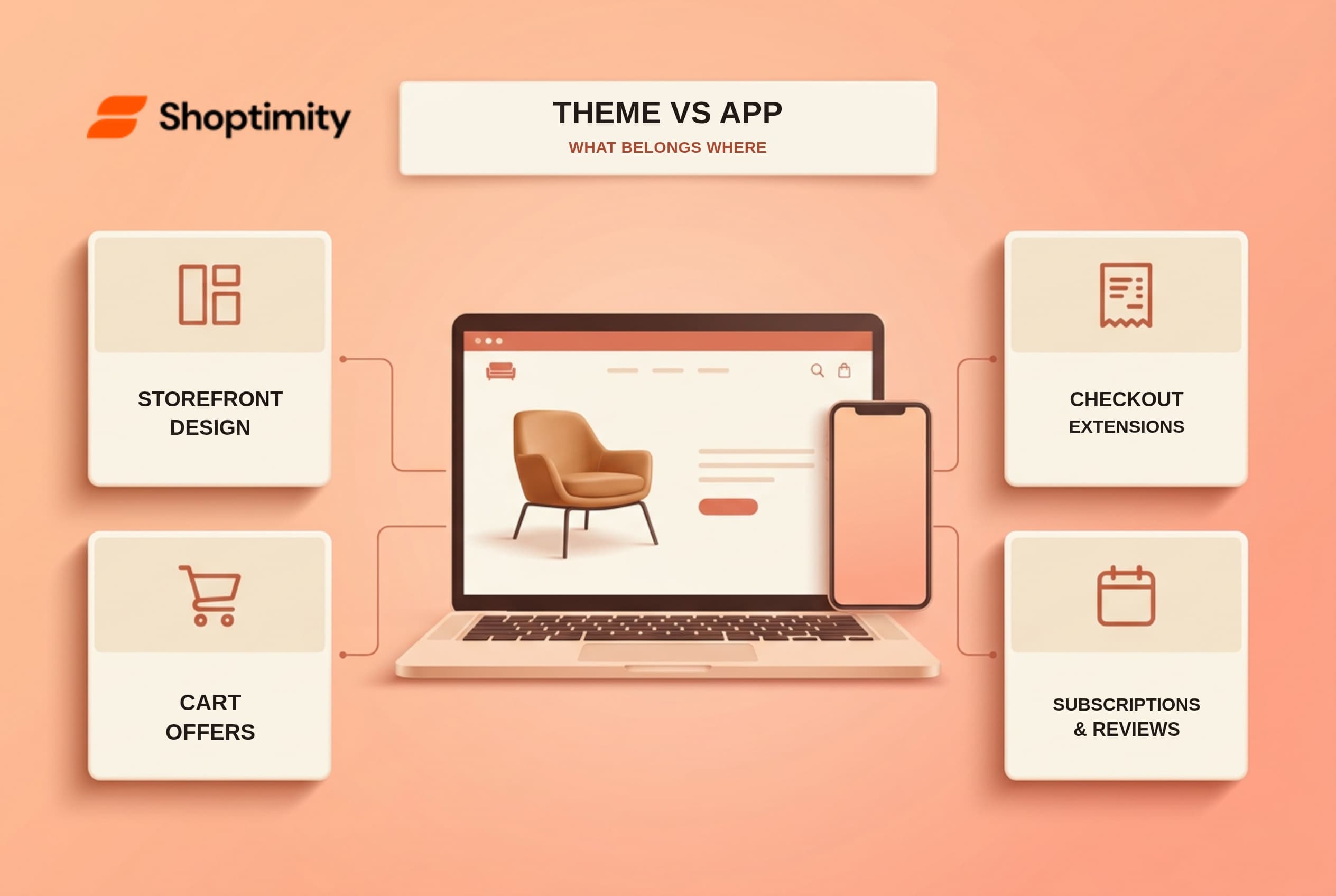
A Shopify theme can replace many storefront presentation apps: sticky add-to-cart buttons, size guides, promotional bars, quick views and some cart recommendations. It cannot, by itself, run a true post-purchase offer inside checkout or manage recurring subscription contracts. The useful Shopify theme vs app question is not “How many widgets come included?” It is “Where does the feature actually run, and what data must it keep?”
A store can look simpler after removing apps and still lose something important: reviews submitted by customers, an email automation, or a recurring billing workflow. Here is a way to separate the safe cuts from the expensive mistakes.
Shopify theme vs app: which feature belongs where?
Think in three layers. Theme means what appears and responds on the online storefront. App means a service that can maintain data or connect to Shopify features beyond the theme. Platform or checkout extension means a Shopify-controlled surface with its own rules. An app can also place a block inside a theme, so an on-page widget is not automatically theme-native. Shopify's theme-app-extension documentation uses review and star-rating blocks as examples.
| Merchant need | Theme alone? | What to verify before removing an app |
|---|---|---|
| Sticky add-to-cart, size chart, badges, FAQ or shipping-progress display | Often yes | Test the exact feature on the theme's product or cart template. A shipping bar displays a goal; Shopify settings still decide actual shipping rates. |
| Quick view, mega menu and basic product recommendations | Often yes | Check mobile usability, product variants and whether recommendations need manual setup. |
| Cart-drawer add-on or pre-checkout bundle display | Sometimes | Confirm the item is actually added to the cart and any promised discount is applied, not merely shown in copy. |
| Customer reviews | Display: sometimes. Collection and moderation: usually another system | Find out where reviews live, who collects them, and what happens to them if you switch themes. |
| Email campaigns, SMS and persistent loyalty points | Generally no | A form or badge is not a mailing service, consent record or points ledger. |
| Subscription billing and contract management | No | Verify the selling-plan or subscription app, payment eligibility and customer management flow. |
| True post-purchase one-click offer | No, not from an ordinary theme section | Verify the checkout/post-purchase extension and whether your plan and live-store access support it. |
This is a capability map, not a promise that any particular Shoptimity preset contains every row marked “often yes.” Check the live demo and the exact feature list for the theme you want. Shopify's theme design guidance itself draws a useful line: themes should organize and display content, not work around platform functionality.
Can a theme replace upsell apps?
A theme can handle many offers before checkout; it cannot make every upsell flow work everywhere. A complementary product shown in a product section or cart drawer is a storefront feature. The buyer still needs to add the item and proceed through the normal checkout. That can be a sensible replacement for a separate, simple cart-upsell app.
A post-purchase one-click upsell is different. The offer appears after the original order is placed but before the confirmation page. According to Shopify's documentation, that surface belongs to checkout UI extensions for post-purchase offers, not ordinary online-store theme sections. Shopify currently describes post-purchase extensions as beta technology that needs access approval for a live store. If a theme vendor advertises post-purchase funnels, ask exactly which app or extension powers them and whether it is included in the quoted price.
Discounts need the same care. A theme can print “buy two, save 10%”; the customer needs an eligible Shopify discount or other supported pricing setup for the checkout total to follow through. Test a qualifying cart and a non-qualifying cart. If the message and final price disagree, do not retire the existing tool yet.
Do built-in reviews and subscription widgets replace apps?
A reviews display is not a reviews system. A theme may render stars, quotes or review data supplied by another source. It does not follow that it sends review requests, verifies purchasers, moderates submissions, stores photo reviews or migrates that history when the theme changes. Shopify's app-block documentation specifically describes review-app blocks that merchants place within a compatible theme.
Likewise, a “subscribe and save” selector is only the visible part of a recurring purchase. The contract, schedule and future charges need subscription infrastructure. Shopify's Subscriptions app documentation covers recurring billing, changing or pausing contracts, and customer management. Its developer documentation explains selling-plan and subscription-contract APIs. A theme can support the storefront presentation, but it does not become a billing engine because it shows a subscription button.
There are middle cases. A simple testimonial carousel with merchant-entered quotes may live entirely in a theme. A verified-buyer review program cannot be replaced by that carousel without losing its collection and verification process. Classify the underlying job, not the label on the widget.
How do you audit your Shopify app stack without breaking the store?
Use a draft theme and test the whole job, not just the page design. Five checks catch most false economies:
- List each app's actual job. Write down what it displays, what data it stores, whether it sends messages, and whether it changes checkout or orders. An app called “Reviews” may be doing all four.
- Match the job to a theme feature. Open a draft of the new theme. Test on a real product, a sold-out product, a discounted product and a phone. Do not count a feature because it appears in a marketing list.
- Follow the data. Identify where reviews, wishlists, subscriber records and campaign consent live. Export or document anything the app stores before you remove it.
- Run a test purchase. Check the cart and checkout totals, shipping, payment, post-purchase flow and confirmation. Compare the result with what the storefront promised.
- Remove one app at a time, then measure your own store. Check that its block or embed disappeared cleanly. Compare mobile experience, errors and conversion using your own analytics over a reasonable window; a demo speed claim cannot predict your store's result.
For the cost side, compare the app fees you will genuinely cancel with the theme's fee, setup time and any remaining app charges. Shoptimity's pricing page currently lists a $19 monthly plan, a 7-day trial and one store licence per membership. Those are published prices and terms, not a forecast of your savings. Review the licence terms as carefully as the widget list.
We checked Shoptimity's public theme listing against Shopify's platform documentation to build this map. We did not log into a merchant store or test a licensed theme ZIP, so feature-specific replacements still need hands-on confirmation. If your current bill feels hard to untangle, start with the app-cost categories, then use the widget inventory as a list of questions rather than a promise that every backend service disappears.
What should you keep, replace or ask about?
Replace a single-purpose visual app when the theme performs the same job in a draft store and nothing valuable is left behind. Keep a specialist app when it owns reviews, subscriptions, automation, analytics or checkout logic that a theme cannot carry. Ask for a technical explanation when a feature sounds like both: “Is this a storefront section, an app block or a checkout extension?”
The limitation of a leaner stack is that it can concentrate design features in one theme. Switching themes later may mean rebuilding those sections. The limitation of a larger app stack is cost and integration work. Performance can suffer, yet some apps are lean; measure each one instead of assuming they all behave alike. Neither approach guarantees a conversion lift. For merchants choosing between them, the winning setup is the one that completes the customer's purchase journey reliably and costs less for the capabilities actually used.
Ready to build a faster, higher-converting store?
Every Shoptimity theme ships with conversion widgets built in — so you get speed and features without stacking apps.
7-day free trial · all themes included · cancel anytime
Continue Reading

Top Shopify Theme for Wholesale: A 2026 Buyer's Guide
You've just spent weeks sourcing inventory and building supplier relationships. But when you launch ...

Ecommerce Return Status Updates: Separate Request and Refund
Ecommerce return status updates should separate request, label, receipt, inspection and refund so sh...

Ecommerce Delivery Delay Updates: Show the New Reality
Ecommerce delivery delay updates should replace stale promises with a dated revised estimate, clear ...