
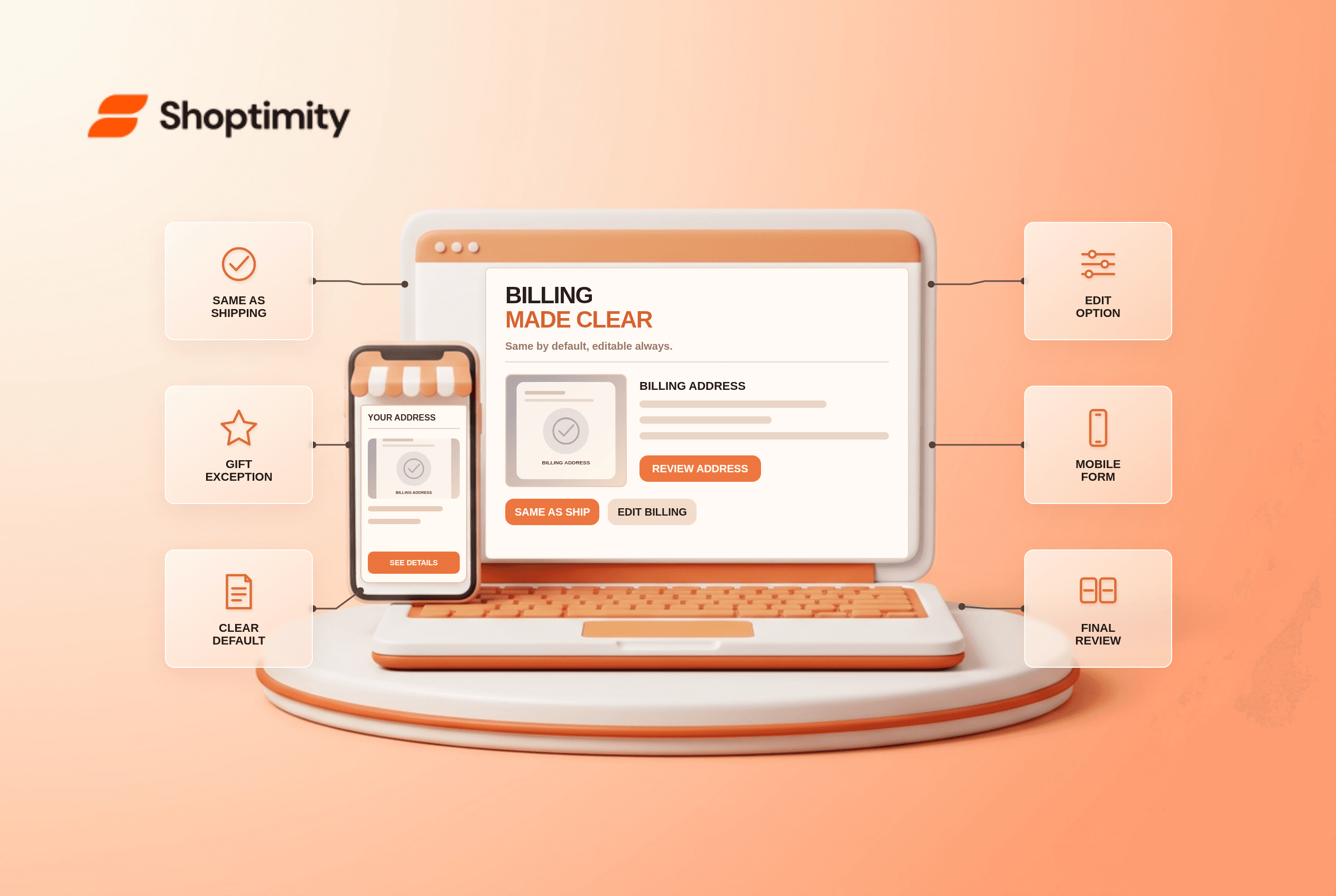
Checkout billing address should default to shipping for most consumer orders, while allowing a clear separate address for gifts and business purchases. Start by testing one real customer journey and one exception before changing a template. The store needs accurate underlying data; a theme can present it, but cannot make an incorrect warehouse, catalog or payment record true.
What does the research say about checkout billing address?
Use the finding as a diagnostic, not a conversion forecast. According to Baymard’s billing-address research, 16% of mobile checkouts in its benchmark had severe implementation issues with “billing equals shipping.” Its 2023 guidance recommends a checked default and hidden duplicate fields for suitable consumer flows.
Baymard’s 2024 checkout-field analysis also recommends hiding redundant billing fields by default. The right default can differ for gifting-focused and B2B stores, where separate addresses are common.
Should billing default to the delivery address?
Lead with the fact that changes the decision. For a typical consumer physical-goods checkout, preselect “Billing address is the same as shipping” and show a readable summary. Reveal separate billing fields when unchecked. Do not merely prefill visible duplicate fields; that still asks people to review extra form controls and forces a gift shopper to erase them.
A buyer sends a present to a friend but pays with a card registered at home. They must be able to change billing without changing delivery. If a checkout automatically copies the gift address into billing after the buyer edits it, the payment may fail and the gift may go to the wrong place.
How can a different billing address remain easy?
Keep the message consistent after selection. A card, form or account screen is only one view of a wider system. Update the customer-facing display when the selection changes; preserve the relevant detail in cart, checkout and confirmation where applicable. If a feature depends on backend rules, give the owner of those rules a concrete test case before promising behavior in editorial copy.
How can a team test this before launch?
Test the edge case that makes the promise fail. Use a representative product, location or account alongside the happy path:
- Test same-address orders with a concise collapsed billing summary.
- Uncheck the default and enter an unrelated billing address.
- Change shipping after payment-step entry and check billing state.
- Test digital, gift, pickup and business checkout defaults separately.
- Keep browser autofill from overwriting the wrong address type.
- Verify payment authorization and final order store the intended addresses.
What exception needs special handling?
Do not turn uncertain data into a confident claim. A shipping address and billing address serve different purposes. Do not use the payment address as a delivery destination merely because its form comes later. For B2B invoices and gifts, test a different default if first-party evidence supports it; never assume the most common retail pattern is universal.
What should Shoptimity merchants check?
Verify operations before polishing the storefront. Our recommendation is to confirm the customer-visible promise against the source record before launch. Shoptimity themes can display information; the merchant’s platform and connected systems own most transaction rules. See the shipping method guide and payment method guide for adjacent checks. We checked the cited public studies, not this merchant’s analytics or live setup. The study figures are neither Shoptimity results nor a promised sales improvement.
What signals matter after launch?
Compare what customers saw with what actually happened. Track billing-related payment failures and address edits, split by gift or business context. This is about reducing redundant work while keeping the exception path reliable. Save dated examples so the team can diagnose a data error separately from confusing copy.
Ready to build a faster, higher-converting store?
Every Shoptimity theme ships with conversion widgets built in — so you get speed and features without stacking apps.
7-day free trial · all themes included · cancel anytime
Continue Reading

Shopify B2B Company Locations: Give Buyers the Right Access
Configure Shopify B2B company locations, verify buyer permissions and test pricing, addresses and pa...

Shopify Checkout Contact Settings: Separate Email From Shipping Phone
Configure Shopify checkout contact settings and test email, phone and shipping address requirements ...

Shopify POS Recent Carts: Share a Sale Without Reserving Stock
Learn how Shopify POS recent carts work across devices, what they do not reserve, and how to hand of...