
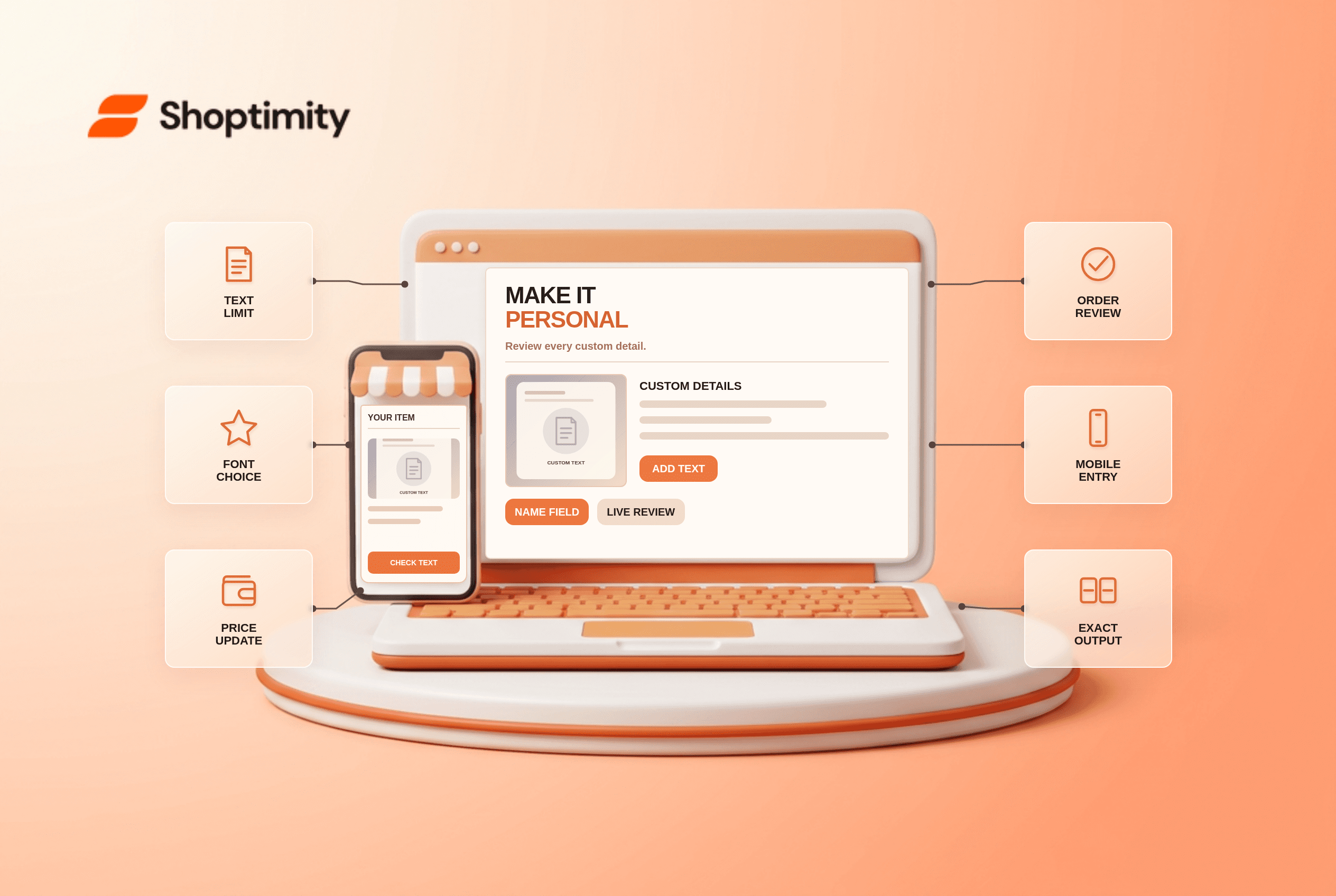
Ecommerce personalized product fields should answer the buyer's actual decision, not just decorate a page. Label the field with a concrete purpose, allowed character count, supported symbols and whether the text is case-sensitive. The right presentation depends on the merchant's product data and operating rules. Treat the checks below as a test plan, not a promise that Shoptimity or a theme can implement every backend behavior by itself.
What does the evidence say about ecommerce personalized product fields?
The useful takeaway is a clear, testable customer answer. According to Baymard’s 2026 mobile UX review, its form-testing guidance recommends several adaptive error messages for complex fields rather than one generic error. That research is about forms broadly, not a test of engraving conversion.
Baymard’s gifting-flow research found 80% of sites in its referenced benchmark did not show gifting options on product pages. A personalized item is not necessarily a gift, but the finding illustrates why important choices should be visible before a shopper commits to the cart.
What should the interface say first?
Show the essential fact before a shopper reaches an irreversible step. Label the field with a concrete purpose, allowed character count, supported symbols and whether the text is case-sensitive. Show the price impact before Add to cart and a clear review of the exact entered text in cart, checkout and confirmation. A mockup can help, but never call it a production proof unless the production workflow actually uses it.
For a necklace with a 12-character engraving limit, a buyer types a name with an accented letter. If the engraver cannot reproduce that character, the form should say so before purchase, not silently strip it later. Show the selected font, entered text and any personalization surcharge in the final order summary.
How should a merchant test the flow?
Test a real edge case, not only the happy path. Run these checks on a product, cart and mobile device that reflect the catalog and workflow:
- Test short, maximum-length and over-limit entries on mobile.
- Check accents, emoji and unsupported characters against production capability.
- Switch variants and verify the personalization stays with the intended item.
- Reopen the cart and confirm exact text and additional charges persist.
- Check order confirmation and fulfillment exports preserve line-item details.
- Show a correction route before the order enters irreversible production.
What breaks when information is missing?
A confident-looking interface can still make a false promise. An entered phrase may require review under merchant content rules. Explain what cannot be produced without suggesting every order is automatically approved. For gift messages, distinguish printed message text from permanent engraving; their limits and cancellation policies can differ. Never promise edits after manufacturing starts unless the process allows them.
A team should record who owns the source data and which event updates the customer-facing message. Test a changed selection or an unavailable option after the first screen has loaded. If a requirement cannot be met by a theme alone, route the change through the commerce platform, inventory service, fulfillment system or payment provider as appropriate.
How does this fit into a Shoptimity storefront?
Start with reliable information and then improve presentation. Shoptimity themes can help present storefront content, but operational rules may live elsewhere. See our gift options checklist and product variant selector checklist for adjacent checks. We checked the cited public research, not this merchant's analytics or implementation. We have not tested this merchant's live setup. Avoid claiming that a benchmark proves an expected conversion gain for this store.
What should be measured after launch?
Verify the actual outcome against the visible promise. Audit personalization-related corrections, fulfillment exceptions and requests to change text. Form completion is not enough if the actual engraving differs from the approved order. Keep a dated sample of real customer journeys, including a mobile case and one exception, for an editorial and operational review after any configuration change.
Ready to build a faster, higher-converting store?
Every Shoptimity theme ships with conversion widgets built in — so you get speed and features without stacking apps.
7-day free trial · all themes included · cancel anytime
Continue Reading
Shopify Mondial Relay: Ship France Box Relay Orders
Set up Shopify Mondial Relay for domestic French Point Relais and locker boxes, require French billi...
Shopify Poste Italiane: Ship Domestic Italy Parcels
Configure Shopify Poste Italiane domestic Standard drop-offs and 70 kg Express pickups, avoid banned...
Canadian Sales Tax: Set Up Shopify GST, HST and QST
Configure Canadian sales tax in Shopify across the $30,000 CAD CRA threshold, 5% GST, 13% to 15% HST...