
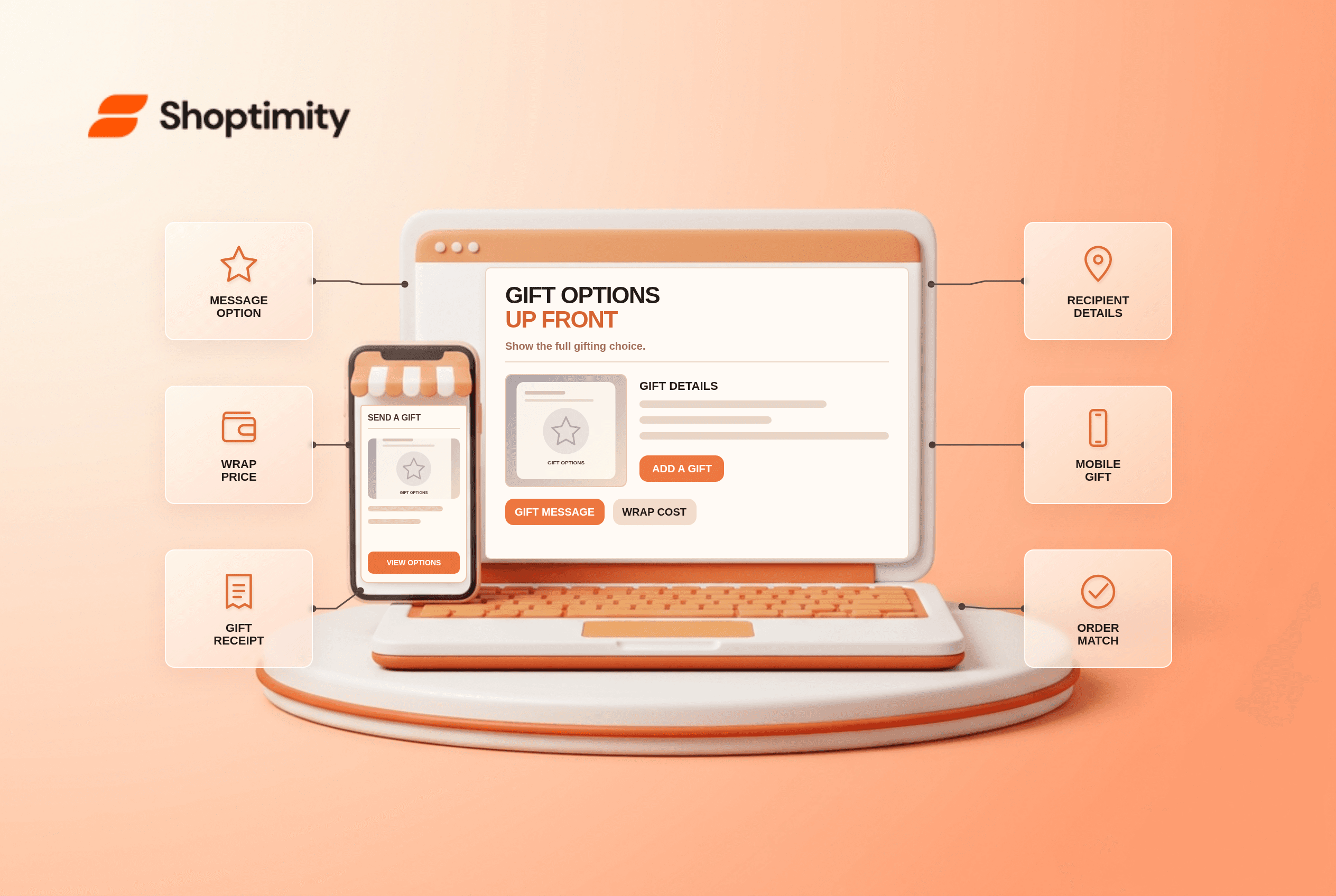
Gift options on product pages should tell shoppers whether they can add a message, request wrapping, hide prices on the recipient's paperwork and send the item to a different address. Show any extra cost and eligibility before add to cart, then let shoppers confirm the choices in the cart and checkout. Do not promise a gift box or delivery date that fulfillment cannot provide.
Why show gift options on product pages?
A gift buyer needs to know the offer before choosing the item. A “giftable” badge means little unless the shopper can discover what the recipient will actually receive. If a message or wrap is unavailable for certain products, explain that while the buyer is still deciding. Later checkout fields should confirm the same options, not reveal them for the first time.
According to Baymard's gifting-flow research, 46% of benchmarked sites did not let shoppers designate an order as a gift, while 80% failed to show gifting options on the product page in that study. These are site-level benchmark observations, not a prediction of gifting revenue for Shoptimity merchants.
What must be explained before checkout?
Separate availability, cost and delivery promises. A gift message may be free, wrapping may cost extra, and some products may ship directly from a supplier without special packaging. State whether prices are hidden from the recipient, whether an invoice goes to the buyer and when gift presentation will be chosen. A digital gift card has a different flow from a wrapped physical item.
Baymard's 2026 product-page UX overview also notes that shoppers can start considering gift services on the product page. It does not mean every store should add a gift widget. If the store does not offer packaging or message handling, make that clear rather than placing a nonfunctional gift icon near the buy button.
- Define which items, variants and destinations qualify for gift messaging, wrap or a gift receipt.
- Show a short summary and truthful price for each supported option on the product page.
- Select gift options for one item, then add a second non-gift item to test mixed-cart behavior.
- Enter a gift message and verify character limits, special characters and preview handling.
- Check cart and checkout for preserved selections, costs and recipient-versus-buyer details.
- Inspect a test order and packing instructions to ensure fulfillment receives the same choices.
- Repeat on mobile and with shipping close to a gifting deadline; avoid an unverified arrival promise.
What if only part of a cart is a gift?
Attach options to the correct item, not the whole basket by accident. If a buyer chooses wrapping for a single book but adds groceries for themselves, the cart must make the distinction clear. If the platform only supports whole-order gifting, say so and offer a separate order route. Verify any wrap charge applies once or per item according to the actual policy.
A useful test is a gift order with a bill-to address different from the recipient's delivery address. Check which email receives the receipt, whether a price appears on recipient paperwork and how returns are handled. Do not expose the buyer's private message in an unintended public tracking link.
We checked Baymard's public studies, not a merchant's fulfillment workflow. Our advice is to offer fewer gift features reliably rather than advertise services operations cannot deliver. Shoptimity themes can surface the choices, but the merchant and platform must carry them through the order. See our gift-guide landing page article for gift discovery and delivery-date guide for arrival claims.
How should the experience be audited?
Compare four states: product page, cart, checkout and packed order. The chosen message, wrapping charge and recipient details should match. Review support contacts about missing notes or incorrect paperwork, but do not invent a failure rate without first-party records. Remove any promotion that promises gift delivery after the operational cutoff has passed.
Ready to build a faster, higher-converting store?
Every Shoptimity theme ships with conversion widgets built in — so you get speed and features without stacking apps.
7-day free trial · all themes included · cancel anytime
Continue Reading
Shopify Mondial Relay: Ship France Box Relay Orders
Set up Shopify Mondial Relay for domestic French Point Relais and locker boxes, require French billi...
Shopify Poste Italiane: Ship Domestic Italy Parcels
Configure Shopify Poste Italiane domestic Standard drop-offs and 70 kg Express pickups, avoid banned...
Canadian Sales Tax: Set Up Shopify GST, HST and QST
Configure Canadian sales tax in Shopify across the $30,000 CAD CRA threshold, 5% GST, 13% to 15% HST...