
A delivery date helps a shopper answer “When will this arrive?” without doing calendar math. “Two business days” describes only part of the journey if an order also needs picking, packing and a pickup cutoff. A useful estimate includes those steps and changes when the address, product or order time changes. Never display a date the fulfillment team cannot support.
Why show a date instead of shipping speed?
A date or date range translates operations into a customer outcome. Baymard's checkout research found that speed labels require shoppers to calculate arrival themselves. “Two-day shipping” can mean two transit days after a three-day handling period; the shopper may read it as arrival two days from now. Showing “Estimated delivery 24 to 27 October” is clearer when the estimate is grounded in real data.
A range can be more honest than a single day. Different carriers, remote destinations and weather can change the actual outcome. The wording matters: label it an estimate unless the business can truly guarantee arrival, and explain any exclusions at the point of purchase.
What goes into a credible delivery date?
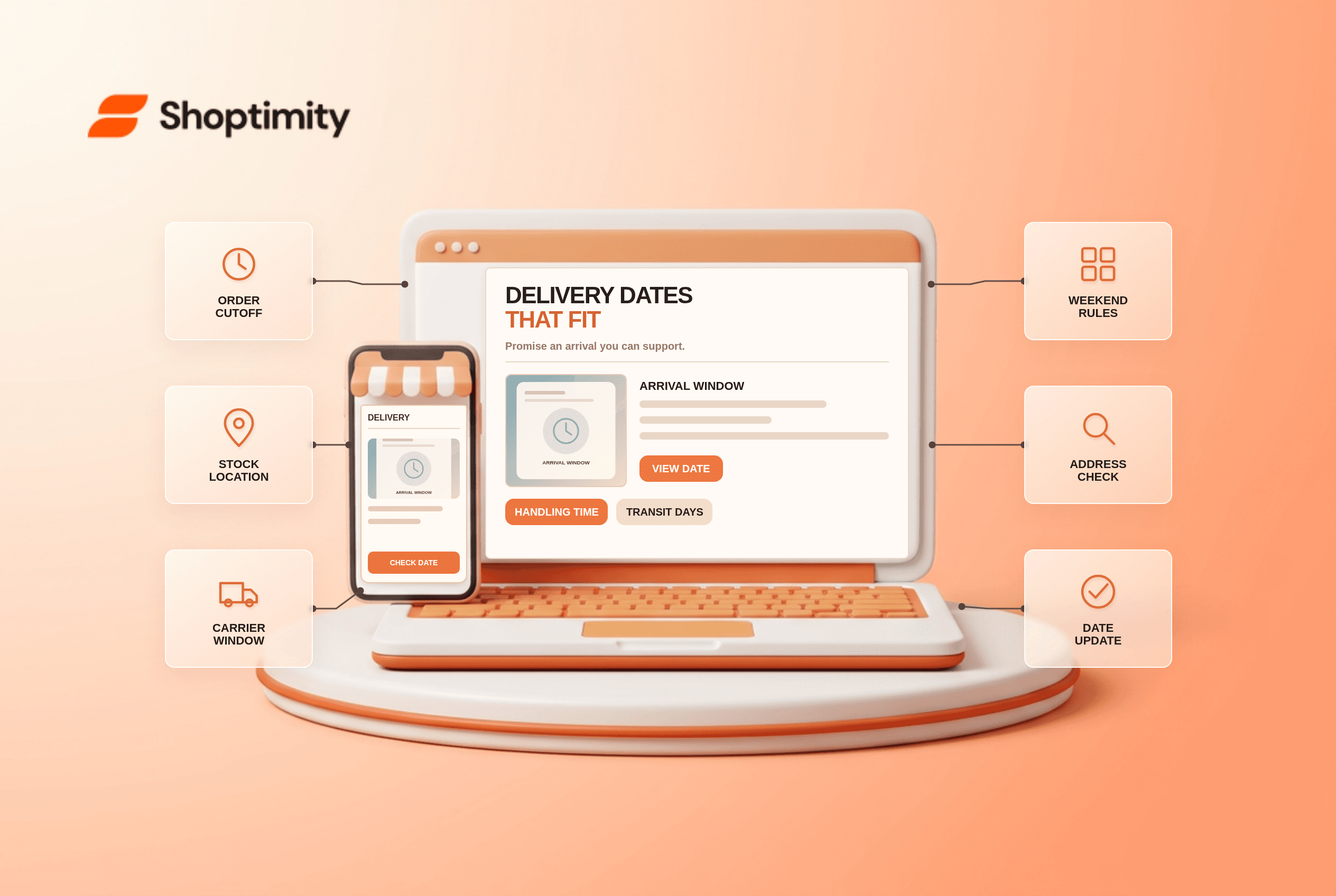
Start with the order timestamp and add each operational interval. A practical model includes six inputs:
- Processing time: when the order is ready to leave the warehouse, including verification or personalization.
- Cutoff time: whether an order placed late Friday enters Monday's processing queue.
- Stock location: whether every item is in the same warehouse or one needs a transfer or preorder wait.
- Transit estimate: the carrier service actually available to that destination, not the fastest service anywhere.
- Non-delivery days: weekends, local holidays and any known seasonal backlog.
- Exceptions: international customs, oversized packages or remote postal codes that require a broader range.
Test three carts: an in-stock single item before the cutoff, a mixed cart after the cutoff and an item from a slower fulfillment location. Compare product-page, cart, checkout and order-confirmation messages. If one says Tuesday and another says Friday, find which system owns the estimate before editing the words.
How should the date be displayed?
Show it near the price and delivery option, then repeat it consistently at checkout. Baymard's product-page research argues that shipping cost and timing belong near the purchase decision. An estimate should update with the delivery address when possible. If the address is unknown, say what location or conditions the estimate assumes. A generic site-wide “arrives tomorrow” banner can mislead customers outside the eligible area.
At checkout, show a date alongside each service's price so shoppers can compare cost and timing. Baymard's checkout guidance favors dates or date ranges over speed alone. Keep the date in the confirmation email and update it when fulfillment information changes; do not silently preserve an obsolete promise after a delay.
What if an estimate changes after purchase?
Communicate the cause, the new window and the next action. If the item is backordered, tell the customer rather than replacing the date without explanation. Provide a human support route for a time-sensitive gift. Our preorder article covers how to describe future dispatch without promising unconfirmed stock; it may still be a draft.
A Shoptimity theme can display the estimate, but the calculation needs accurate stock, cutoffs, shipping data and operational ownership. Theme versus app responsibilities helps define that boundary. We reviewed UX research, not your carriers or service commitments. Run real test orders across destinations before publishing dates.
Ready to build a faster, higher-converting store?
Every Shoptimity theme ships with conversion widgets built in — so you get speed and features without stacking apps.
7-day free trial · all themes included · cancel anytime
Continue Reading

Top Shopify Theme for Wholesale: A 2026 Buyer's Guide
You've just spent weeks sourcing inventory and building supplier relationships. But when you launch ...

Ecommerce Return Status Updates: Separate Request and Refund
Ecommerce return status updates should separate request, label, receipt, inspection and refund so sh...

Ecommerce Delivery Delay Updates: Show the New Reality
Ecommerce delivery delay updates should replace stale promises with a dated revised estimate, clear ...