
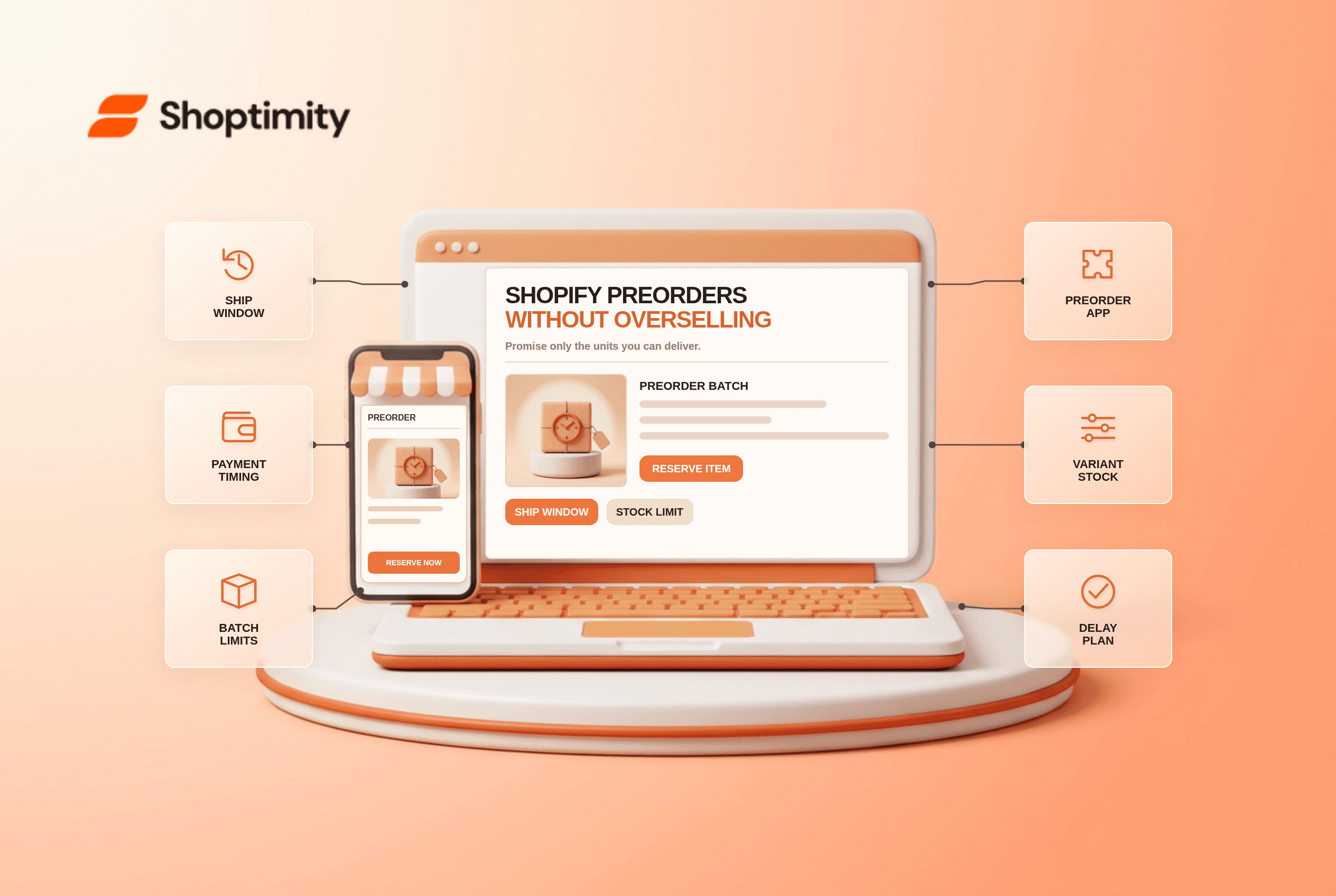
Shopify preorders without overselling begin with two separate promises: the customer can buy before stock is ready, and you can actually deliver the quantity and date you advertise. Changing a button to “Preorder” does not create a preorder payment schedule or reserve incoming units. Shopify says true preorder purchase options require a preorder app; your operating plan must also limit or monitor commitments against supply.
What counts as a Shopify preorder?
A preorder is a defined purchase option for an item that is not ready to ship. According to Shopify's preorder overview says a merchant can collect full, partial or no payment at order time depending on the app's configuration, then collect remaining payment and fulfill later. The purchase option and its terms must be communicated on the product page and at checkout where supported.
Contrast that with enabling “Continue selling when out of stock” on an ordinary product. That setting may let inventory go negative, but it does not by itself explain a delayed shipment, create the dedicated purchase option or provide a reliable cap tied to an incoming batch. A theme's label can clarify the offer, but the business needs the appropriate app and accurate supply data behind it.
What should you check before a launch?
Build a small end-to-end test order before opening the campaign. We checked Shopify's setup and management guidance, but not your app or supplier contract. Use this checklist:
- Confirm platform and payment eligibility. Shopify says preorders currently require a preorder app and are available to merchants using Shopify Payments or PayPal Express. Check the setup requirements for sales-channel and checkout restrictions relevant to your store.
- Choose payment timing deliberately. Decide whether the customer pays now, pays a deposit, or pays later. Write exactly when a balance can be collected and what happens if the remaining charge fails.
- Set a defensible ship window. Base it on supplier confirmation, production capacity, customs and fulfillment lead time. Shopify's guidance says that without a clearly specified date, a merchant needs a reasonable basis to believe the order will ship within 30 days; merchants also need a reasonable basis for a promised date and must communicate changes and cancellation or refund rights if the promise slips.
- Cap or monitor units. Reconcile an incoming purchase order with existing reservations, replacement stock and wholesale commitments. Some apps let you choose whether inventory is reserved at sale or at fulfillment; test the setting rather than assuming every order blocks a unit.
- Separate in-stock and preorder variants. A shopper should not infer that the whole product ships today because one color is available. Test the selected variant on product page, cart and checkout.
- Run a payment and fulfillment test. Run 2 tests: a variant with available inventory and one awaiting stock. Place a preorder using an eligible payment method, inspect the order's purchase option, hold or fulfillment state, notification and later balance-collection procedure.
- Prepare a delay message. Assign someone to notify purchasers if supply changes. Include the revised date and how a shopper can cancel or obtain a refund where required.
Shopify's preorder-management guide says inventory can be reserved at sale or fulfillment depending on the app, and that unfulfilled orders can be placed on hold. Neither feature proves your supplier has goods ready, so the operational stock ledger still matters.
How do you keep the quantity honest?
Count commitments in the same units your supplier ships. Suppose a vendor confirms 100 units for a first batch. If 12 are already promised as replacements and 8 are allocated to wholesale, the online preorder ceiling is 80 units, before a further safety allowance. That is an illustrative calculation, not a universal target; your own supplier confirmation and damaged-goods reserve determine the ceiling.
Avoid a single unlimited “preorder” toggle across every variant. Check batch quantities by size or color, especially when one variant has longer lead times. Review sold units daily during a launch, and close or update the offer when the credible quantity is exhausted. Do not treat a negative Shopify inventory number as proof that the next batch will cover it.
A short promise matrix helps support staff answer consistently:
| Customer question | What to disclose before purchase |
|---|---|
| When will it ship? | Specific date or realistic window and delay process |
| When am I charged? | Full payment, deposit or later charge |
| Can I cancel? | Applicable policy and customer-rights route |
| What if sizes differ? | Variant-specific availability and exchange path |
What can your theme solve, and what can't it?
A theme can communicate a preorder cleanly; it cannot guarantee supply. On the product page, label the selected variant, payment timing and expected dispatch. Keep the statement visible on mobile and in cart. If an app block renders purchase options, test it in your actual theme template, because an attractive demo does not prove that a merchant's app is installed or compatible.
Shoptimity's theme pages can help you assess product-page presentation, but we have not tested a specific preorder app on a live merchant store. Shopify documents app and checkout restrictions that vary by configuration. Read theme versus app responsibilities and the guidance on costly extra apps before choosing tools. The verdict is simple: clear design helps, but accurate inventory and payment promises do the real work.
Ready to build a faster, higher-converting store?
Every Shoptimity theme ships with conversion widgets built in — so you get speed and features without stacking apps.
7-day free trial · all themes included · cancel anytime
Continue Reading

Top Shopify Theme for Wholesale: A 2026 Buyer's Guide
You've just spent weeks sourcing inventory and building supplier relationships. But when you launch ...

Ecommerce Return Status Updates: Separate Request and Refund
Ecommerce return status updates should separate request, label, receipt, inspection and refund so sh...

Ecommerce Delivery Delay Updates: Show the New Reality
Ecommerce delivery delay updates should replace stale promises with a dated revised estimate, clear ...