
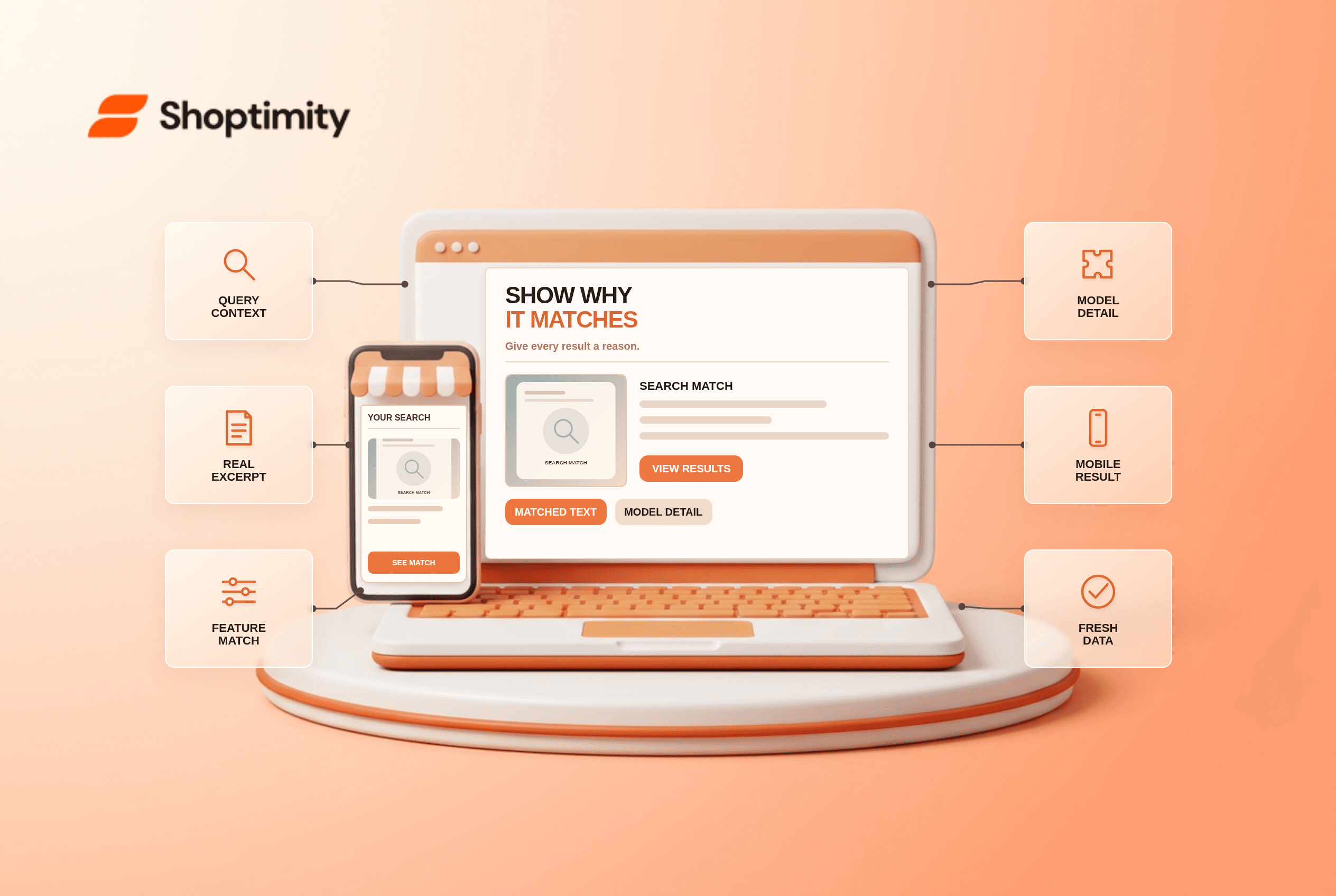
Ecommerce search result snippets should show the matched attribute in context, so shoppers can tell why a product appeared before opening it. Start by testing one real customer journey and one exception before changing a template. The store needs accurate underlying data; a theme can present it, but cannot make an incorrect warehouse, catalog or payment record true.
What does the research say about ecommerce search result snippets?
Use the finding as a diagnostic, not a conversion forecast. According to Baymard’s search-snippet study, 57% of test participants were at some point unsure why a search result was relevant; its older benchmark found 96% of sites lacked contextual snippets. The study dates to 2014, so retest the pattern on today’s catalog.
Baymard’s 2026 search research describes several query types that demand more than title matching. A short excerpt can reveal the feature, use case or compatible model that caused a result to appear.
What belongs in a contextual search snippet?
Lead with the fact that changes the decision. Choose a short excerpt from the field that actually matched: specification, description, compatibility list or category. Highlight the matched concept without changing its meaning. Keep the product name, price and main image visible; a snippet supplements them. For synonyms, explain the relationship in plain language when the listed text uses different words.
A buyer searches “15-inch laptop sleeve” and sees a backpack. A snippet reading “Padded sleeve fits laptops up to 15 inches” gives a reason to consider it. Showing an unrelated first sentence of the description does not. If the bag only fits 13-inch laptops, it should not appear as a confirmed match.
How should snippets handle hidden attributes?
Keep the message consistent after selection. A card, form or account screen is only one view of a wider system. Update the customer-facing display when the selection changes; preserve the relevant detail in cart, checkout and confirmation where applicable. If a feature depends on backend rules, give the owner of those rules a concrete test case before promising behavior in editorial copy.
How can a team test this before launch?
Test the edge case that makes the promise fail. Use a representative product, location or account alongside the happy path:
- Collect exact, feature, use-case and compatibility search queries.
- Record the matched field for each result, not just the query string.
- Display a short relevant excerpt and check it is true for the selected variant.
- Highlight terms without breaking screen-reader reading order.
- Compare snippets for exact and synonym queries on mobile.
- Audit result records with stale specifications or unavailable products.
What exception needs special handling?
Do not turn uncertain data into a confident claim. A search index can contain older vendor text that the public product page no longer shows. Do not render an invisible or outdated claim as evidence of relevance; synchronize the index with the live catalog and disclose when the match is approximate. Do not over-highlight every repeated keyword.
What should Shoptimity merchants check?
Verify operations before polishing the storefront. Our recommendation is to confirm the customer-visible promise against the source record before launch. Shoptimity themes can display information; the merchant’s platform and connected systems own most transaction rules. See the search synonyms guide and no-results guide for adjacent checks. We checked the cited public studies, not this merchant’s analytics or live setup. The study figures are neither Shoptimity results nor a promised sales improvement.
What signals matter after launch?
Compare what customers saw with what actually happened. Review query reformulations and product opens after seeing a snippet. Count misleading excerpts separately from genuinely irrelevant results. Save dated examples so the team can diagnose a data error separately from confusing copy.
Ready to build a faster, higher-converting store?
Every Shoptimity theme ships with conversion widgets built in — so you get speed and features without stacking apps.
7-day free trial · all themes included · cancel anytime
Continue Reading
Shopify Flow Variant Added vs Deleted: Safe Alerts
Compare Shopify Flow variant added and deleted triggers, understand the default-variant exception, a...
Shopify Flow Workflow Error Trigger: Alert Limits
Use the Shopify Flow workflow error trigger to route internal alerts, understand the 30-day suppress...
Shopify Flow Fulfillment Rescheduled: 3PL Alerts
Build Shopify Flow fulfillment rescheduled alerts for third-party services, review affected assignme...