
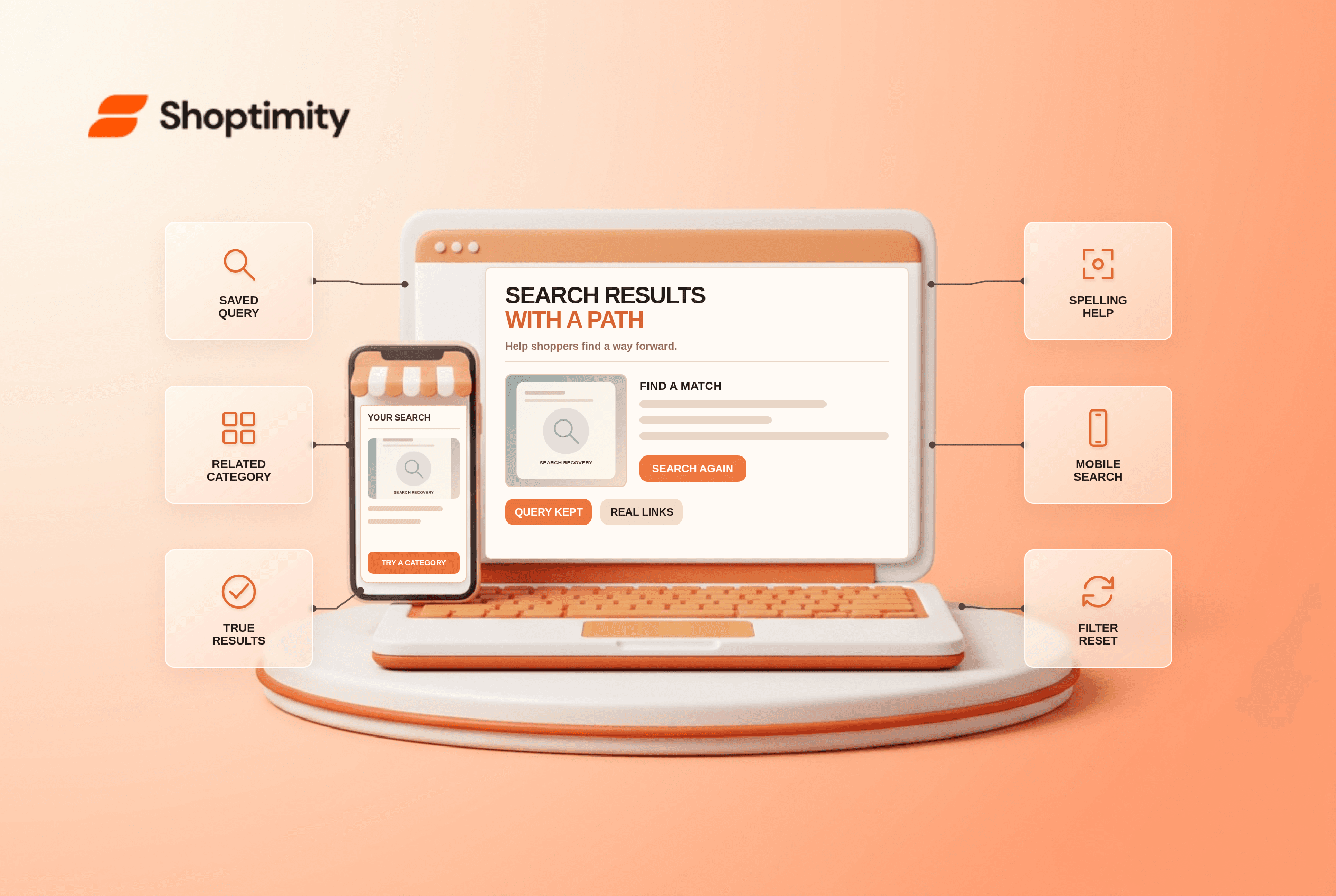
An ecommerce no results search page should show the original query, keep it editable and offer a relevant next step: a corrected query, a related category or a real product alternative. It must not pretend unrelated products matched. Check whether the failure came from spelling, catalog data, filters or a genuinely unavailable item; that diagnosis determines the fix. A generic “try again” screen is a dead end.
Why did this search return nothing?
First separate a missing product from a broken match. Search the exact product name, its SKU, a common synonym, a feature phrase and a misspelling. If the item appears in its category but not in exact-name search, fix indexing or catalog fields. If a filter hides the matching item, show which filters are active and offer a way to remove them.
Baymard's 2025 no-results study explains that a blank results screen often forces people to invent another product-finding strategy or leave. According to Baymard, nearly 50% of benchmarked sites struggled to provide useful recovery paths in its 2025 update. Its observations support related categories and alternative search suggestions instead of generic spelling tips alone. That research describes tested sites; it does not measure the search experience of your store.
A useful diagnostic example: “blue ceramic mug” returns zero items, but “mug” returns six and the blue mug appears in the listing. That is a retrieval problem, not a merchandising opportunity. Do not redirect the customer to an unrelated blue vase just to fill the empty state. Correct the matching rules first.
What should the empty state show?
Keep the query and show only paths that exist. Use “No results for ‘blue ceramic mug’” as a clear heading. Keep the full query in a focused, editable search box. Offer a broader query that actually yields results, one or two related category links and, when appropriate, a support route for a product the shop does not carry.
Baymard's research on query persistence reports that removing a query makes refinements harder. It observed people trying several query revisions before abandoning a search. Retaining their words is especially useful on mobile, where retyping is slower; let them remove a filter without losing the original phrase.
- Collect a small set of zero-result queries from your own search logs, excluding personal or sensitive information.
- Repeat each query with and without filters; try exact name, synonym, SKU and a likely typo.
- Identify whether the item exists, is published, is in stock and is searchable in the current market.
- For an actual empty state, preserve the query, explain that no exact match was found and show verified alternative paths.
- Link a relevant category only when its results fit the shopper's intent; never relabel unrelated products as matches.
- Test query editing, focus and keyboard submission on a narrow phone and a desktop browser.
- Recheck the page when products, synonyms or market availability change; remove suggestions that no longer resolve.
Should search suggestions show unavailable items?
Distinguish unavailable stock from no match. An item that exists but is out of stock may deserve a product page with availability and alternatives rather than disappearing from search. Google's ecommerce site-structure guidance also stresses discoverable links to real product pages. Keep internal search result indexing decisions separate from product-page discoverability.
We checked public Baymard and Google guidance, not Shoptimity search logs. Our advice is to fix catalog retrieval before decorating the empty state. A small catalog may not need sophisticated personalization; manually checked category links can be safer than a recommendation engine that invents relevance. Shoptimity themes shape the results presentation, but actual matching depends on catalog and search configuration. See our category-page guide for the browsing path after a failed query.
How will you know the fix helped?
Look at recovery, not just fewer zero-result screens. Track the share of failed searches that lead to a relevant category, refined query or product view. Review repeated failed terms and support tickets for missing products. A falling zero-results count could reflect better synonyms, but it could also hide irrelevant matches; spot-check the actual results before celebrating.
Ready to build a faster, higher-converting store?
Every Shoptimity theme ships with conversion widgets built in — so you get speed and features without stacking apps.
7-day free trial · all themes included · cancel anytime
Continue Reading

Shopify B2B Company Locations: Give Buyers the Right Access
Configure Shopify B2B company locations, verify buyer permissions and test pricing, addresses and pa...

Shopify Checkout Contact Settings: Separate Email From Shipping Phone
Configure Shopify checkout contact settings and test email, phone and shipping address requirements ...

Shopify POS Recent Carts: Share a Sale Without Reserving Stock
Learn how Shopify POS recent carts work across devices, what they do not reserve, and how to hand of...