
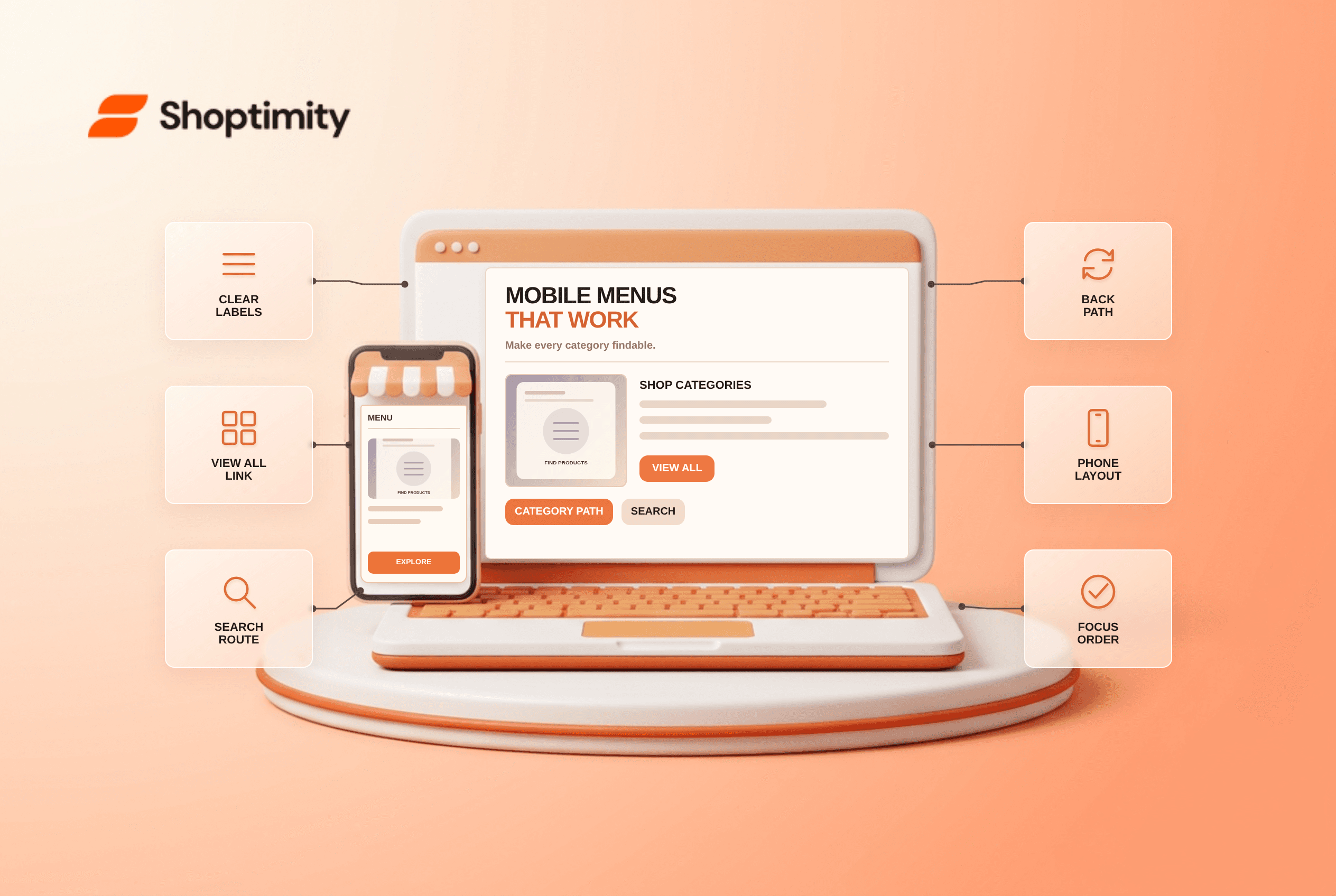
Mobile ecommerce navigation should help shoppers reach a product category, browse all items in it and recover when they take a wrong turn. Use recognizable category names, visible paths, a clear “View All” destination where appropriate and search for shoppers who know the item name. Test the menu on a real narrow screen with your actual taxonomy; a beautiful desktop mega menu does not prove the phone experience works.
What should a mobile store menu make easy?
Category discovery comes before visual decoration. A shopper looking for running shoes should be able to understand whether they belong under Shoes, Sports or both. According to Baymard's ecommerce navigation research, navigation labels and category paths are part of product finding, not just a header-design choice. Avoid internal merchandising names that customers do not use.
Baymard's 2022 mobile “View All” analysis reported that only 24% of benchmarked sites implemented that pattern well and describes why a category-level route to all items matters when a menu otherwise forces the visitor to choose a subcategory. That does not mean every parent page needs the literal text “View All”; the destination and label must be clear. We checked public navigation research for this guide, not Shoptimity menu analytics.
How should you audit the current menu?
Give someone a product-finding task without telling them where to tap. Use a list of high-intent queries taken from your own catalog and on-site search, not a generic menu template:
- Open the homepage at a narrow phone width. Find the menu control, and confirm it has a readable label and usable touch area.
- Ask the shopper to find a known product through categories, then repeat with search. Record dead ends and ambiguous labels.
- Open a parent category with children; verify there is a clear route to all relevant items if that is a useful destination.
- Go two levels deep, then return one level. Check that Back, close and breadcrumb-like cues behave predictably.
- Follow a category link and check that the landing page title matches the label used in the menu.
- Test with the keyboard and a screen reader. Focus should enter and leave expanded navigation in a predictable order.
- Repeat with a product that belongs to multiple categories. Make sure alternate routes do not lead to contradictory filters or empty listings.
A menu that takes six taps to reach a best-selling category has a real problem even if its animations are smooth. But counting taps alone is not a verdict: a single broad “Shop” link can save a tap while forcing much more scrolling on the next page. Watch the complete task, including whether the shopper found the intended products.
What belongs in the menu, and what belongs in search?
Navigation supports exploration; search supports named intent. Put major product categories, genuinely useful collections and service links in the menu. Keep account, help and cart findable without mixing them into a product taxonomy. Search should recognize product names and common synonyms where your platform supports them, and results should not quietly promote unrelated inventory.
The trade-off with deeper menus is context. A long list of dozens of categories can overwhelm a phone; too much nesting hides inventory behind repeated decisions. Group by how shoppers describe products, then use filters on category pages for size, price and other attributes. Shoptimity themes can provide the presentation layer, but your labels and taxonomy need merchant review. See our mega-menu guide for the desktop-side considerations; do not copy a desktop hierarchy to mobile without testing it.
How do you measure an improvement?
Compare real product-finding tasks and site data after a clearly defined change. Track menu opens, category exits, zero-result searches and whether people reach the intended product pages. Check mobile and desktop separately. A decrease in menu opens is not automatically good: people may have found a direct link, or they may have given up. Pair behavior with moderated task observations when possible.
Our advice is to fix obvious dead ends first, then revise category labels using customer language. Without Search Console, site-search logs or session research for your store, no one can responsibly promise an SEO or conversion lift from changing a menu label.
Ready to build a faster, higher-converting store?
Every Shoptimity theme ships with conversion widgets built in — so you get speed and features without stacking apps.
7-day free trial · all themes included · cancel anytime
Continue Reading

Top Shopify Theme for Wholesale: A 2026 Buyer's Guide
You've just spent weeks sourcing inventory and building supplier relationships. But when you launch ...

Ecommerce Return Status Updates: Separate Request and Refund
Ecommerce return status updates should separate request, label, receipt, inspection and refund so sh...

Ecommerce Delivery Delay Updates: Show the New Reality
Ecommerce delivery delay updates should replace stale promises with a dated revised estimate, clear ...