
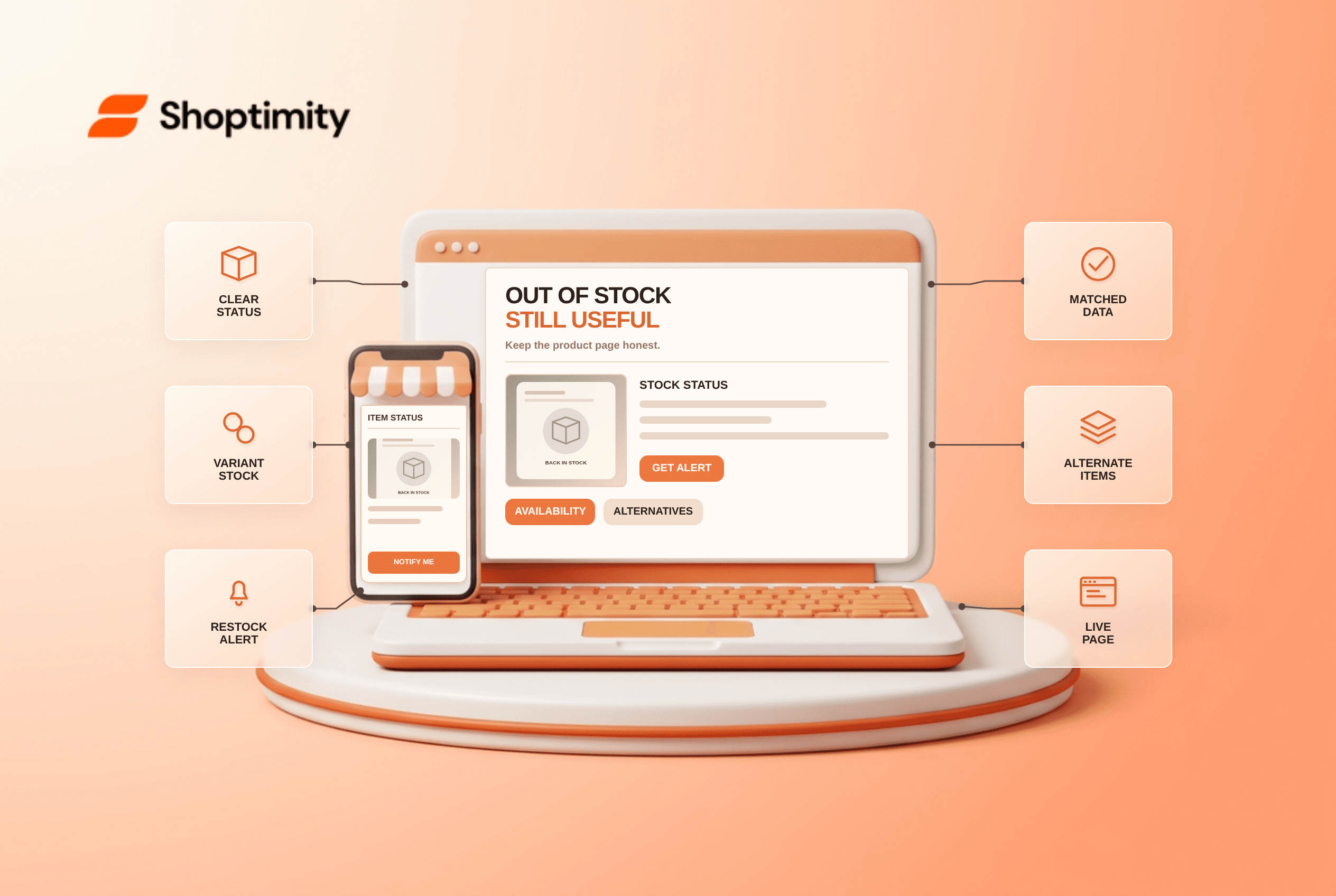
An out of stock product page should remain useful when the item is temporarily unavailable: show the stock status, disable purchasing if orders cannot be fulfilled, and offer a restock alert or genuinely comparable alternative. Keep the existing URL when a return is expected, but update product data and structured data to match the page. For a permanently discontinued item, decide separately whether the page still answers a real need.
Should an out-of-stock product page stay live?
Usually yes for temporary stockouts, but not as a fake in-stock offer. Google's 2025 guidance on paused online businesses specifically advises against removing out-of-stock products from Search solely because they cannot currently be purchased. That advice does not promise the page will keep its ranking. It means a visitor should still be able to learn what the product is and why it cannot be ordered.
We checked Google's Search Central and Merchant Center documentation for this guide, not any Shoptimity store's traffic. The useful distinction is between a temporary pause, a known preorder or backorder, and a discontinued product. Treat them as different inventory states. Do not redirect a discontinued camera to an unrelated bestseller just to preserve a URL; a closely matching successor deserves an honest, contextual link.
What changes when stock reaches zero?
Synchronize the visible page and every machine-readable offer. Google Merchant Center guidance describes a product pause of up to 14 days for short-term issues; a longer stockout should use an accurate availability state, not an indefinite pause. According to Google Merchant Center's availability specification, an item that is temporarily unavailable and not accepting orders should use out_of_stock in its feed. Google's Product markup reference includes OutOfStock, PreOrder and BackOrder values for the Offer.availability property. Those states are not interchangeable; submit the one matching how customers can actually order.
- Mark the relevant variant unavailable in the storefront, not just the parent product. Check that an unavailable choice cannot be purchased through quick add or checkout.
- Replace vague “available soon” language with “sold out” or another accurate state. Show a restock date only when operations have confirmed it.
- Update your product feed and
Offer.availabilitystructured data if you use them; verify they agree with the landing page and checkout. - Keep specifications, original images and fit or compatibility details available so shoppers can still evaluate the product.
- Offer a consent-based restock notification, a suitable in-stock alternative or a clear preorder path. Never disguise a backorder as immediate delivery.
- When inventory returns, retest the variant, buy button and feed together. An automation that updates only one surface leaves conflicting promises behind.
For Shopify merchants, Shopify's inventory guide says “Continue selling when out of stock” allows purchases at zero inventory when tracking is enabled. That switch does not itself establish an accurate delivery promise. Confirm replenishment and customer messaging before using it for a preorder.
What about a product that will never return?
Choose based on replacement relevance and page value. A discontinued item with helpful specifications, manuals or a substantial audience can explain its status and link to a true successor. If a near-identical replacement serves the same intent and the old page has no standalone value, a relevant redirect is a judgment call, not an automatic rule. Do not delete every sold-out URL as a batch job.
A caveat: Google Merchant Center says not to keep discontinued offers in its product data indefinitely. Search indexing of a useful informational URL and eligibility of a purchasable Merchant Center offer are different questions. Review each independently instead of making the feed status dictate the page's existence.
How can a theme help without hiding the truth?
A storefront can present accurate state; it cannot create inventory. Shoptimity themes can support visible variant choices and product content. Review theme versus app if you need a dedicated alert or preorder workflow. Verify the theme's mobile layout, variant-level labels and checkout after changing stock settings. A polished sold-out badge is a downside if the item can still slip into a cart.
Ready to build a faster, higher-converting store?
Every Shoptimity theme ships with conversion widgets built in — so you get speed and features without stacking apps.
7-day free trial · all themes included · cancel anytime
Continue Reading

Top Shopify Theme for Wholesale: A 2026 Buyer's Guide
You've just spent weeks sourcing inventory and building supplier relationships. But when you launch ...

Ecommerce Return Status Updates: Separate Request and Refund
Ecommerce return status updates should separate request, label, receipt, inspection and refund so sh...

Ecommerce Delivery Delay Updates: Show the New Reality
Ecommerce delivery delay updates should replace stale promises with a dated revised estimate, clear ...