
Product Availability Messaging: Tell Shoppers What They Can Buy
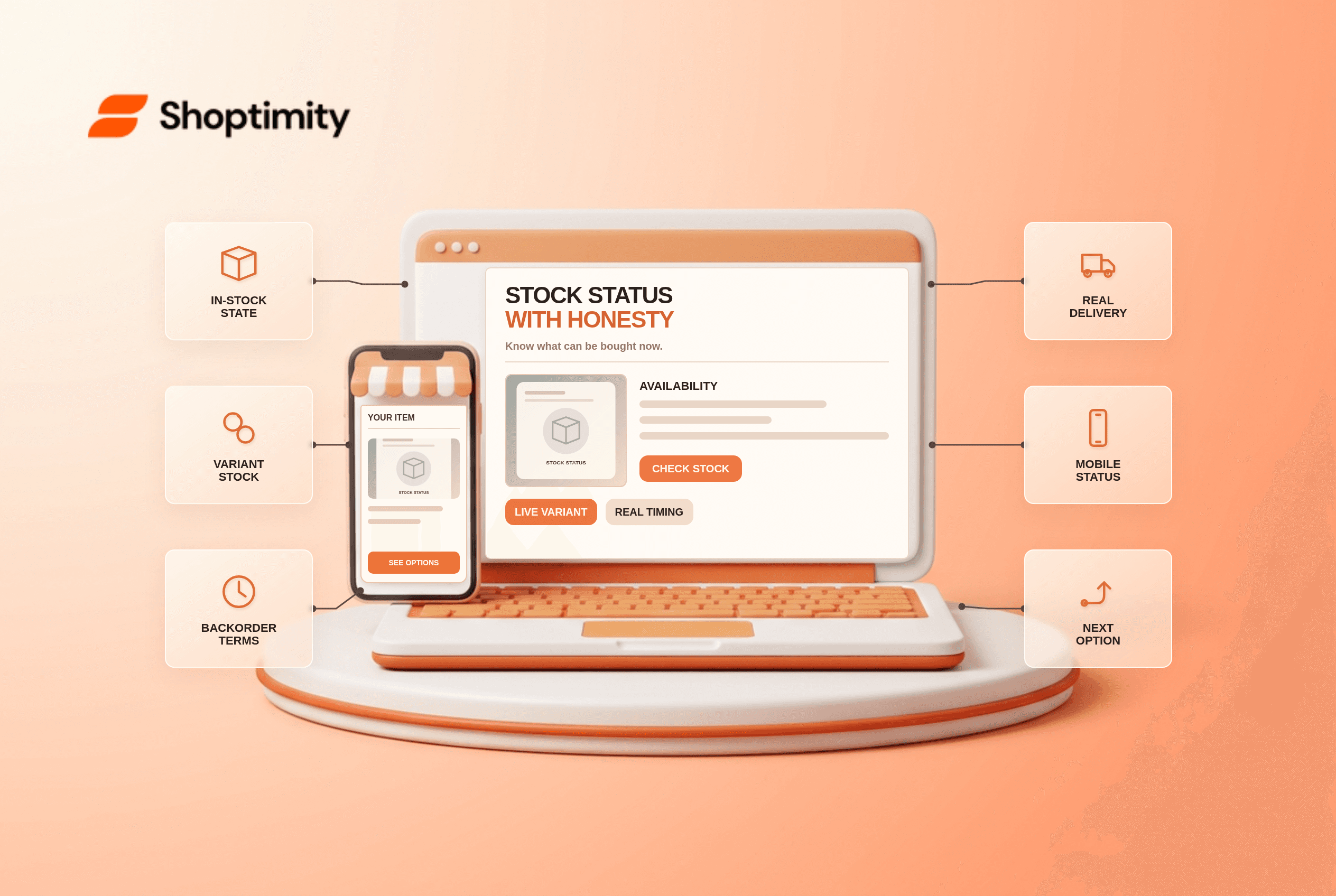
Product availability messaging should distinguish an item ready to ship from one available for later fulfillment, temporarily out of stock or discontinued. Show the state for the selected variant beside the purchase controls, along with an honest expected delivery date when orders are allowed. Never imply that an unavailable size can ship now. If timing is uncertain, say so rather than inventing a restock date.
What should product availability messaging say?
Name the actual purchasing state and the next action. “In stock” should correspond to an item that can be fulfilled under the stated conditions. “Backorder available, estimated dispatch [date]” is different from “Sold out, notify me.” For a permanently discontinued item, clearly explain that it cannot be bought and link to a relevant replacement, not a generic bestseller.
According to Baymard's out-of-stock product-page research, 68% of its benchmarked sites did not let users buy temporarily out-of-stock products with later delivery, and 30% of test users were likely to leave when told an item was out of stock. These are research observations, not a recommendation to accept orders without dependable fulfillment.
When is a backorder appropriate?
Only when the store can make and honor a clear promise. Confirm replenishment, allowed payment timing, customer notices and the resulting delivery estimate with operations. A “notify me” option may help when dates are unknown, but should not be mistaken for an order. If the restock date changes, update the product page and affected buyers through the appropriate channels.
The distinction matters at variant level: a blue shirt in medium can be available while blue in large is not. Switching sizes must update the stock state, expected dispatch and add-to-cart action together. A generic “In stock” badge for the entire parent product is misleading when the selected SKU is not purchasable.
- Map live availability by SKU and destination, not only by a product-level flag.
- Define distinct copy for ready-to-ship, delayed fulfillment, temporary stockout and discontinuation.
- Show the selected variant's state near the buy button and update it when options change.
- For a real backorder, state the estimated dispatch or arrival basis and any applicable payment terms.
- For an unavailable item, offer a relevant alternative or optional notification without implying a reserved order.
- Test adding each variant to cart, paying and checking confirmation; never contradict the product page.
- Repeat the test after stock updates or canceled replenishment, especially on mobile and in other markets.
What should happen for a discontinued product?
Keep the page useful without implying the item can be purchased. Baymard's research recommends making discontinuation obvious and surfacing close alternatives. Separately, our out-of-stock page SEO guide covers when a product URL remains useful for discovery. Do not delete a page solely to avoid explaining that stock has ended, and do not accept a backorder for an item with no supply plan.
We checked Baymard's public research, not a merchant's inventory feed or warehouse commitments. Google's Product structured-data guidance also describes availability as information that can appear in product search results; keep any markup consistent with the visible stock state. Our advice is to reconcile stock truth before adding urgency copy. Shoptimity themes can position messages, while the merchant and platform own actual inventory, fulfillment and payment rules. See our variant-selector checklist for keeping option states aligned.
How should a store evaluate clarity?
Compare the storefront claim with the order record and fulfilled outcome. Review support requests about unexpected delays, oversold variants and “back in stock” notifications for items that did not return. A vague “low stock” badge without a verifiable threshold adds pressure rather than information. The priority is accuracy, not an unmeasured conversion effect.
Ready to build a faster, higher-converting store?
Every Shoptimity theme ships with conversion widgets built in — so you get speed and features without stacking apps.
7-day free trial · all themes included · cancel anytime
Continue Reading
Shopify Flow Fulfillment Order Moved: Location Alerts
Build an internal alert for moved fulfillment orders and verify location changes with your third-par...
ShopifyQL Timeseries: Show Missing Months in Sales
Use ShopifyQL TIMESERIES to expose empty reporting periods and compare them with GROUP BY results ca...
Shopify Flow Return Declined: Build a Review Handoff
Set up a cautious Shopify Flow return-declined review and distinguish internal reasons from customer...