
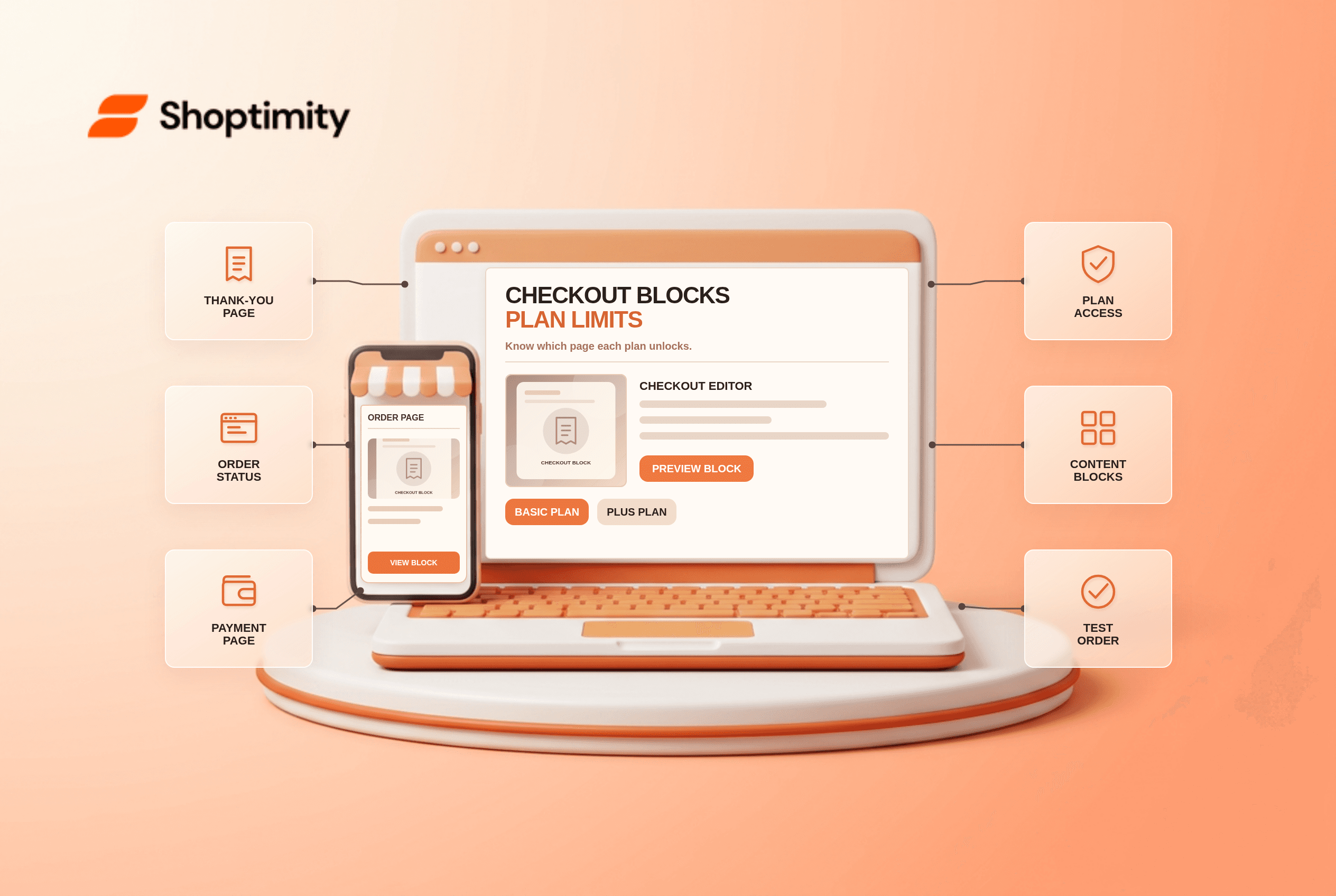
Shopify Checkout Blocks can add content and controls to parts of the checkout experience, but the plan and page determine what is available. A merchant on Basic should not buy an app based on a Plus checkout screenshot. Identify whether the change belongs on information, shipping or payment pages, or only on thank-you and order-status pages, before making a design promise.
Which checkout pages can your plan customize?
The distinction is page access, not whether you have a beautiful theme. Shopify's checkout-app availability table says some UI-extension apps for thank-you and order-status pages are available on Basic or higher. Apps that customize the information, shipping and payment steps are available only on Shopify Plus. The specific app and feature must also be compatible.
Shopify's Checkout Blocks overview says Basic or higher can place its static and dynamic content blocks on thank-you and order-status pages. Other Checkout Blocks features, including custom fields and delivery or payment method changes, require Plus. A generic “checkout blocks included” feature bullet therefore needs a plan qualifier.
How do you scope a checkout idea?
Describe the page and action precisely. Use this planning sequence:
- Write down the exact surface: storefront cart, information step, payment step, thank-you page or order-status page.
- Identify the job: display information, collect a custom field, reorder methods or apply a conditional rule. These are not interchangeable.
- Check plan availability in Shopify's current matrix and the app's documentation. Do not infer access from an editor screenshot.
- Prototype the block in an unpublished checkout configuration. Test mobile view, keyboard access and any express-payment route.
- Place an eligible test order. Confirm the block appears on the intended page and that its contents do not contradict the actual order.
- Save a rollback path before publishing the configuration. A missing post-purchase message is different from a broken payment form.
A two-surface test catches a common error: compare the storefront cart, which a theme controls, with the hosted checkout page, which uses checkout configuration and eligible extensions. Shopify's customization comparison sets out Basic-versus-Plus capabilities. If you need a field during payment, a thank-you-page content block does not solve the problem.
Is a post-purchase offer the same as a checkout block?
No. An offer after the original payment uses a different checkout extension flow from a text block on the thank-you page. Product recommendations in the cart are also separate from both. Shopify's availability table lists post-purchase app extensions for Basic or higher, but that does not mean arbitrary checkout UI edits are permitted on those plans. Confirm the app's exact extension type and customer journey.
Treat statements such as “one-click checkout upsell” with care. A theme button cannot create a new charge or bypass Shopify's payment rules. The checkout surface, app eligibility, payment method and plan must all be verified with a real test order.
What should a storefront theme handle?
Leave storefront presentation with the theme, and checkout behavior with Shopify's approved tools. Shoptimity's themes can shape product and cart pages but cannot grant Plus-only checkout permissions. Compare theme versus app responsibilities with the one-click upsell guide before paying for overlapping tools. We checked Shopify's published limits, not your store's plan or installed apps; confirm both in your admin.
Ready to build a faster, higher-converting store?
Every Shoptimity theme ships with conversion widgets built in — so you get speed and features without stacking apps.
7-day free trial · all themes included · cancel anytime
Continue Reading

Top Shopify Theme for Wholesale: A 2026 Buyer's Guide
You've just spent weeks sourcing inventory and building supplier relationships. But when you launch ...

Ecommerce Return Status Updates: Separate Request and Refund
Ecommerce return status updates should separate request, label, receipt, inspection and refund so sh...

Ecommerce Delivery Delay Updates: Show the New Reality
Ecommerce delivery delay updates should replace stale promises with a dated revised estimate, clear ...