
Shopify Checkout Recovery Emails: Why Some Are Not Sent
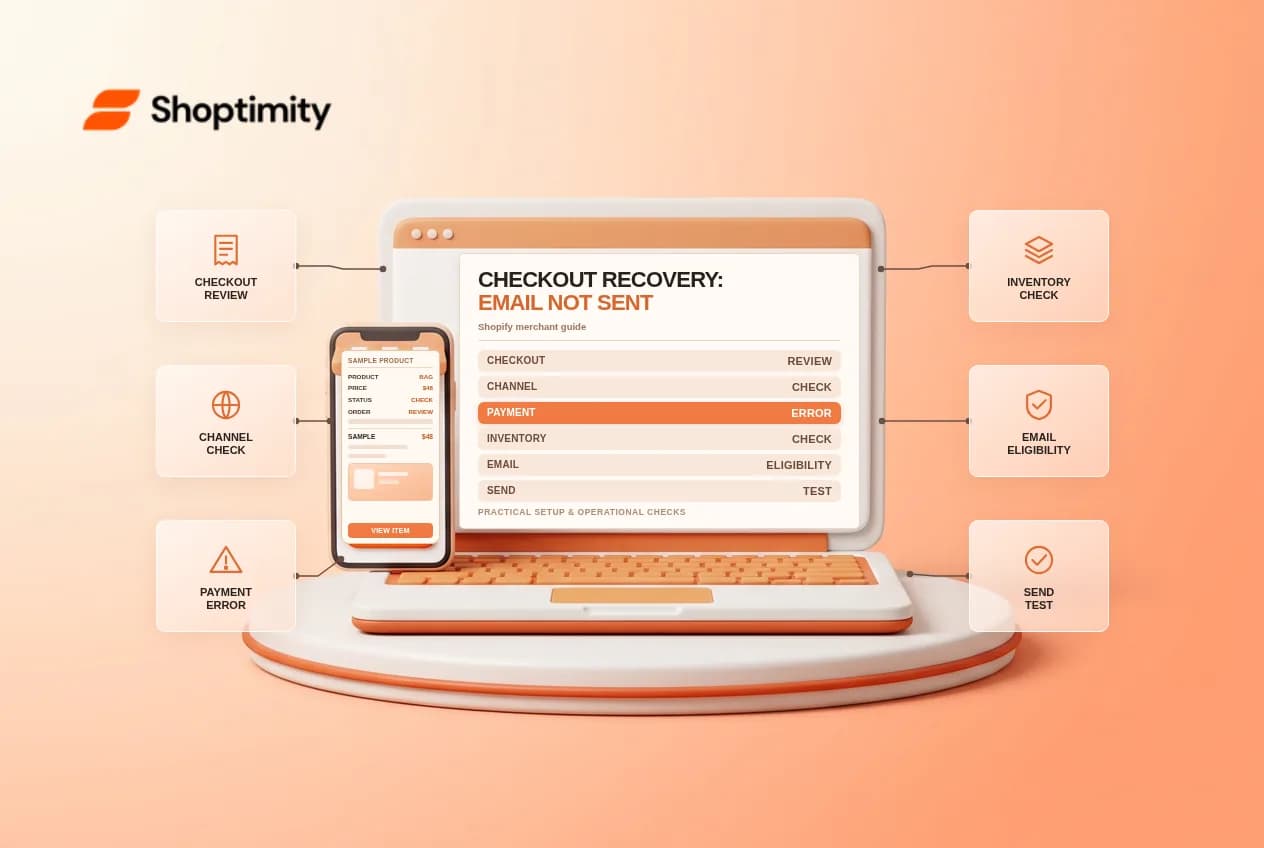
Shopify describes abandoned checkout recovery for eligible Online Store and Buy Button checkouts. Check whether the store uses the legacy recovery email or the newer Shopify Messaging automation, because eligibility and configuration differ. POS, Shop and third-party channel behavior should not be assumed to match the online store. Review the Shopify documentation for current eligibility and settings.
Review the checkout record
Open the abandoned checkout and inspect any available tooltip explaining why a recovery email was not delivered. Shopify lists completed purchases before the send, payment processing errors, unsupported shipping addresses, missing email, unavailable items and some high-risk attempts among reasons a legacy recovery email is not sent.
Check the newer automation separately
The newer abandoned checkout re-engagement automation has its own documented exclusions and defaults. Shopify says a newer abandonment can reset the wait and that the automation defaults to marketing subscribers; check the actual To field, channel, workflow state and recent runs rather than applying legacy rules blindly.
Resolve causes rather than bypassing controls
If inventory is unavailable, address availability first. If a payment was declined or flagged high risk, review payment events and fraud procedures; sending more messages does not repair the payment. Use customer data and recovery communications consistently with applicable consent and privacy rules.
Test the complete path
In a controlled store, create eligible and ineligible test checkouts and allow the configured wait to pass. Check runs, delivery and the eventual order. Make sure only the intended recovery method is active to avoid duplicate messages, and never use a real customer as an unconsented test.
Related reading
Read the related Shoptimity guide for additional context.
Ready to build a faster, higher-converting store?
Every Shoptimity theme ships with conversion widgets built in — so you get speed and features without stacking apps.
7-day free trial · all themes included · cancel anytime
Continue Reading
Shopify Packing Slip Liquid: Show Partial Quantities
Learn how shipment-specific Liquid variables distinguish ordered and shipped quantities on Shopify p...
ShopifyQL Sales by Billing Region: A Practical Query
Build a billing-location sales breakdown with ShopifyQL and avoid confusing billing geography with s...
Shopify B2B Store Credit: Company Location Rules
Understand B2B store credit by company location, currency and deposit eligibility before offering it...