
Shopify Abandoned Checkout Automation: Send the Right Follow-Up
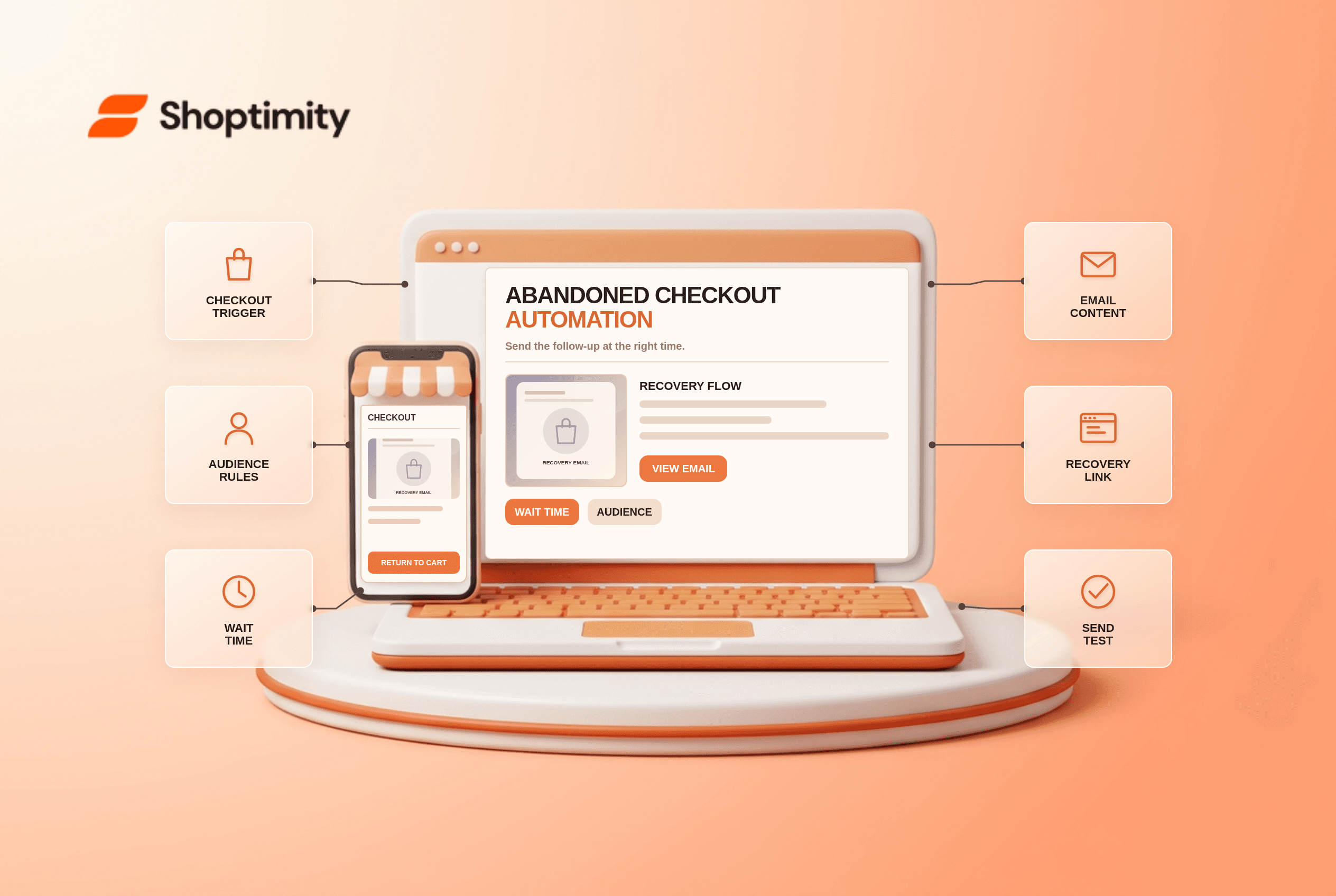
Shopify abandoned checkout automation is for a shopper who started checkout but did not complete the order. It is not the same event as viewing a product or leaving items in a cart before checkout. Matching the trigger, audience and email content to the actual stage helps avoid sending a recovery message for an order that has already been placed.
Which abandoned journey are you recovering?
Shopify distinguishes abandoned product browse, cart and checkout. Its marketing automation guide offers templates for each stage. Choose Recover abandoned checkout when a shopper began checkout and left before completing payment. A cart reminder targets an earlier step and may need a different message, customer identity and eligibility.
Shopify's automation types guide explains how automated sends work through Shopify Messaging. It says ordinary marketing-automation emails go only to marketing subscribers, while the recover-abandoned-checkout template has an All customers audience option in the email editor. Review current consent rules and your jurisdiction before broadening recipients; “available in the editor” is not a substitute for legal review.
How do you set up and test the flow?
Use a controlled abandonment and a completed-order control. Check timing, recipients and the linked checkout rather than judging the email preview alone.
- In Marketing → Automations, find the recover-abandoned-checkout template and review its trigger. If you have a third-party recovery app, identify overlapping sends first.
- Set the wait time. Shopify allows you to adjust the delay between abandonment and message delivery; give shoppers reasonable time to finish checkout naturally.
- Edit the subject, body and offer. If it promises a discount, test that exact code against the cart, expiration and shipping conditions.
- Confirm the audience setting and unsubscribe or consent behavior in your store. Document why the audience is appropriate for your markets.
- Start a permitted test checkout using a known email, leave before payment and check whether the automation runs after its delay. Avoid turning a test into an unintended live charge.
- Run a second test in which the shopper completes the order. Verify that the recovery message does not present a finished purchase as abandoned.
Shopify warns that overlapping automations can create duplicate messages: for example, two welcome flows. Apply the same audit to checkout recovery alongside cart, browse and third-party app sequences. Make one team member responsible for a customer-facing message map.
Why did the email not arrive?
Diagnose trigger and audience before rewriting the theme. The shopper may not have reached the checkout event, may not have provided an email, may fall outside the selected audience, or may have completed the order before the wait ended. Check the automation's activity and template settings, then your sender-domain setup. Our email-authentication checklist covers sender DNS; if that article remains a draft, publish it first or replace the link.
A theme can affect clarity of the cart and checkout entry point, but the actual send is handled by the automation service. A visual “abandoned cart” block in a theme does not prove that emails are enabled. Theme versus app responsibilities can help avoid duplicate tools.
What should the message say?
Acknowledge the interrupted checkout without claiming an order exists. Show accurate products and a clear route back. If inventory, shipping rates or discount eligibility may change, avoid a guaranteed price or delivery claim. Shoptimity themes can improve the storefront journey before abandonment, but Shopify's automation determines the follow-up. We checked Shopify's public guidance, not your consent policy or app integrations. Verify both with your team before activation.
Ready to build a faster, higher-converting store?
Every Shoptimity theme ships with conversion widgets built in — so you get speed and features without stacking apps.
7-day free trial · all themes included · cancel anytime
Continue Reading

Top Shopify Theme for Wholesale: A 2026 Buyer's Guide
You've just spent weeks sourcing inventory and building supplier relationships. But when you launch ...

Ecommerce Return Status Updates: Separate Request and Refund
Ecommerce return status updates should separate request, label, receipt, inspection and refund so sh...

Ecommerce Delivery Delay Updates: Show the New Reality
Ecommerce delivery delay updates should replace stale promises with a dated revised estimate, clear ...