
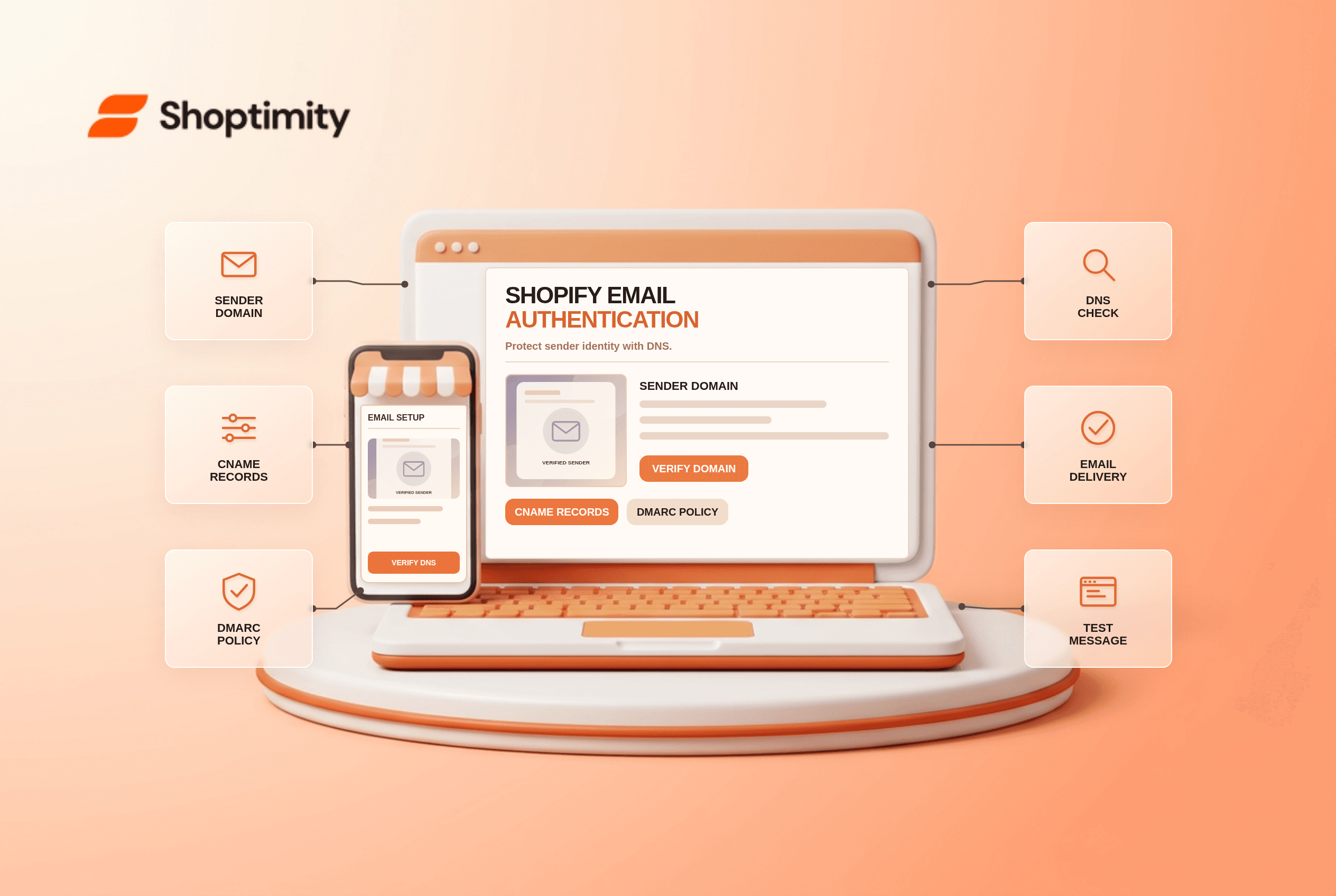
Shopify email domain authentication is easy to miss until a customer sees a shopifyemail.com sender instead of your brand. The fix usually lives in DNS, not the theme editor. Confirm which address Shopify uses to send, authenticate a third-party domain using Shopify's provided records, and test delivery before blaming a template or email design.
Why does Shopify rewrite a sender address?
Shopify needs authenticated sending for a branded address. Its email setup guide says an unauthenticated third-party domain can result in a rewritten shopifyemail.com sender. Shopify-provided CNAME records configure SPF and DKIM; a valid DMARC record also matters. If the domain was bought through Shopify, those settings are typically configured automatically.
The Store email used for admin communications differs from the Sender email customers see. Changing the address in a footer or notification template does not authenticate a domain. Gmail and Yahoo's sender requirements make authentication especially important for branded sending; a visual theme change has no effect on DNS.
What should you check in order?
Use the records shown in your admin, not copied values from another store.
- Open the sender-email setting and note the exact domain. Check whether it is hosted by Shopify or a third party.
- Follow Shopify's authenticate your domain flow. Add the CNAME records it provides at your DNS host; they configure DKIM and SPF for Shopify sending.
- Check the DMARC TXT record. Shopify warns that a domain should have only one DMARC record; duplicates can make validation fail.
- Allow DNS to propagate. Shopify's email setup instructions say verification can take up to 48 hours.
- Send test messages to more than one mailbox you control. Inspect the visible From address, reply handling and whether the message arrives in spam.
- If another service also sends on your domain, coordinate with its administrator. Do not delete unrelated DNS records or publish a restrictive DMARC policy without checking all legitimate senders.
Shopify's email-rewrite guide says a basic DMARC value such as v=DMARC1; p=none can meet its minimum, but real policy choices should reflect every mail service in use. Shopify's CNAME setup handles SPF for its sending; blindly adding a second SPF TXT record can create different problems.
Is successful authentication the same as good deliverability?
No. Authentication proves a sending relationship; inbox placement also depends on list quality, message relevance, sending behavior and recipient engagement. Test a real order notification and a marketing email separately because they can follow different workflows. If one fails while the other works, compare sender settings and the service generating each message before changing the domain.
A useful incident log has the message type, visible From address, destination mailbox, timestamp, DNS state and any Shopify verification error. This is more actionable than “emails look wrong.” Never paste a customer's private message body into a public support ticket.
What can a theme control?
A theme can collect opt-ins and display contact information, but it cannot authenticate email DNS. Shoptimity's themes may offer attractive newsletter sections; the theme-versus-app guide explains why the sending service is separate. If a login code is not arriving after an account upgrade, also read our customer-accounts checklist. We checked Shopify's current instructions, not your DNS zone; use your admin-generated records and a careful rollout.
Ready to build a faster, higher-converting store?
Every Shoptimity theme ships with conversion widgets built in — so you get speed and features without stacking apps.
7-day free trial · all themes included · cancel anytime
Continue Reading

Top Shopify Theme for Wholesale: A 2026 Buyer's Guide
You've just spent weeks sourcing inventory and building supplier relationships. But when you launch ...

Ecommerce Return Status Updates: Separate Request and Refund
Ecommerce return status updates should separate request, label, receipt, inspection and refund so sh...

Ecommerce Delivery Delay Updates: Show the New Reality
Ecommerce delivery delay updates should replace stale promises with a dated revised estimate, clear ...