
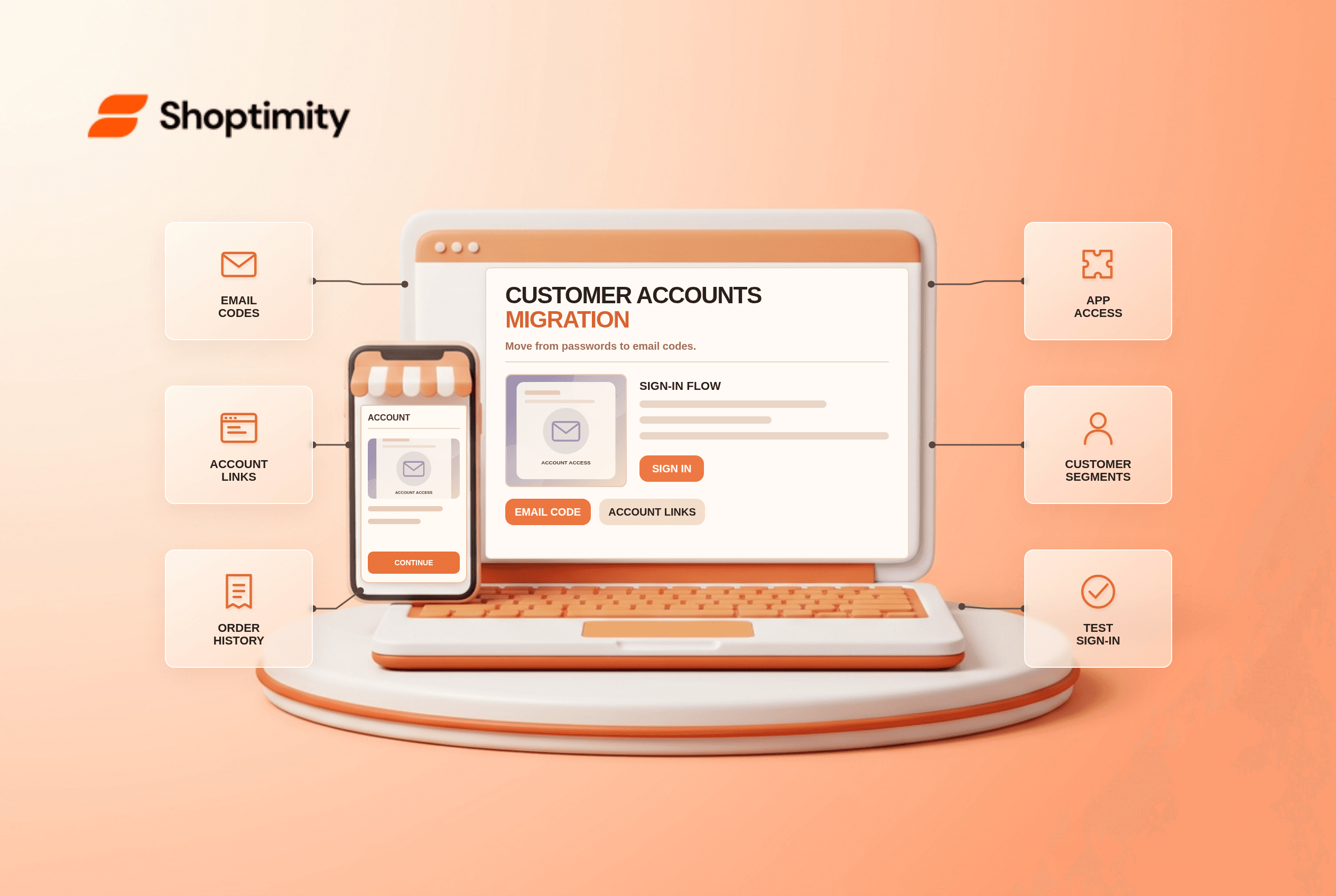
Shopify customer accounts migration changes more than the look of a login page. The newer accounts use a one-time code instead of the old password flow, and account pages can use app blocks. Before switching, audit legacy account templates, loyalty links and automations so customers do not lose a familiar route to their orders or subscriptions.
What changes when you upgrade accounts?
The sign-in model and customization surface change. Shopify's feature comparison says customer accounts use a one-time six-digit email code, while legacy accounts use email and password. A customer with a new email can sign in without a separate registration step. This can simplify access, but it also changes instructions in your support articles and transactional emails.
Shopify's upgrade guide says legacy account URLs such as /account/login redirect after upgrading. A custom modal or sign-in page built outside the standard templates may need manual editing. Do not assume a header icon that still opens a page is pointing to the right experience.
What should you audit before publishing the new experience?
Write down every account-dependent customer task. Run this six-step check:
- Inspect legacy account templates. Find custom Liquid, address links, order history, subscription links and loyalty content in your current theme.
- List account apps. Confirm the newer account surface offers compatible app blocks for loyalty, subscriptions or wishlists you depend on.
- Review email authentication. One-time codes must reach customers. Test the sender address and deliverability with an inbox you control.
- Check hard-coded links. Standard legacy URLs redirect, but custom login modals and alternate routes may not behave as intended.
- Review workflows and segments. Shopify warns that some triggers tied to legacy accounts cannot migrate, and the
customer_account_statussegment filter is legacy-specific. - Preview as a customer. Use a new email, an existing account and a customer with past orders. Verify profile, addresses, account links and the logout path on mobile.
Shopify notes in its upgrade steps that a connected account subdomain can give account pages a familiar branded URL. That does not mean the account pages become ordinary theme templates. Review branding and account app blocks in the checkout and accounts editor separately.
Which features are most likely to break?
Custom work tied to old login assumptions is the main risk. A theme may link to a legacy account URL correctly while an embedded loyalty widget assumes passwords or a specific Liquid template. A support article may still tell customers to reset a password even though the new flow sends a code. Legacy account automation and segments also need special attention because Shopify documents limitations during upgrade.
Set up 2 test journeys: one customer who has bought before and one new email. In each, request a code, open an order, update an address and use the relevant loyalty or subscription link. Compare the result with your old account experience. Keep a small issue log for vendor support rather than assuming one successful login verifies every integration.
Should you treat this as a theme switch?
No: account architecture is a separate platform decision. A theme can surface a clear account link, but it does not define the authentication model or recreate legacy automations. Shoptimity's theme catalog may help with storefront navigation, while our theme-versus-app guide separates on-page UI from account services. For customer-facing returns, see the self-serve returns guide. We checked Shopify's published guidance, not your account apps; test them in a preview before publishing configuration changes.
customer_account_status are specific to legacy accounts. Review affected segments and automations before publishing.Ready to build a faster, higher-converting store?
Every Shoptimity theme ships with conversion widgets built in — so you get speed and features without stacking apps.
7-day free trial · all themes included · cancel anytime
Continue Reading

Top Shopify Theme for Wholesale: A 2026 Buyer's Guide
You've just spent weeks sourcing inventory and building supplier relationships. But when you launch ...

Ecommerce Return Status Updates: Separate Request and Refund
Ecommerce return status updates should separate request, label, receipt, inspection and refund so sh...

Ecommerce Delivery Delay Updates: Show the New Reality
Ecommerce delivery delay updates should replace stale promises with a dated revised estimate, clear ...