
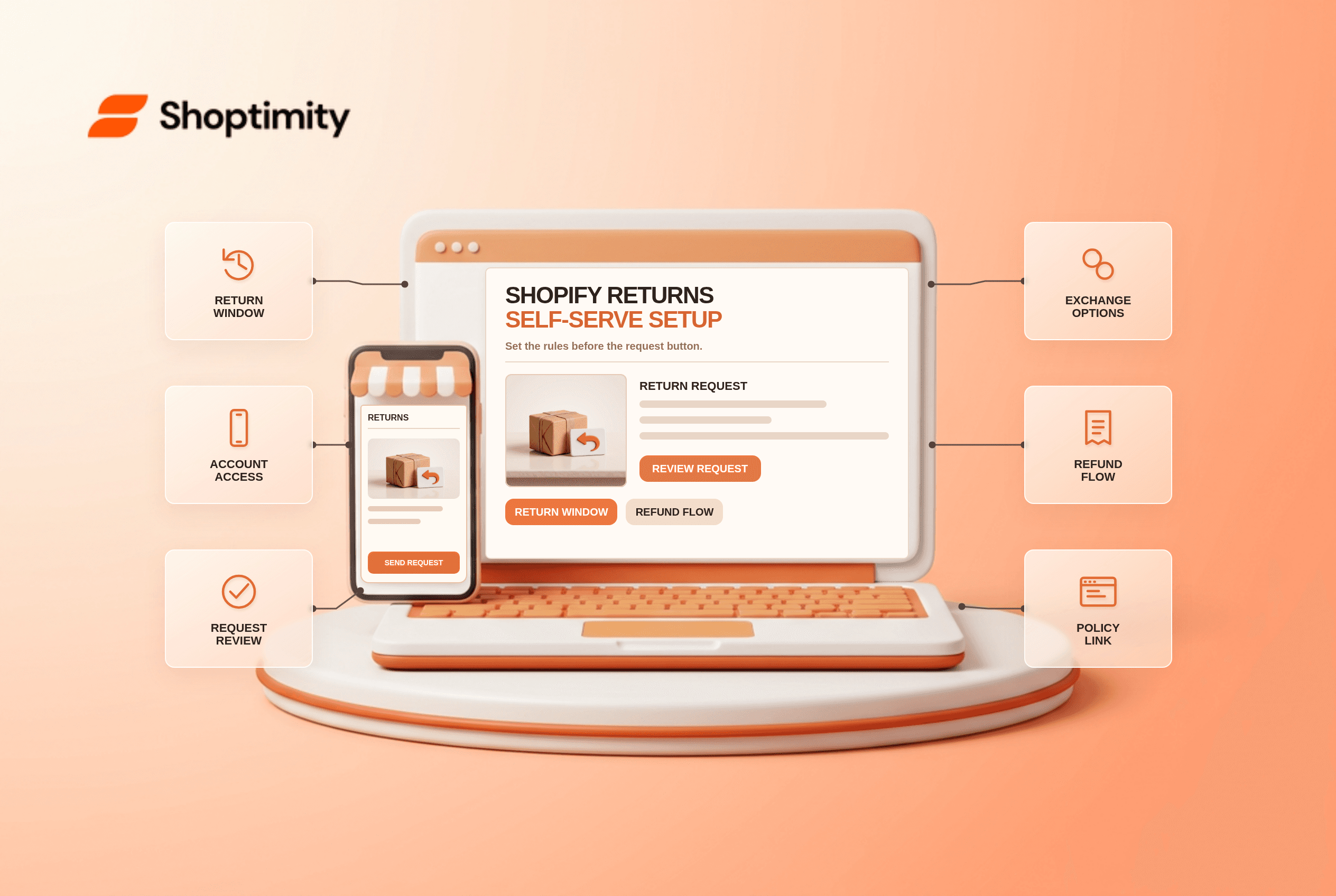
Shopify returns through self-serve tools can let customers request a return from their order status page instead of emailing support. That does not mean a request automatically becomes a refund, an exchange, or a shipping label. Your team still reviews it. Configure return rules, account access, communication and the warehouse handoff before advertising a frictionless returns experience.
What does Shopify self-serve returns actually do?
It creates a customer-initiated request that your team can approve or decline. Shopify's self-serve returns guide says customers can request returns for delivered items and cancellations for items that have not shipped. The request reaches your admin for review. The feature does not make every order eligible, and an approved return still needs an operational process for shipping, inspection and refund.
The distinction between a return and an exchange is important. According to Shopify's setup guidance, customers cannot request an exchange through self-serve returns; staff can add exchange items after reviewing a return request. Do not put a “swap sizes instantly” promise on a theme button unless a separate process genuinely supports it.
What should you configure before turning it on?
Start with the policy, not the page design. A practical rollout has six steps:
- Write the policy in plain language. Define the window, condition of goods, excluded items, shipping responsibility, restocking fees and when the refund is issued. Check local consumer law before treating any sale as final.
- Set return and cancellation rules. In Settings → Policies, configure eligibility and market-specific exceptions where appropriate. Shopify says changed rules affect future orders, not orders already placed.
- Check customer accounts. Self-serve returns and cancellations do not work with legacy customer accounts. Verify the account experience shoppers actually see rather than testing only as an admin.
- Choose the review owner. Assign who approves requests, sends instructions, receives parcels and marks items as restocked. A request should not disappear into an unattended inbox.
- Decide how exchanges work. A staff member can add a different size or color to an approved return in the admin. Shopify notes that exchange inventory is not reserved until the return is processed.
- Test with a real order type. Use a fulfilled test order, an unfulfilled one, a final-sale item and an older order. Confirm the available buttons, eligibility message, email notification and final refund flow.
Shopify's return-rules documentation separates default rules from market-specific rules and says self-serve activation is store-wide. You cannot simply enable the request button for one B2B segment while hiding it from every other order type with that toggle alone.
How does a request become a refund or exchange?
Separate customer intent, physical movement and money movement. When a delivered item qualifies, the customer submits a request. A staff member reviews it and, if approved, supplies return instructions or a label where available. After the item arrives and is inspected, the team processes the return, issues any refund and fulfills an exchange if one was added. Shopify's returns-and-exchanges workflow distinguishes all three actions.
For example, if a customer returns a medium jacket for a large, the portal request starts the conversation; it does not reserve a large jacket or ship it immediately. Check availability before approving the exchange and make clear who pays any difference. If the customer merely wants a refund without sending goods back, that is a different decision and should not be mislabeled as a received return.
If your policy promises a 30-day window, test eligibility at 29 days and again at 31 days. The exact legal requirements depend on the market. A compact handoff table keeps customer service and fulfillment aligned:
| Stage | Customer sees | Team checks |
|---|---|---|
| Request | Eligibility and reason form | Order, delivery and policy window |
| Approval | Return instructions | Exchange stock, label and address |
| Receipt | Status update | Condition and restock decision |
| Resolution | Refund or exchange confirmation | Payment, fees and replacement fulfillment |
What mistakes create more support tickets?
The biggest mistake is promising more than the workflow delivers. “Easy returns” can mean a convenient request form; it does not necessarily mean free return postage, instant refunds or automatic exchanges. Put the actual window and cost near the policy link, and make support contact details available for exceptions. Shopify's help page notes that some return-label creation options depend on the merchant and customer both being in the United States, so do not assume a native label workflow works everywhere.
Another trap is changing the policy and expecting old orders to inherit it. Shopify says changes to rules apply only to future orders. Test an order placed before the change separately. If a request is declined, send a human explanation that cites the applicable order-date policy; a bare “not eligible” screen is a poor customer experience.
We checked Shopify's current help documentation, not a merchant's account configuration. A theme can make policy links and support contact routes clearer, but it does not control refund decisions. Explore Shoptimity themes for storefront presentation, and read our theme-versus-app guide before replacing a specialized returns provider. The right setup depends on your products, market and warehouse capacity.
Ready to build a faster, higher-converting store?
Every Shoptimity theme ships with conversion widgets built in — so you get speed and features without stacking apps.
7-day free trial · all themes included · cancel anytime
Continue Reading

Top Shopify Theme for Wholesale: A 2026 Buyer's Guide
You've just spent weeks sourcing inventory and building supplier relationships. But when you launch ...

Ecommerce Return Status Updates: Separate Request and Refund
Ecommerce return status updates should separate request, label, receipt, inspection and refund so sh...

Ecommerce Delivery Delay Updates: Show the New Reality
Ecommerce delivery delay updates should replace stale promises with a dated revised estimate, clear ...