
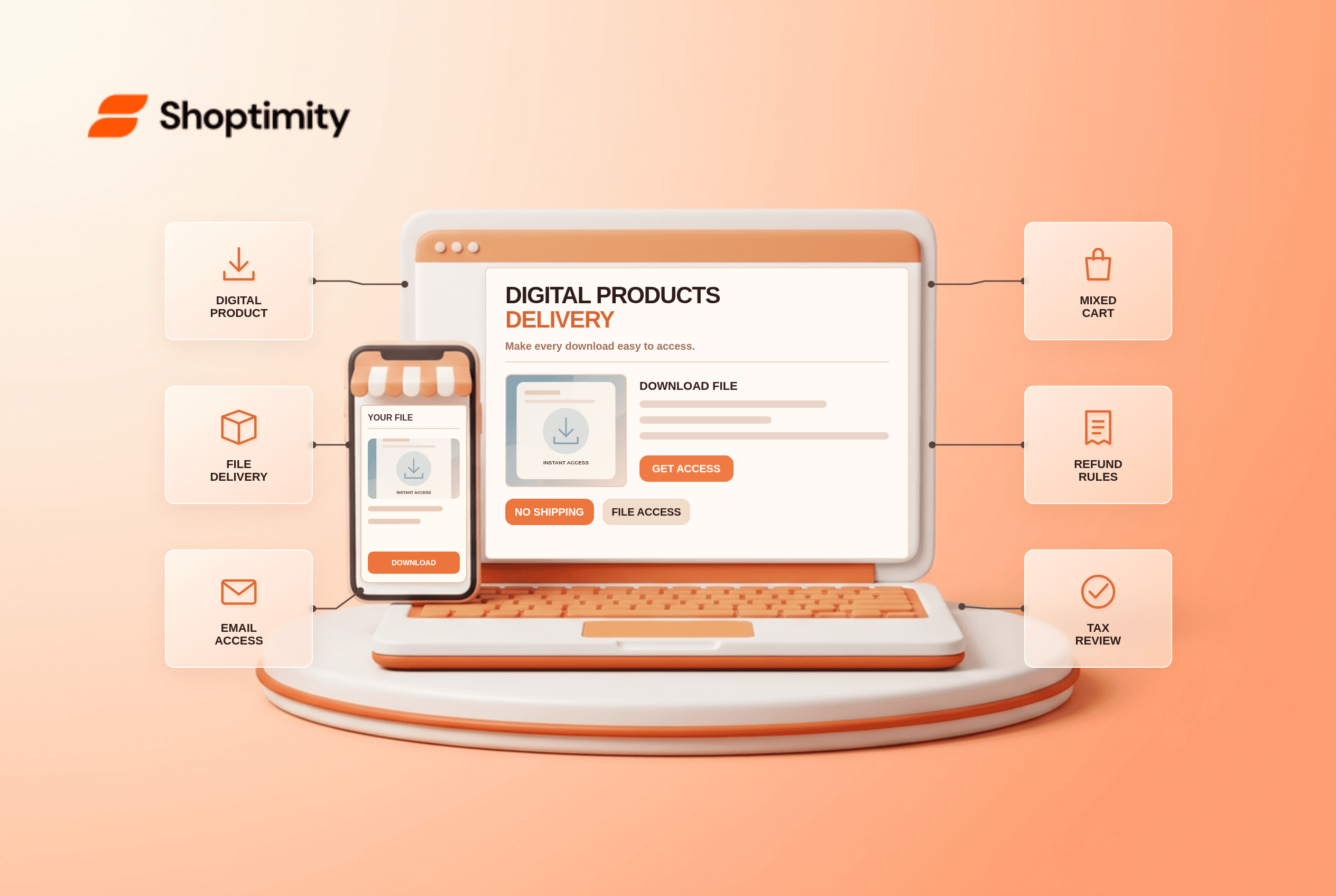
Shopify digital products do not need a shipping label, but they do need a reliable delivery path. Marking an ebook or template as non-physical prevents shipping charges; it does not automatically send a secure download link. Decide how buyers receive the file, what happens after a refund, and which taxes apply in your markets before publishing the product.
What does the non-physical product setting do?
It tells Shopify the item does not require physical shipping. The digital-product setup guide says to deactivate the Physical product setting on the product or variant. This prevents ordinary shipping charges for that item. It does not create a file, email an access link or provide license management.
Shopify says a download app is needed to supply a file link after purchase. Its Digital Products instructions describe the app installation route; another specialized app may be appropriate for license keys or large libraries. Test what that app actually sends rather than assuming a theme's “instant download” badge provides the delivery mechanism.
What should you test before selling a download?
Buy the product yourself through a controlled test flow. Check these six layers:
- Create the actual file in its final version and record who owns updates. Avoid linking to a staff-only drive or an expiring internal URL.
- Mark the product or variant as non-physical. For mixed physical and digital products, check each variant separately.
- Configure the delivery app and attach the right file to the right product. A duplicate product title is not a reliable identifier.
- Run 2 test orders: a digital-only cart and a mixed cart containing one shipped item. Check the shipping charge for each.
- Open the customer's email and account view. Verify the file can be downloaded on a phone, and check what happens if the email is lost.
- Test a refund or revoked access scenario according to the app's settings. Decide what support should do if a customer cannot access a file.
Shopify's shipping-rate troubleshooting page notes that checkout does not return shipping rates for items marked as digital products or services. If a digital-only cart still asks for a delivery address, inspect the product and variants first, then any app-specific checkout behavior.
What about tax on digital goods?
Do not assume that “no shipping” means “no tax.” Digital-goods rules vary by customer location and product type. Shopify's digital-tax guidance explains how the product tax setting and certain regional digital VAT settings work. Have a qualified advisor review your obligations; an automatic setting cannot decide whether your particular course, ebook or software license is exempt everywhere.
The common operational mistake is toggling off every tax checkbox merely because nothing ships in a box. Instead, write down the product classification, markets sold into, and the tax behavior observed in a test checkout. Review the receipt and refunds too. That gives you evidence to discuss with an advisor instead of trying to infer tax policy from a theme preview.
Where does the theme help?
A theme can explain the offer and access process, not send a file by itself. Put file format, compatibility, update policy and access instructions on the product page. Make the purchase button accurate: “Download after purchase” is only true if the delivery app and email flow have been tested. Shoptimity's themes provide presentation; our theme-versus-app guide explains the service boundary. We checked Shopify's public documentation, not your digital-delivery app or taxes.
Ready to build a faster, higher-converting store?
Every Shoptimity theme ships with conversion widgets built in — so you get speed and features without stacking apps.
7-day free trial · all themes included · cancel anytime
Continue Reading

Top Shopify Theme for Wholesale: A 2026 Buyer's Guide
You've just spent weeks sourcing inventory and building supplier relationships. But when you launch ...

Ecommerce Return Status Updates: Separate Request and Refund
Ecommerce return status updates should separate request, label, receipt, inspection and refund so sh...

Ecommerce Delivery Delay Updates: Show the New Reality
Ecommerce delivery delay updates should replace stale promises with a dated revised estimate, clear ...