
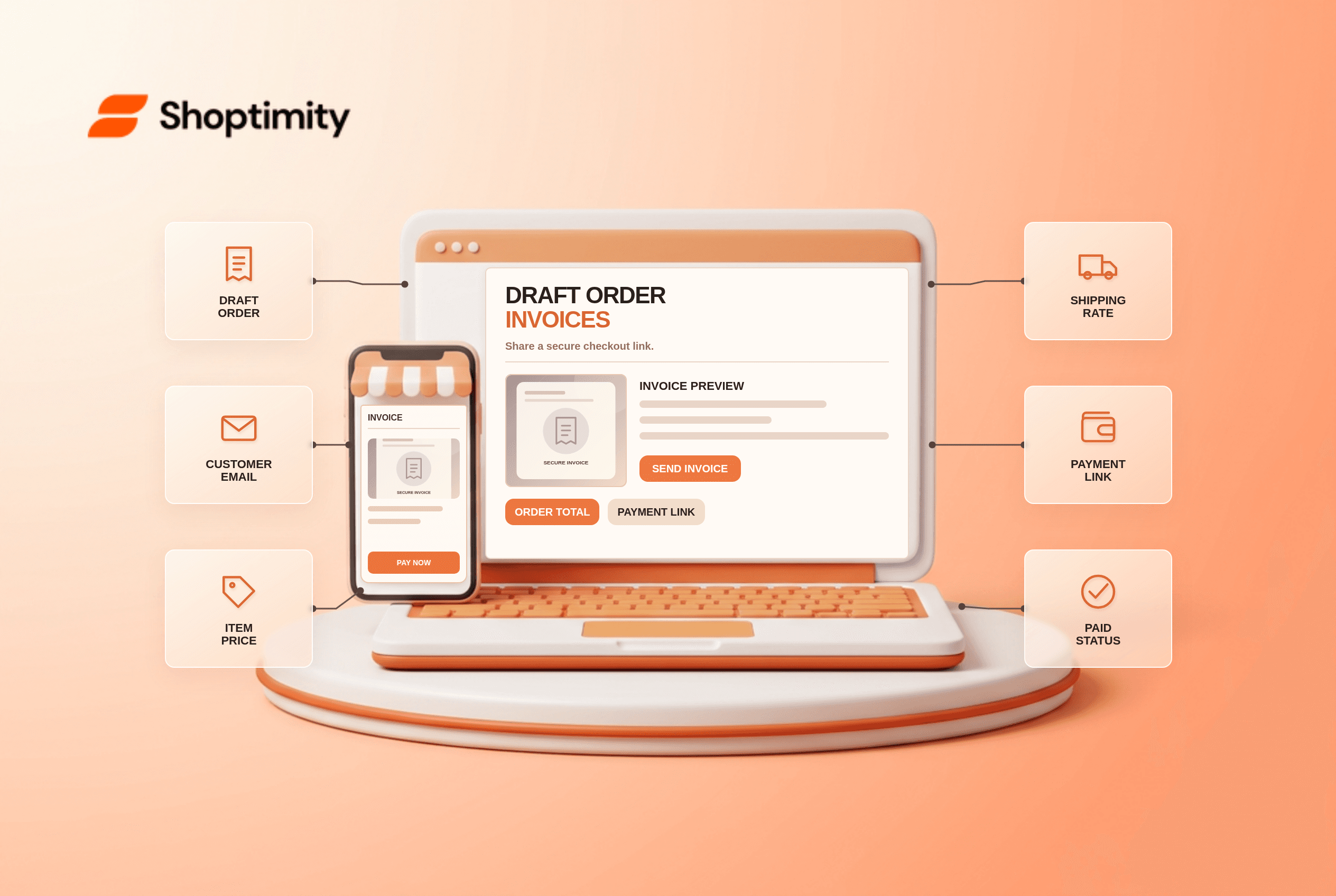
A Shopify draft order invoice lets staff prepare an order for a customer and send a link to a secure checkout. The customer reviews the offer and pays there; the draft then becomes an order. It is useful for phone or email sales, but an incorrect contact address, shipping choice or early “mark as paid” click can make the payment journey confusing.
How does a draft-order invoice work?
Staff create the draft in Shopify Admin and send a checkout link. Shopify's draft-order guide says a draft can contain products, discounts, shipping rates, tax, customer and market information. The invoice guide says the customer can use the link to enter billing details, choose a shipping method and submit payment. After successful checkout, the draft becomes a paid order in Orders.
Staff can also collect a payment directly or mark the order paid after receiving money by another method. These are different actions. Shopify warns against marking a draft Paid before the customer uses the invoice link, because that link will no longer let them complete checkout as intended.
What should staff check before sending?
Review both the commercial offer and the recipient. A practical checklist for a single draft prevents rework:
- Confirm the customer's email or phone number and how they expect to receive the link. Shopify says missing contact information can prevent order confirmation from being sent later.
- Check product variants, quantities, stock and any custom item or discount. A customer should not be asked to pay for an unavailable choice.
- Review shipping and tax in the customer's market. The draft should reflect the delivery method the customer can actually use.
- Check whether product prices are locked in the draft and how the invoice-sharing setting affects that lock. Shopify says disabling the price-lock toggle when sharing can unlock product prices.
- Preview the invoice message and checkout link. Use clear terms for expiration, deposit or payment timing if your workflow requires them.
- After sending, watch for successful payment and the resulting order before picking or dispatching goods.
According to Shopify's payment instructions, a staff member may mark a draft as paid only after payment is already received. This is a record of an external or completed payment, not a way to request it. Train the team to distinguish Send invoice from Collect payment.
Why might the link fail?
The draft's state can change before the customer opens the link. A staff member may have marked it paid, edited the offer or used the wrong recipient. Inspect its current payment status and the most recent invoice. Shopify also notes that drafts created on or after April 1, 2025 can be automatically deleted after a year of inactivity; old follow-up links should not be treated as permanent quotes.
For B2B customers, company location and payment terms add another layer. Our B2B catalog pricing guide addresses customer entitlements; it may still be a draft. Always preview the actual offer for the target buyer, not a generic storefront price.
Does the theme create the invoice?
No. A Shoptimity theme shapes the public storefront; draft-order creation and secure checkout links live in Shopify Admin. Theme versus app responsibilities clarifies the boundary. We checked Shopify's public documentation, not your tax setup, payment terms or staff permissions. Test one permitted low-value invoice before adopting a workflow.
Ready to build a faster, higher-converting store?
Every Shoptimity theme ships with conversion widgets built in — so you get speed and features without stacking apps.
7-day free trial · all themes included · cancel anytime
Continue Reading

Top Shopify Theme for Wholesale: A 2026 Buyer's Guide
You've just spent weeks sourcing inventory and building supplier relationships. But when you launch ...

Ecommerce Return Status Updates: Separate Request and Refund
Ecommerce return status updates should separate request, label, receipt, inspection and refund so sh...

Ecommerce Delivery Delay Updates: Show the New Reality
Ecommerce delivery delay updates should replace stale promises with a dated revised estimate, clear ...