
Shopify Edit Orders After Purchase: Protect the Fulfillment Flow
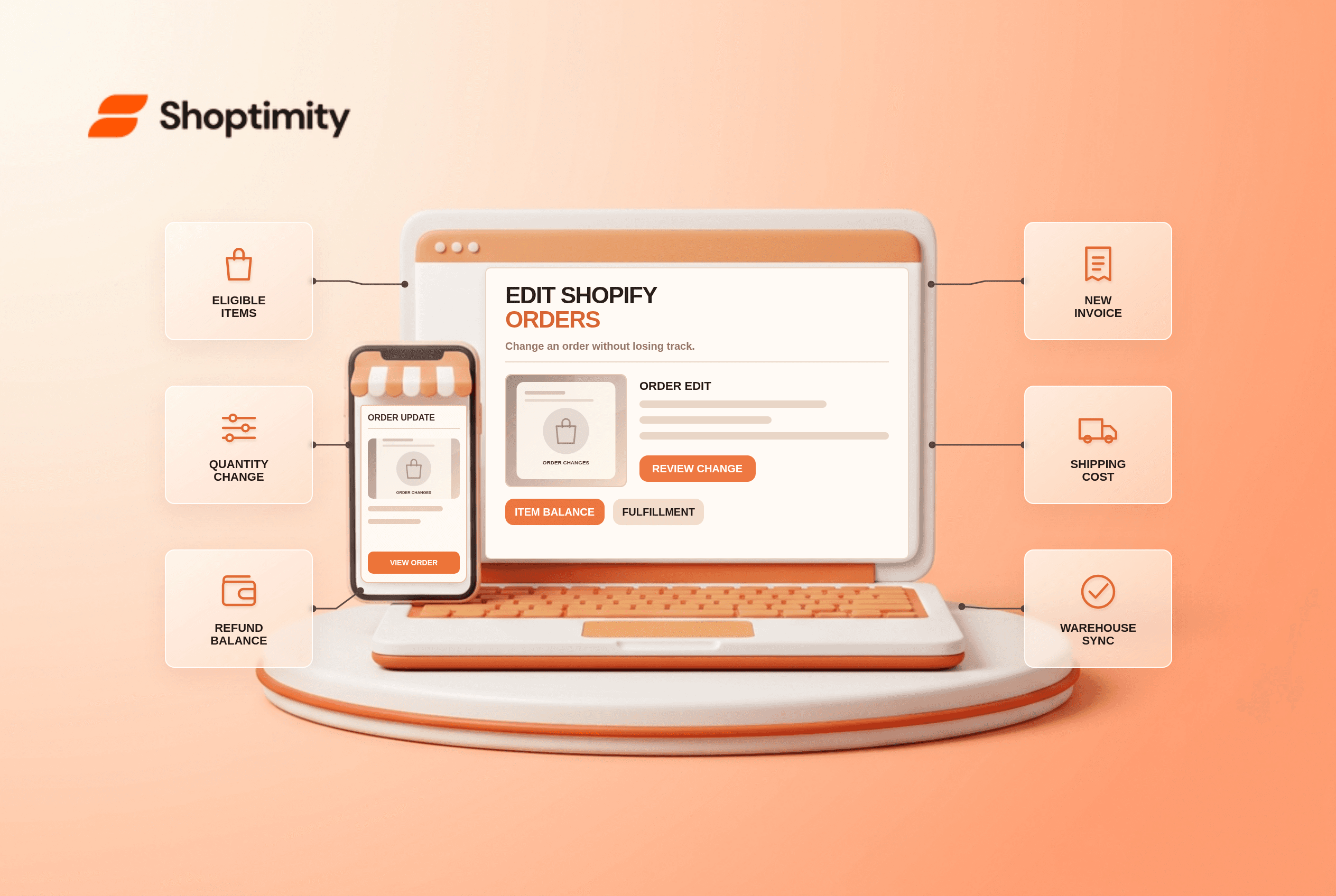
Shopify edit orders after purchase lets a merchant correct quantities, swap unfulfilled products or add a charge without canceling a whole transaction. But an order edit affects payment and fulfillment, and it is not a fresh checkout calculation. Review what the customer owes, what has shipped and what your warehouse app will see before saving changes.
What can you change on an order?
Shopify supports edits to eligible orders, especially unfulfilled items. Its order-editing guide covers adding or removing products, adjusting quantities, changing custom shipping fees and applying discounts. The considerations page says fulfilled items cannot be removed or reduced. Imported app-created orders and Shop Pay Installments orders have additional restrictions. Check the order's status first rather than promising any customer that every completed order is editable.
Shopify also says orders using local delivery cannot be edited, and you cannot change an order's delivery method from shipping to pickup through an order edit. A team may instead need to resolve the request through a supported refund or new-order process. Do not attempt to mimic that change by editing a theme message.
What is the safest editing checklist?
Make the commercial change and the operational change together. A saved edit is not the end of the process.
- Confirm the order is eligible and inspect what has already been fulfilled or sent to a fulfillment service.
- Agree with the customer on exact items, size, address, discount and any extra shipping cost before changing the record.
- Edit only the permitted lines and record the reason. Review stock for replacement variants.
- Compare the new total with what has actually been paid. If it rises, collect the balance or send an invoice; if it falls, issue the refund owed.
- Recheck taxes, discounts and delivery fees. Shopify warns that some discounts and shipping rates do not automatically recalculate after an edit.
- Confirm the warehouse or fulfillment app received the revised line items, then send the appropriate customer notification.
The Shopify discount-edit guide notes that a lower total does not automatically issue a refund. Likewise, a higher total does not mean payment has been collected. A useful audit has 2 examples: removing one unfulfilled item and adding a replacement item. In both cases, reconcile the order balance separately from the product list.
Why can an edit create a shipping problem?
Shipping methods and rates are not recalculated when the order changes. Shopify says you may need to add a custom shipping charge if a new item changes package weight or size. A fulfillment app might not recognize the edit or might still ship an item that was removed. Before editing a live order near dispatch, coordinate with the warehouse and inspect any label already purchased. For original checkout rate diagnostics, see our weight-based shipping checklist, which may still be unpublished.
Order editing can also affect reports: Shopify says an edit made after the order day can appear as a separate order in some reports even though no new customer order was created. Explain this to the finance team before interpreting a jump in order counts.
Can a storefront theme edit an existing order?
No. A Shoptimity theme can explain policies and help the customer contact support, while Shopify's order tools and connected apps perform the actual changes. Our theme-versus-app guide covers that boundary. We checked Shopify's documentation, not your app compatibility, payment method or fulfillment process. Run a test order and verify the entire refund or collection workflow.
Ready to build a faster, higher-converting store?
Every Shoptimity theme ships with conversion widgets built in — so you get speed and features without stacking apps.
7-day free trial · all themes included · cancel anytime
Continue Reading

Top Shopify Theme for Wholesale: A 2026 Buyer's Guide
You've just spent weeks sourcing inventory and building supplier relationships. But when you launch ...

Ecommerce Return Status Updates: Separate Request and Refund
Ecommerce return status updates should separate request, label, receipt, inspection and refund so sh...

Ecommerce Delivery Delay Updates: Show the New Reality
Ecommerce delivery delay updates should replace stale promises with a dated revised estimate, clear ...