
Shopify Flow Discount Created: Choose the Trigger
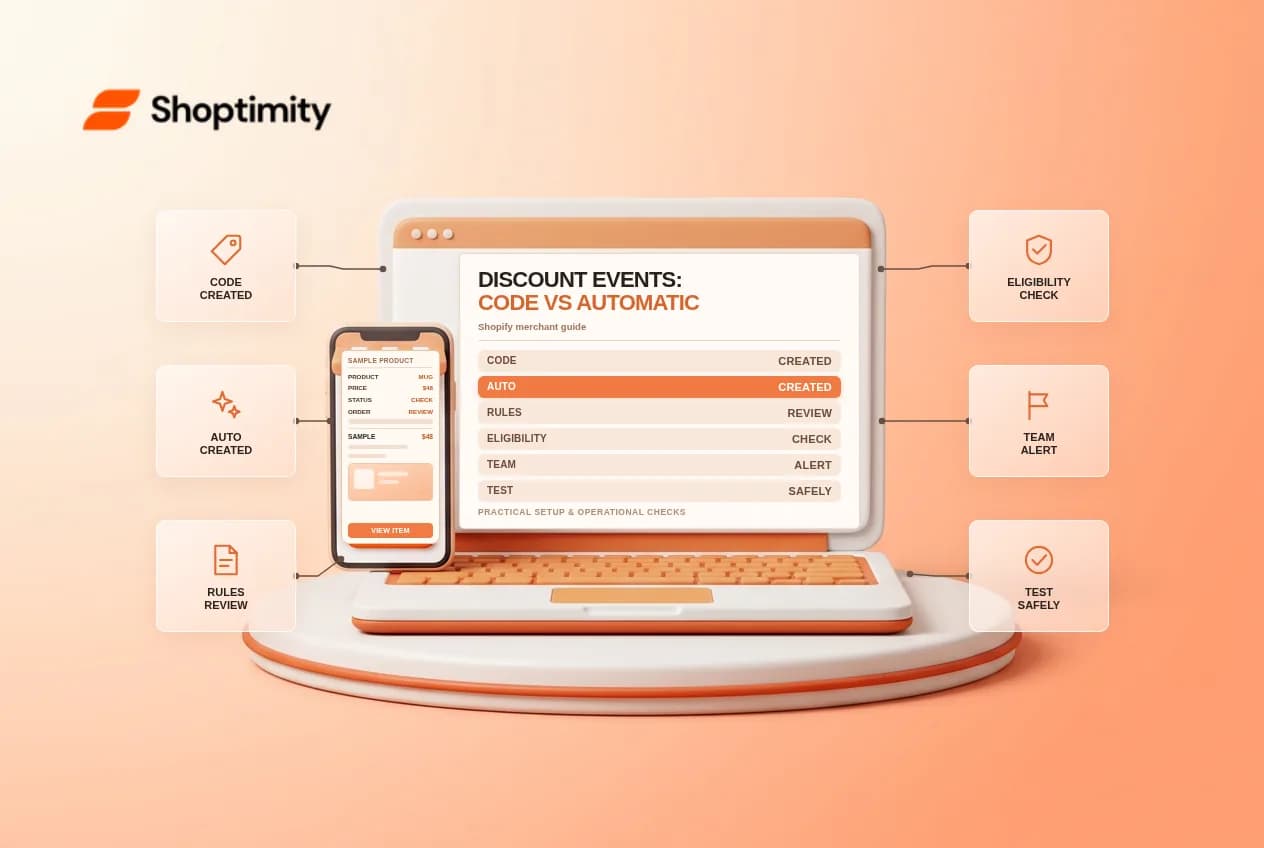
The Discount code created trigger runs when a code is created by a merchant or third-party app. It identifies a newly created discount, not a customer’s use of that discount. Use order-related data and a separately designed workflow if the business question is whether a shopper used an offer.
Use the current Shopify documentation to confirm details and eligibility for your store before making changes.
Automatic offers use a different trigger
Shopify documents a separate Automatic discount created trigger. A workflow for discount codes does not monitor automatic discounts, and the automatic trigger does not replace it. Each provides its own discount resource; inspect the variables exposed in your editor.
Set up a review handoff
Create separate workflows if both types need review. Start with an internal notification that identifies the new offer using the information actually available. Ask the marketing owner to review dates, eligibility, applicable products, usage rules and combinations in the discount itself; do not assume an alert approves or activates the promotion.
Control volume and access
An app can create many codes, so discuss expected event volume before enabling notifications. Route operational messages to a restricted team and avoid broadly distributing private codes or customer data. If notifications become noisy, use supported conditions or a separate review process rather than ignoring the workflow.
Test both creation paths
In a test store, create one code-based discount and one automatic discount, then check which workflow runs and whether the correct message is delivered. If an app creates promotions, coordinate a test using that app as well. Review errors and disable test offers before any customer can use them.
Ready to build a faster, higher-converting store?
Every Shoptimity theme ships with conversion widgets built in — so you get speed and features without stacking apps.
7-day free trial · all themes included · cancel anytime
Continue Reading
Shopify Flow Collection Deleted: ID-Only Alerts
Create a safe collection-deleted alert in Shopify Flow, understand its ID-only data and plan a manua...
Shopify Flow Inventory Item Deleted: ID-Only Data
Understand the inventory item deleted trigger, its ID-only limitation and how to alert operations wi...
Shopify Flow Account Enabled: First Sign-In Rules
Understand when Shopify Flow customer account enabled runs and test onboarding without confusing acc...