
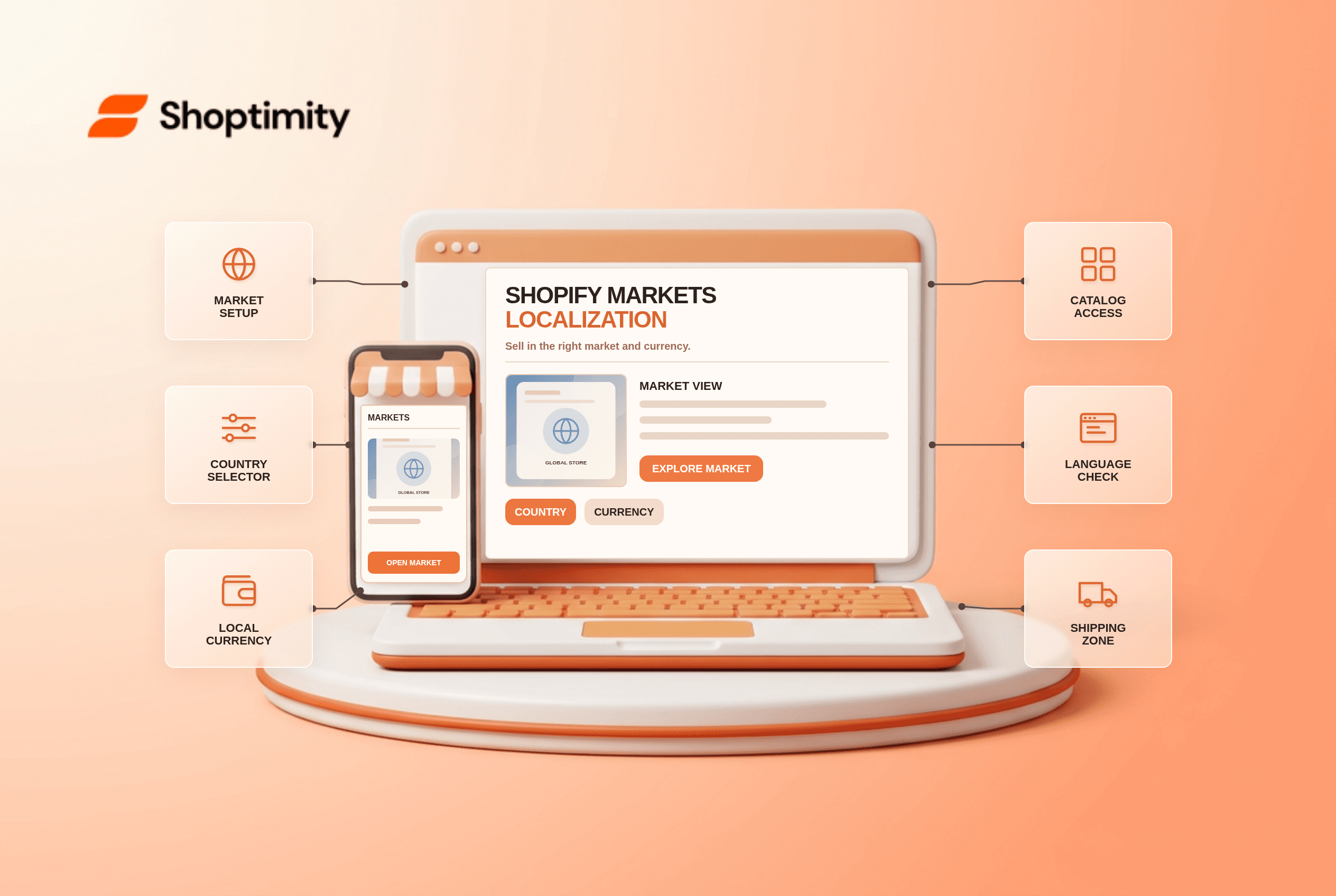
Shopify Markets localization is more than translating a homepage or displaying a flag. Shoppers need the right products, prices, currency, language and delivery options for their actual market. Test the whole buying journey for one destination before opening ten countries at once. A polished storefront cannot fix a catalog that excludes the product at checkout.
What does Shopify Markets localize?
Markets lets you customize selling experiences for groups of customers. Shopify's getting-started guide covers currency, language, product availability and pricing. These controls sit alongside shipping, payments and taxes; changing a theme's country selector is only the visible part of the work. A customer can browse in one country while entering a shipping address in another, so test the address-dependent result too.
In Shopify's local-currency guidance, prices can be converted automatically or adjusted for a market. A displayed local price is not proof that every payment provider can process that currency. Shopify's international-payment restrictions say local-currency processing depends on supported gateways such as Shopify Payments or Adyen. Verify the primary gateway in your own store.
What should you test before launching a market?
Use one test product and one address in each destination. Run these six checks in a draft or controlled environment:
- Activate the market and its catalog. Confirm the product is included, its variants are available and any market-specific price is intentional.
- Check the country selector. A shopper should understand which destination and currency they are viewing. Test a manual country switch and a fresh visit.
- Review currency and conversion. Compare storefront, cart, checkout and refund currency. Watch for rounding or a price override that differs from automatic conversion.
- Check translations in context. Review product details, navigation, policy links and error messages, not only the homepage headline. Avoid machine-translated promises you have not verified.
- Enter a delivery address. Confirm shipping methods, rates and tax treatment work for the destination; otherwise a perfectly localized product page can lead to a blocked checkout.
- Complete a test transaction. Use an eligible payment method and check the confirmation email, order currency and return instructions.
According to Shopify's Markets documentation, market customizations can include theme content. That does not guarantee every third-party app widget translates or switches currency with the theme. Put discount banners, review blocks and size guides on the test plan if they appear in the purchase path.
Why can a product disappear in one country?
Catalog publication and market eligibility should be checked before theme code. In Shopify Admin, preview the product as a customer in the target market. Shopify's market-management guide describes a View as tool showing catalog inclusion and the price calculation. If a variant is unpublished for that market, a new product-page layout will not make it purchasable.
A two-market worksheet keeps the diagnosis specific: write down one product URL, each market's displayed price, included catalog, checkout currency and available delivery option. If the item appears in Market A but not Market B, compare catalog inclusion first. If it appears in both but checkout changes currency unexpectedly, inspect gateway and market association next.
Where does the theme fit?
A theme presents localization; Shopify settings determine the transaction. Shoptimity's themes are worth checking for country-selector placement and readable mobile pricing. They cannot override a missing catalog assignment or unsupported payment method. For app-versus-theme boundaries, read our decision guide; for mismatched delivery promises, see the shipping-bar checklist. We checked Shopify's public guidance, not your markets or payment configuration, so test your actual store before announcing international shipping.
Ready to build a faster, higher-converting store?
Every Shoptimity theme ships with conversion widgets built in — so you get speed and features without stacking apps.
7-day free trial · all themes included · cancel anytime
Continue Reading

Top Shopify Theme for Wholesale: A 2026 Buyer's Guide
You've just spent weeks sourcing inventory and building supplier relationships. But when you launch ...

Ecommerce Return Status Updates: Separate Request and Refund
Ecommerce return status updates should separate request, label, receipt, inspection and refund so sh...

Ecommerce Delivery Delay Updates: Show the New Reality
Ecommerce delivery delay updates should replace stale promises with a dated revised estimate, clear ...