
Shopify Search Product Boosts: Promote Available Items Cleanly
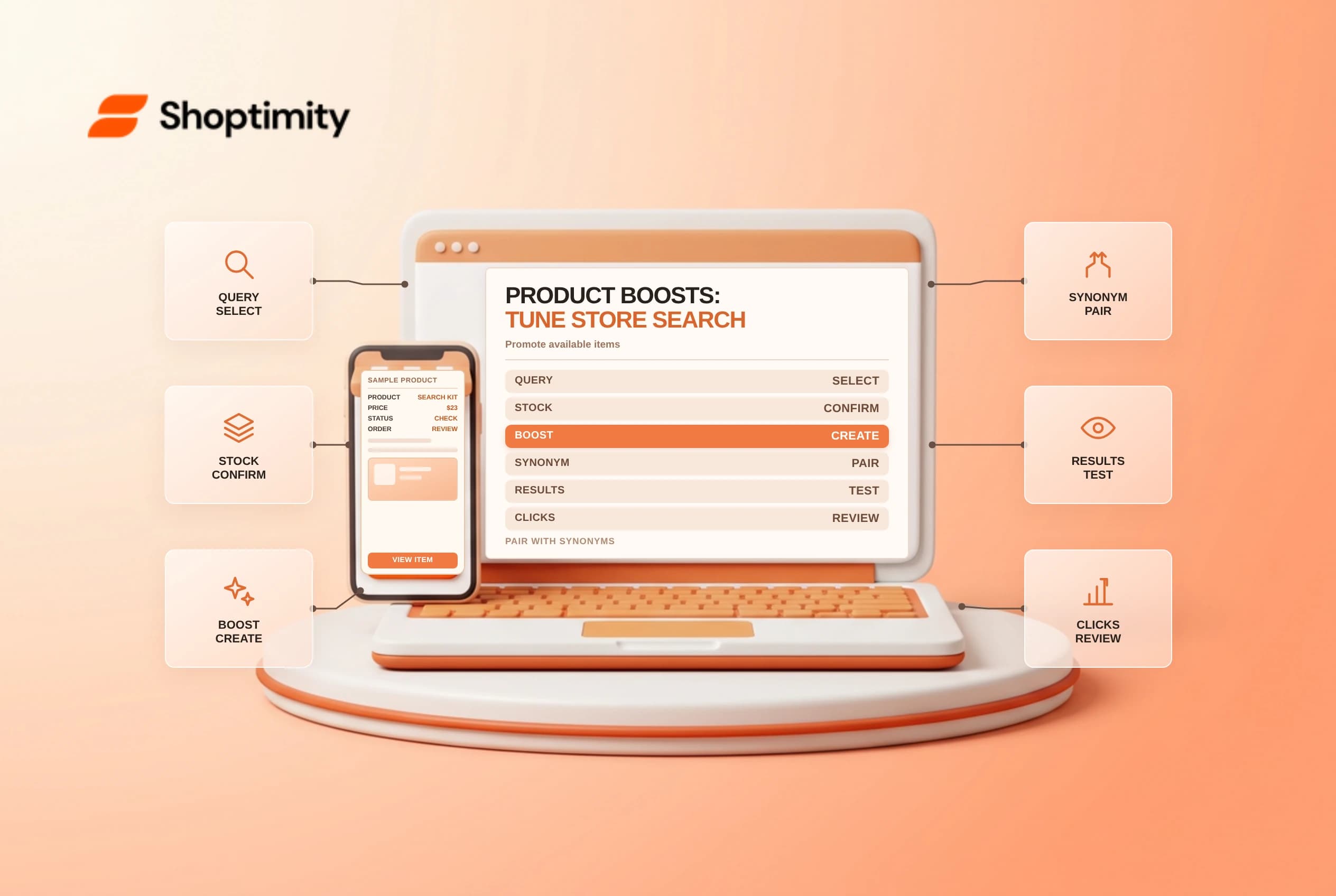
Shopify search product boosts let merchants elevate selected products toward the top of native online store search results for high-intent phrases. Used selectively inside the Shopify Search & Discovery app, boosts highlight flagship or seasonal arrivals when broad catalog matches would otherwise bury them. Overused across dozens of SKUs or confused with external search tools, boosts create cluttered result grids that hide exact matches.
Know how Search & Discovery applies boosts
Shopify's Search & Discovery search modification guide outlines the exact mechanics behind Apps > Search & Discovery > Search > Product boosts. Each product boost accepts up to 10 search terms, including multi-word phrases such as decaf coffee or waterproof trail jacket. Changes sync with the Search product boosts metafield, can also be updated through tools such as Shopify Flow and reach storefront search on the same day.
Several built-in guardrails determine when a boost actually takes effect:
| Scenario or query type | How Shopify storefront search responds | Practical takeaway |
|---|---|---|
| Boosted product is available for sale | Ranks higher for its assigned search terms | Verify online store availability and inventory |
| Boosted product sells out | Sold-out items move to the end of search results | Stockouts override boost priority automatically |
| Query contains search syntax | Product boosts are not applied | Advanced operator searches bypass boost rules |
| Third-party search engine or external app | Native product boosts have no effect | Confirm your theme uses Shopify native search |
Check Shopify's searchability troubleshooting notes as well: products must be published to the Online Store channel to appear in search, while products set to Unlisted stay out of storefront search, predictive search, collections and recommendations.
Keep boosts narrow and let native typo handling work
Shopify's storefront search behavior guide notes that native search already accounts for singular and plural word forms alongside common spelling mistakes. Wasting half of your 10-term allowance on jacket, jackets and minor typos leaves fewer slots for real buyer phrases while making rules harder to audit.
Follow four merchandising habits so boosts sharpen relevance instead of fighting it:
- Promote only one or a handful of flagship products per query, because boosting a large group pushes other relevant items below the fold.
- Pair boosts with synonyms rather than treating them as substitutes: synonyms connect shopper vocabulary to catalog language across all matching items, whereas boosts elevate specific hero products.
- Check both predictive search dropdowns and the full search results page on mobile, since each surface can request different result types in Search & Discovery settings.
- Remove or update seasonal boosts after a holiday or clearance push ends so winter gear does not top spring queries simply because three units remain in stock.
Remember that bulk product edits can take hours to index in search, and metafield or boost changes take effect on the same day rather than necessarily in the first second after saving.
Related guides: diagnosing search results relevance and ecommerce search synonyms.
Review Search & Discovery analytics after two weeks to see whether boosted products actually earn clicks and orders on those queries. If shoppers search a term and bounce past your promoted item toward a different style or price point, retire the boost and refine product titles, category attributes or collection filters instead.
Ready to build a faster, higher-converting store?
Every Shoptimity theme ships with conversion widgets built in — so you get speed and features without stacking apps.
7-day free trial · all themes included · cancel anytime
Continue Reading
Shopify Flow Fulfillment Order Moved: Location Alerts
Build an internal alert for moved fulfillment orders and verify location changes with your third-par...
ShopifyQL Timeseries: Show Missing Months in Sales
Use ShopifyQL TIMESERIES to expose empty reporting periods and compare them with GROUP BY results ca...
Shopify Flow Return Declined: Build a Review Handoff
Set up a cautious Shopify Flow return-declined review and distinguish internal reasons from customer...