
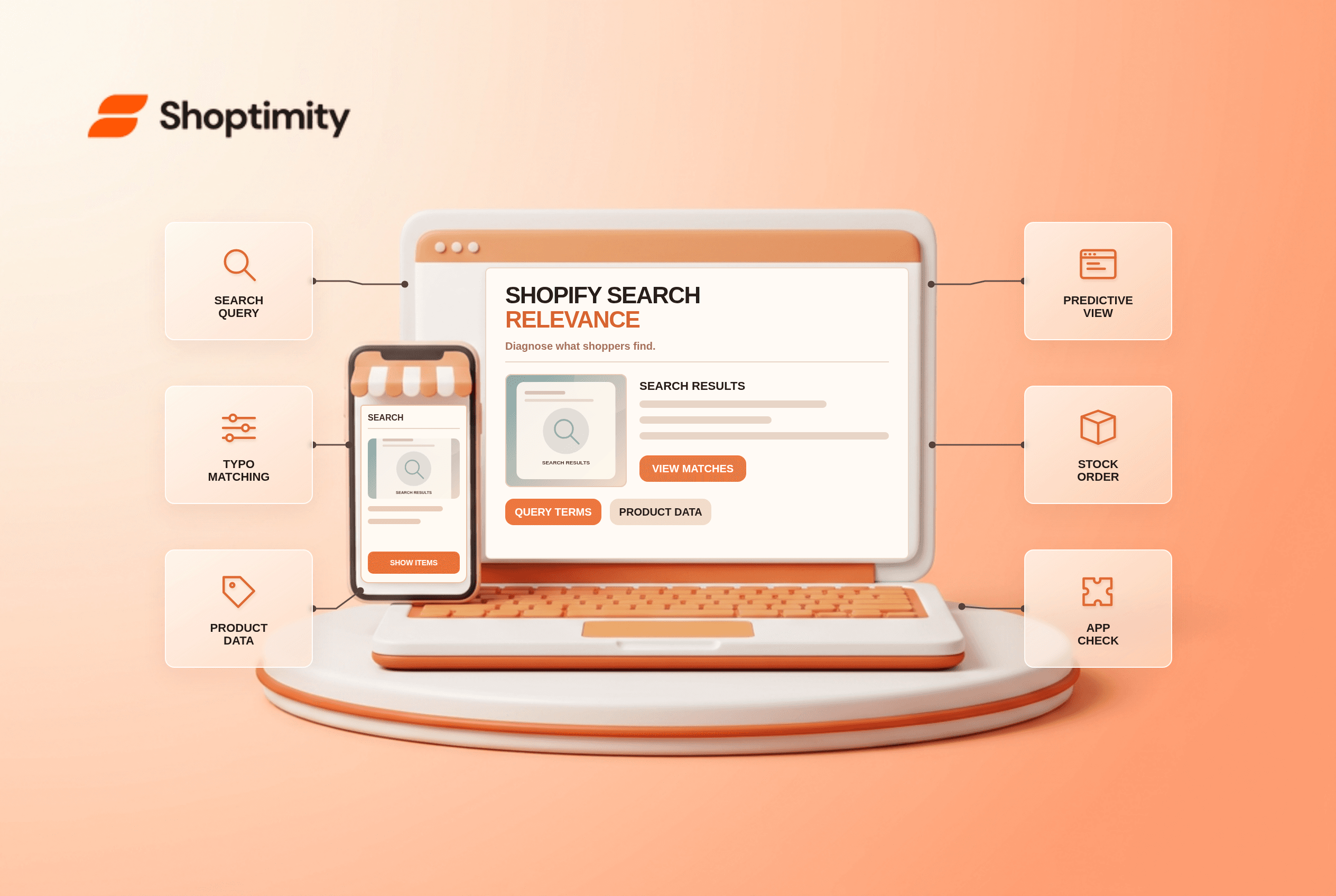
Shopify search results relevance is partly shaped by product data and partly by Shopify's built-in matching. Search can match singular and plural terms, tolerate some typos and show products that are related to a query even when the exact phrase is absent. A merchant should test what a shopper actually sees before treating every unexpected item as a broken theme.
What controls native storefront search?
Shopify provides built-in search without a separate theme setup. Its search-behavior guide distinguishes regular search results after Enter from predictive suggestions while typing. It says there is no setting to choose how broadly search matches, and merchants cannot directly set the complete result ordering. Product data and Shopify Search & Discovery can influence results, but a theme's search-bar styling is not the entire ranking engine.
A third-party search app or a custom Storefront API implementation may behave differently. Before using Shopify's native-search documentation to diagnose a store, identify the actual search provider. Some apps replace the theme's result template or power their own query endpoint.
What should you test when results seem wrong?
Use a repeatable set of queries and record the source data. Pick a known product, a common synonym, a typo and a SKU.
- Search a product's exact title in both predictive search and the full results page. Record whether results and ordering differ.
- Try a common plural or typo. Shopify's native search has stemming and typo tolerance for supported fields, so a non-exact match can be intentional.
- Check the product's title, description, type, vendor, tags and variant titles. Remove inaccurate terms that attract irrelevant queries.
- Check Online Store publication and whether the item is Unlisted. Shopify says unlisted status can keep an item out of native search.
- Compare one in-stock item and one fully sold-out item. Shopify normally places completely out-of-stock products toward the end, with Search & Discovery settings available to alter that behavior.
- If a third-party app powers search, repeat the tests using its admin controls and documentation instead of assuming native behavior.
Shopify's search-behavior reference says typo tolerance applies to supported fields including product title, description, type, tag, variant title and vendor. It does not mean every misspelling or SKU will be corrected. Record the exact query and a product URL before opening a support ticket.
Why is predictive search different from the results page?
They are different search surfaces. Shopify's predictive-search guide describes suggestions shown as the shopper types. The full results page appears after submission. A theme can present those surfaces differently, including the number of visible suggestions, but the underlying catalog and search provider still matter. If a product is missing only in the dropdown, test Enter before changing publication or tags.
A search result can also vary during Shopify ranking tests, according to its documentation. Avoid promising a fixed position for a product based on one screenshot. If the query is for filters rather than search results, our filter troubleshooting article treats that separate problem.
What should the theme do?
A Shoptimity theme should make search easy to find and its result cards usable on mobile. It cannot force every native query to match a merchant's preferred items. Theme versus app responsibilities helps decide whether a search app is needed. We checked Shopify's public search guidance, not your data, theme code or installed search provider. Test the live journey and confirm which engine is active first.
Ready to build a faster, higher-converting store?
Every Shoptimity theme ships with conversion widgets built in — so you get speed and features without stacking apps.
7-day free trial · all themes included · cancel anytime
Continue Reading

Top Shopify Theme for Wholesale: A 2026 Buyer's Guide
You've just spent weeks sourcing inventory and building supplier relationships. But when you launch ...

Ecommerce Return Status Updates: Separate Request and Refund
Ecommerce return status updates should separate request, label, receipt, inspection and refund so sh...

Ecommerce Delivery Delay Updates: Show the New Reality
Ecommerce delivery delay updates should replace stale promises with a dated revised estimate, clear ...