
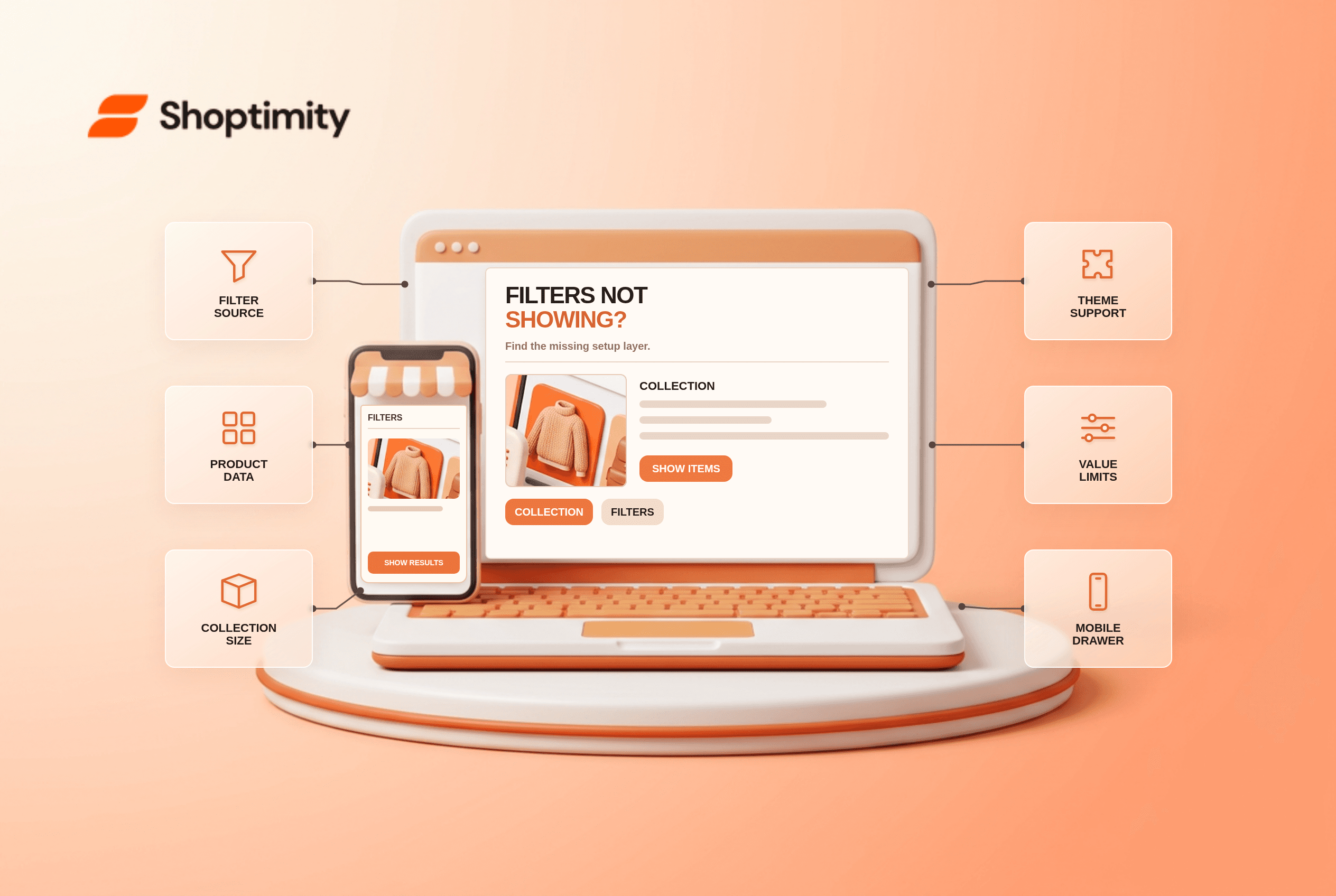
When Shopify filters are not showing, first separate a missing filter control from a missing filter value. The first often points to theme compatibility, template settings or Shopify's collection limits. The second usually points to product data, the selected filter source or value limits. Do not replace your theme or add another filter app until you know which of those problems you actually have.
Why are Shopify filters not showing on a collection page?
A filter configured in Search & Discovery is not automatically visible in every theme. Shopify says the theme must support storefront filters; otherwise you can create them in the app but customers will not see them. Its filter documentation also notes that collections with more than 5,000 products hide filters. A store can therefore have perfectly valid filter definitions and still show no filter interface on one oversized collection.
As of October 2026, Shopify documents both collection and value limits. Run 2 tests: one small collection and the collection where the control is missing. Start with the small collection where a filter should obviously work. Add a few products with different sizes or colors. If that collection displays the filter while your main collection does not, you have narrowed the issue to collection size, template assignment or data rather than a site-wide broken theme.
How do you find the failing layer?
Use these seven checks in order. Each one either explains the symptom or makes the next check more focused:
- Confirm theme compatibility. In Shopify Admin, check the Collection and search filters area under Content → Menus. Shopify says an unsupported theme displays a compatibility message there. Compare a small collection in a known-compatible draft theme if needed.
- Check the collection template. Open that specific collection in the theme editor. Look for a filter or facet control in its section settings; do not assume the homepage or another collection uses the same template.
- Verify the filter exists in Search & Discovery. Check that the intended source was added and saved. Standard filters include availability, category, price, product type, tags and vendor; custom filters can use options or metafields.
- Inspect the products themselves. A “Material” filter cannot show useful choices if the products in that collection have blank or inconsistent material values. Fix the data at its source before styling the filter.
- Check collection size. Shopify hides filters when a collection exceeds 5,000 products. Split a broad collection into meaningful smaller ones before looking for a theme workaround.
- Check value limits and market behavior. Shopify displays at most 100 values for a filter on the storefront. Its guidance also notes currency and translation limitations for some filters.
- Test one selection on mobile. Open the filter drawer, select a value, apply it, clear it and check the result count. A visible icon that never opens is a different problem from absent filter data.
According to Shopify's storefront-filter guide, theme support is required to display filters. Do not promise a merchant that installing Search & Discovery alone will make an incompatible collection template render them.
What if the filter appears but its values are missing?
Look at the source definition and the products in that collection together. If the source is a product option called “Size,” the relevant products need actual Size values. If it is a metafield, check the definition and populated values rather than expecting a theme to invent them. Shopify's Search & Discovery guidance documents option, metafield and category-metafield filter sources separately.
Value limits can also make a working filter look incomplete. A storefront filter shows a maximum of 100 values, even if the underlying catalog contains more. Group equivalent values when sensible; “navy,” “navy blue” and “midnight navy” may be more useful as a single navigable color family, provided your actual product data still communicates the correct shade.
The price filter has a separate consideration: Shopify says it does not display in currencies other than the shop's default currency. Test the same collection in your default market before blaming a theme for a price filter missing in one international view.
When is the theme actually the problem?
Call it a theme problem only after product data and Shopify limits check out. If filter definitions are saved, the collection is below the documented product limit, products have populated values and a compatible alternative theme renders them, inspect the current theme's collection section or ask the theme developer about filter support. Our advice: a third-party app is not automatically the better fix; it adds another interface to maintain.
Shoptimity's theme marketplace advertises smart filters. That makes it worth testing a real catalog, not assuming every preset will expose the same controls in the same location. We checked the public theme descriptions and Shopify's documentation, but we did not test your store or its metafields. If you're comparing built-in tools with an app stack, our theme-versus-app guide explains the boundary; the product-filtering overview covers theme selection more broadly.
Ready to build a faster, higher-converting store?
Every Shoptimity theme ships with conversion widgets built in — so you get speed and features without stacking apps.
7-day free trial · all themes included · cancel anytime
Continue Reading

Top Shopify Theme for Wholesale: A 2026 Buyer's Guide
You've just spent weeks sourcing inventory and building supplier relationships. But when you launch ...

Ecommerce Return Status Updates: Separate Request and Refund
Ecommerce return status updates should separate request, label, receipt, inspection and refund so sh...

Ecommerce Delivery Delay Updates: Show the New Reality
Ecommerce delivery delay updates should replace stale promises with a dated revised estimate, clear ...