
Shopify Shop Store: Organize Collections and Categories
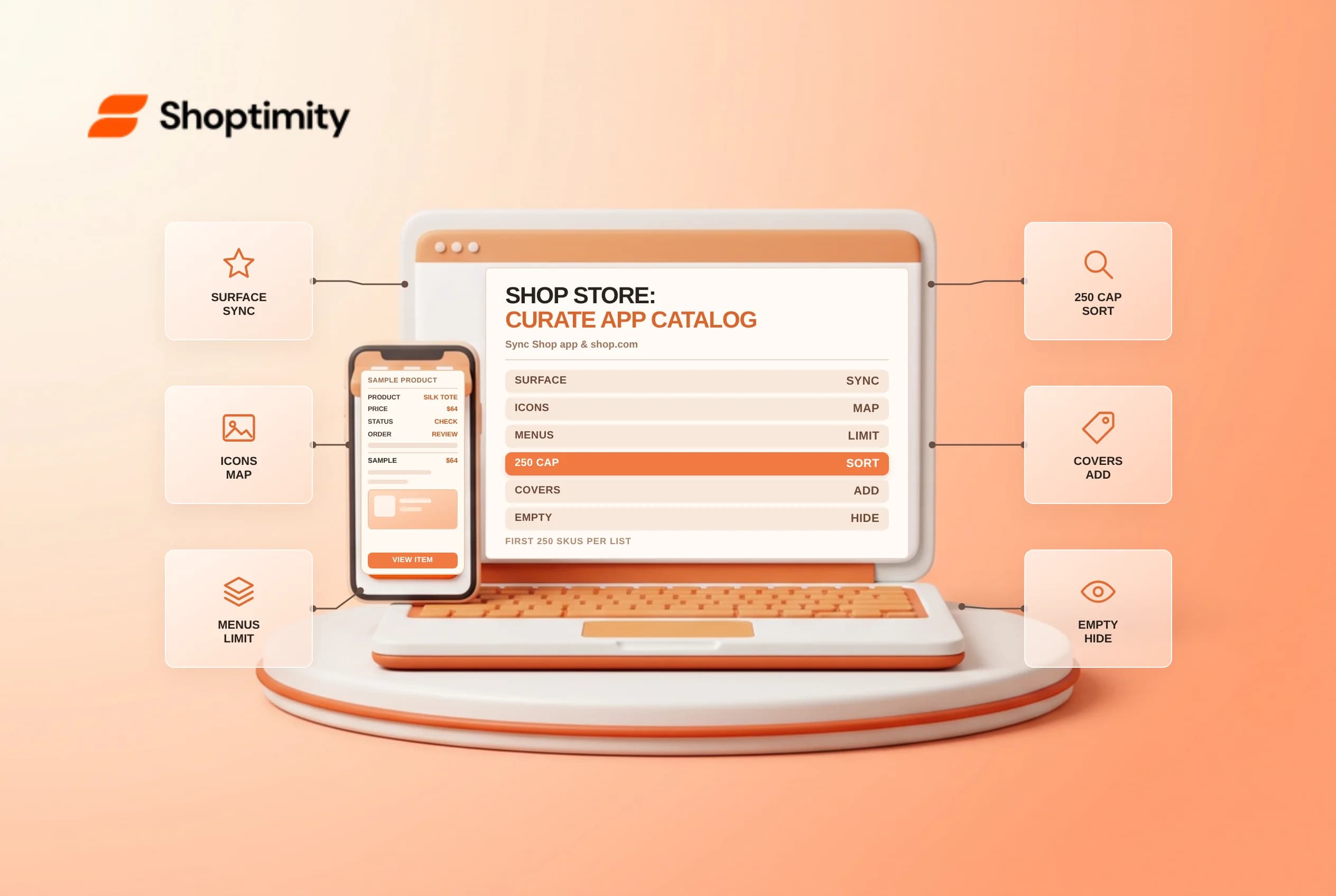
Customizing your Shopify Shop Store under Sales channels > Shop > Store > Customize shapes how millions of mobile buyers browse your catalog across both the Shop app and shop.com web search. Unlike your Online Store theme, where collections hold thousands of products and custom templates vary by URL, Shop enforces strict caps on visible collections, collection lists, automatic product categories, 250-item collection windows and image requirements. Audit those display limits so bestsellers never vanish from your Shop profile.
Keep Shop app and shop.com synced inside display caps
As documented in Shopify's Shop Store customization guide and Shop on the web overview, edits saved in the Shop Store customizer publish simultaneously to the mobile Shop app and shop.com, you cannot display different products, banners or store features on one surface vs the other.
Structure your storefront hierarchy around Shopify's Shop products and collections limits:
| Shop Store element | Hard display limit | Merchandising rule to watch |
|---|---|---|
| Categories (top icon bar) | Up to 12 categories | Mapped from Shopify Standard Product Taxonomy; icon uses a best-selling product's image |
| Navigation menu | Up to 12 collections | Gives repeat buyers fast horizontal jumping across core departments |
| Visible collections | Up to 50 selectable (10 displayed in default Shop Store layout; up to 5 lists × 10 collections) | Each collection can belong to only 1 collection list across your Shop Store |
| Products shown per collection | First 250 products only | Shoppers find items past #250 via Shop search, categories or filters, not collection scroll |
10 displayed in default Shop Store layout; up to 5 lists × 10 collections)#250 via Shop search, categories or filters, not collection scrollNotice that 250-product collection ceiling: if your "All Apparel" collection contains 900 active SKUs sorted alphabetically, Shop Store collection browsing displays only the first 250 items. Sort high-volume collections by Best selling or Newest (or break mega-collections into focused sub-collections of under 250 SKUs) so hero arrivals appear immediately.
Fix missing products, cover images and empty collections
Three catalog hygiene oversights frequently leave gaps on a merchant's Shop profile:
- Every product and collection needs an image: Products without at least one featured image never display in Shop, and collections require both a collection cover image and at least 1 approved product published to the Shop channel before you can feature them cleanly.
- Empty collections do NOT hide themselves automatically: If seasonal sell-outs leave an already-featured collection with
0in-stock or active products, that empty collection stays visible on your Shop Store until you manually hide or remove it inside the Shop Store customizer. - Search & Discovery filters sync 1: Product filters configured in the Shopify Search & Discovery app automatically carry over to your Shop Store, and you cannot maintain separate filter sets between your Online Store and Shop.
Assign Standard Product Taxonomy categories cleanly
Because Shop builds your top Categories bar automatically from your products' assigned taxonomy categories (and pulls a top-selling item's photo as each category's thumbnail), review Category fields on your top 50 SKUs so apparel, footwear or skincare lines group into clean buyer-friendly icons rather than miscellaneous buckets. Preview your live profile on both a phone running the Shop app and a desktop browser on shop.com after major seasonal collection refreshes to confirm banner cropping, collection cover artwork and top navigation links read cleanly.
Related guides: curating products for the Shop app, connecting Standard Product Taxonomy category swatches and managing Shop Pay Installments fees and refunds.
Ready to build a faster, higher-converting store?
Every Shoptimity theme ships with conversion widgets built in — so you get speed and features without stacking apps.
7-day free trial · all themes included · cancel anytime
Continue Reading
Shopify Flow Fulfillment Order Moved: Location Alerts
Build an internal alert for moved fulfillment orders and verify location changes with your third-par...
ShopifyQL Timeseries: Show Missing Months in Sales
Use ShopifyQL TIMESERIES to expose empty reporting periods and compare them with GROUP BY results ca...
Shopify Flow Return Declined: Build a Review Handoff
Set up a cautious Shopify Flow return-declined review and distinguish internal reasons from customer...