
Shop Pay Installments: Merchant Fees, Payouts and Refunds
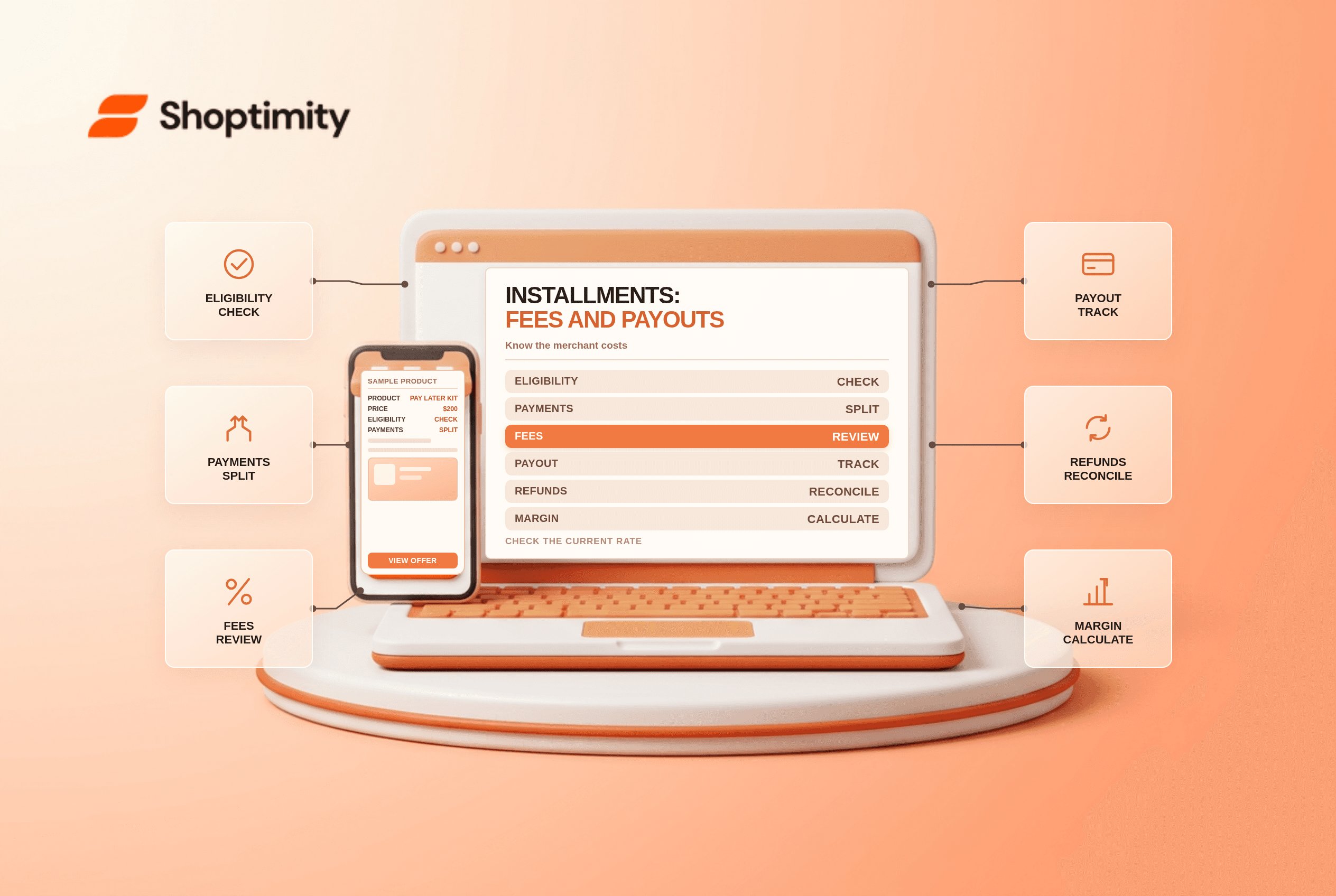
title: Shop Pay Installments: Merchant Fees, Payouts and Refunds slug: shop-pay-installments-merchant-fees-refunds meta_title: Shop Pay Installments: Merchant Fees and Refunds meta_description: Review Shop Pay Installments eligibility, merchant fees, payout timing and refund considerations, with a sample contribution calculation for store teams. primary_keyword: Shop Pay Installments secondary_keywords:
- Shopify merchant guide
- ecommerce operations author: The Shoptimity Team date: 2026-11-03 category: Operations schema: BlogPosting, FAQPage
Shop Pay Installments: Merchant Fees, Payouts and Refunds
Shop Pay Installments lets eligible customers split an eligible purchase into payments, subject to the provider's approval and terms. For merchants, the important questions are eligibility, the processing rate, payout timing and how refunds affect cash flow. Availability and customer financing terms vary by market and can change.
Distinguish the customer's schedule from the merchant payout
Shopify says merchants generally receive the full captured order amount, less the applicable Shop Pay Installments fee, within one to three business days. These payouts are included with Shopify Payments payouts. See getting paid for installment orders. That is a documented general timeframe, not a guarantee for every bank, hold or settlement situation.
| Question | Merchant check | Why it matters |
|---|---|---|
| Is the store eligible? | Current country, currency and Shopify Payments requirements | Availability is not universal |
| What does it cost? | Installments rate in payment settings | Contribution per order may change |
| When are funds paid? | Capture and payout details | Customer payment schedule differs from merchant payout |
| What happens on refund? | Refund record and payout adjustment | Cash leaves while the fee may not be returned |
| What does the buyer see? | Offer, eligibility and provider terms | Do not promise approval or an interest-free plan universally |
Shopify says activation has no separate cost, but a higher transaction fee applies when a customer uses installments and includes the standard Shopify Payments processing fee. View your own rate in Settings > Payments, as described in Shopify's guide. Do not add a second standard processing fee to that quoted combined rate unless your actual statement shows another applicable charge.
Estimate the contribution impact
Suppose a $200 order has $80 product cost, $15 fulfilment and an illustrative $12 combined installment processing fee. Contribution is $93 before advertising, returns, tax and overhead. If a normal payment method costs $6 on the same order, the difference is $6, before any change in customer behavior. These are sample figures, not published Shop Pay rates.
Compare actual order-level contribution and refund rates over a meaningful period. Higher average order value does not by itself prove better profit or an incremental sale. Check whether a promotion, product mix or season explains the difference before attributing it to installments.
Prepare for returns and customer questions
Shopify says installment refunds are processed through Shopify Payments and deducted from the next available payout, with special handling for some older orders. Check current fee-refund rules for the store's region and payment terms; do not assume a processing fee is returned. Explain the store's return policy clearly and direct financing-account questions to the provider.
Eligibility for point-of-sale installments is separate from online eligibility. For example, Shopify's POS guidance describes a US-only POS offering for qualifying merchants, while online availability can differ. Check the current rules in the relevant market.
Launch and review
- Confirm store and buyer eligibility and current financing disclosures.
- Read the applicable fee and payout terms in your admin.
- Review placement and wording on eligible products without promising approval.
- Follow Shopify's permitted test process and reconcile a payout and refund.
- Monitor contribution, refund rates, customer questions and payout adjustments.
See Shopify Payments fee comparisons and contribution margin per order for related calculations.
Ready to build a faster, higher-converting store?
Every Shoptimity theme ships with conversion widgets built in — so you get speed and features without stacking apps.
7-day free trial · all themes included · cancel anytime
Continue Reading

Shopify B2B Company Locations: Give Buyers the Right Access
Configure Shopify B2B company locations, verify buyer permissions and test pricing, addresses and pa...

Shopify Checkout Contact Settings: Separate Email From Shipping Phone
Configure Shopify checkout contact settings and test email, phone and shipping address requirements ...

Shopify POS Recent Carts: Share a Sale Without Reserving Stock
Learn how Shopify POS recent carts work across devices, what they do not reserve, and how to hand of...