
Why 30+ Native Apps Beat Building a Shopify Store Without Them in 2026
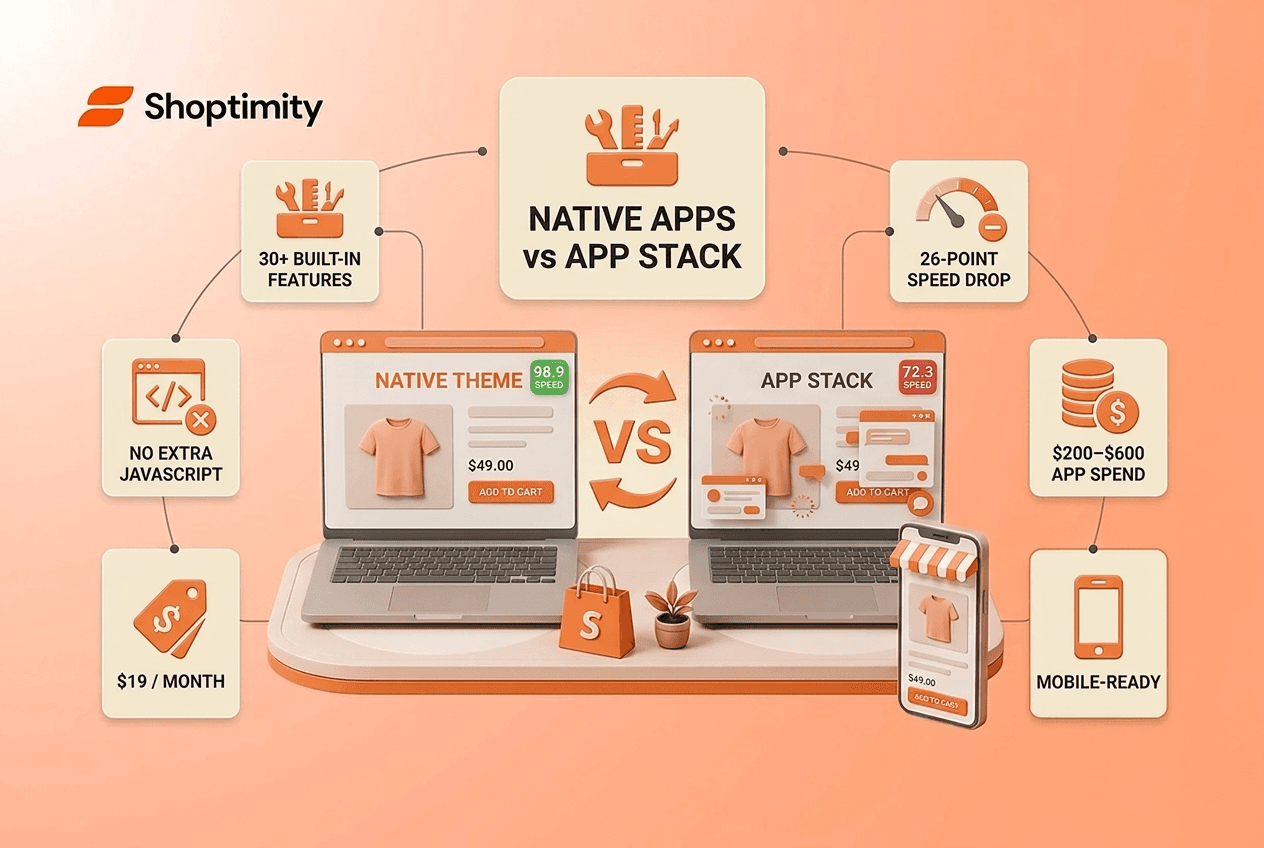
Most Shopify store owners are hemorrhaging money on the wrong things. You're paying $10 to $49 per month for each app, a countdown timer here, a review widget there, a sticky cart, a trust badge, and by month three, you've stacked six to twenty separate tools. That's $200 to $600 monthly just to add features that should be built into your theme from the start. Meanwhile, each app injects its own JavaScript into your storefront, tanking your page speed and destroying the conversions you paid to drive.
The alternative isn't rebuilding from scratch. It's understanding why 30+ native apps baked into a single high-performing Shopify theme outclass the traditional app-stacking approach in every way that matters to your bottom line: speed, cost, and conversion.
TL;DR: Themes with 30+ native built-in apps eliminate the speed penalty and monthly costs of third-party app stacks. A native-powered theme achieves 98.9 Speed Scores while a bare fast theme plus five conversion apps drops to 72.3, a 26-point collapse. Native apps also cost a fraction of app subscriptions and work smoothly on mobile, where 75% of your e-commerce traffic arrives.
What Are 30+ Native Apps in a Shopify Theme?
Native apps in the context of modern Shopify themes refers to features and functionality coded directly into the theme code itself, not bolted on as separate third-party applications. Think of them as built-in conversion tools: quantity breaks, sticky add-to-cart bars, product quick-view modals, trust badges, review displays, countdown timers, free shipping bars, smart product filters, wishlist widgets, recently viewed sections, bundle builders, and upsell recommendations.
Instead of installing Judge.me, Honey Badger, Bold, and Gorgias as standalone apps (four separate subscriptions, four separate script loads), a theme with these native features includes all of it out of the box. The theme's architecture handles the rendering, data, and interaction without calling an external script.
The key difference: a native app runs on the theme's existing JavaScript bundle; a third-party app adds its own bundle to your page. That distinction determines whether your store stays fast or grinds to a crawl.
The Speed Penalty: Why App Stacks Kill Your Store
This is where the numbers get uncomfortable. When researchers benchmarked modern Shopify themes, they tested two scenarios. First, a bare fast theme with no apps: 98.9 Lighthouse score. Then, they added five typical conversion apps, a countdown timer, reviews widget, upsell tool, sticky cart, and trust badges, to that same theme.
The result? The score plummeted to 72.3. That's a 26-point collapse from a single decision: stacking apps instead of choosing a theme with native equivalents.
Why does this happen? Each third-party app adds its own JavaScript. That code has to be downloaded, parsed, and executed by the browser before your storefront can respond to user input. Interaction to Next Paint (INP), how fast your buttons actually respond when clicked, suffers most. A visitor lands on your product page, tries to add something to the cart, and waits half a second for the button to respond. They bounce. No sale.
Mobile users feel this pain first. Mobile users spend roughly 94% of their smartphone time inside native apps, and when they arrive at your Shopify store from an ad or social link, they expect that same snappy, instant feel. App bloat turns a 2-second page into a 5-second slog.
The irony is sharp: you install apps to drive conversions (countdown timers create urgency, reviews build trust), but each app you add actually reduces the likelihood someone completes a purchase because your store becomes slower, less responsive, and more prone to silent errors in the checkout flow.
The Cost of Doing It the Old Way
Let's do the math. An average Shopify store runs six to twenty apps. Here's what you're actually paying monthly:
- Quantity breaks or volume discounts app: $19 to $49
- Sticky add-to-cart bar: $9 to $19
- Product quick view: $10 to $29
- Smart filters: $15 to $39
- Upsell and cross-sell widget: $19 to $79
- Trust badge section: $5 to $15
Six core tools run $77 to $230 per month. Add a review app, a chat tool, a subscription manager, and a shipping optimizer, and you're brushing $400 to $600 monthly.
Over a year, you're spending $2,400 to $7,200 on functionality that a well-architected theme includes natively for $19 per month or $160 per year.
That's not a feature comparison, that's a margin leak. For brands operating on thin AOV growth, every dollar counts. Switching to a theme with built-in apps means redirecting that monthly app spend back into paid ads, inventory, or team payroll.
Which Native Features Actually Move the Needle
Not every app you've installed matters. But a few are non-negotiable if you're serious about conversion growth. A high-performing Shopify theme should include these natively:
Sticky add-to-cart bar. When a customer scrolls past the product image on mobile, a persistent "Add to Cart" button follows them down the page. This single feature lifts conversion rates because it removes friction; they don't have to scroll back up to purchase.
Product quick view. A modal that opens product details without leaving the collection page. Reduces decision time and keeps browsers engaged on category pages where they're most likely to impulse-buy.
Smart product filters. Multi-criteria filtering by size, color, price, and tag with breadcrumbs and predictive search. High-SKU stores depend on this to prevent bounce.
Upsell and cross-sell widgets. "Frequently bought together," "People also bought," and "Complete the look" sections. These lift average order value when placed strategically.
Trust badges and review displays. Social proof widgets showing star ratings, customer testimonials, security badges, and money-back guarantees. These address purchase anxiety, especially for first-time buyers.
Countdown timers and urgency bars. "Sale ends in 2:43" and "Free shipping on orders over $100" banners. Timers work because scarcity is real; free-shipping bars work because they show the customer what's already possible.
A theme with these features built in natively handles all of it without tanking your site speed.
How to Choose a Theme Built for Speed and Sales
When you're evaluating a Shopify theme, stop looking at design first. Look at three things:
First, the speed score under load. Ask the theme vendor for a Lighthouse benchmark that includes their native conversion tools already activated, not a bare score. You want to see how fast the theme stays when it's actually doing its job. A theme that promises 98+ speed but requires apps to convert is a false bargain.
Second, the feature checklist. Write down the apps you currently use or plan to use. Then cross-reference them against the theme's native feature list. Can you kill off five apps on day one? Ten? Every app you don't have to install is speed and money back in your pocket.
Third, the mobile experience. Eight out of every ten e-commerce purchases complete on mobile. A truly mobile-first Shopify theme means thumb-friendly CTAs, single-column layouts, sticky add-to-cart bars, and image galleries optimized for swipe. If the theme's mobile experience doesn't feel as polished as the desktop view, move on.
Many theme vendors now bundle native conversion tools into a single subscription. These themes are built on Shopify's Online Store 2.0 architecture, meaning every feature is customizable via the visual theme editor, no coding required. You can install one, go live in minutes, and adjust conversion widgets as you split-test and scale.
Launch a Native-Powered Store in Minutes
You now understand why app bloat kills both speed and margins. Shoptimity's 30+ built-in native apps ship with every theme—no app fees, no performance penalty. Start your free 7-day trial and see the difference a properly architected storef
7-day free trial · all themes included · cancel anytime
Continue Reading
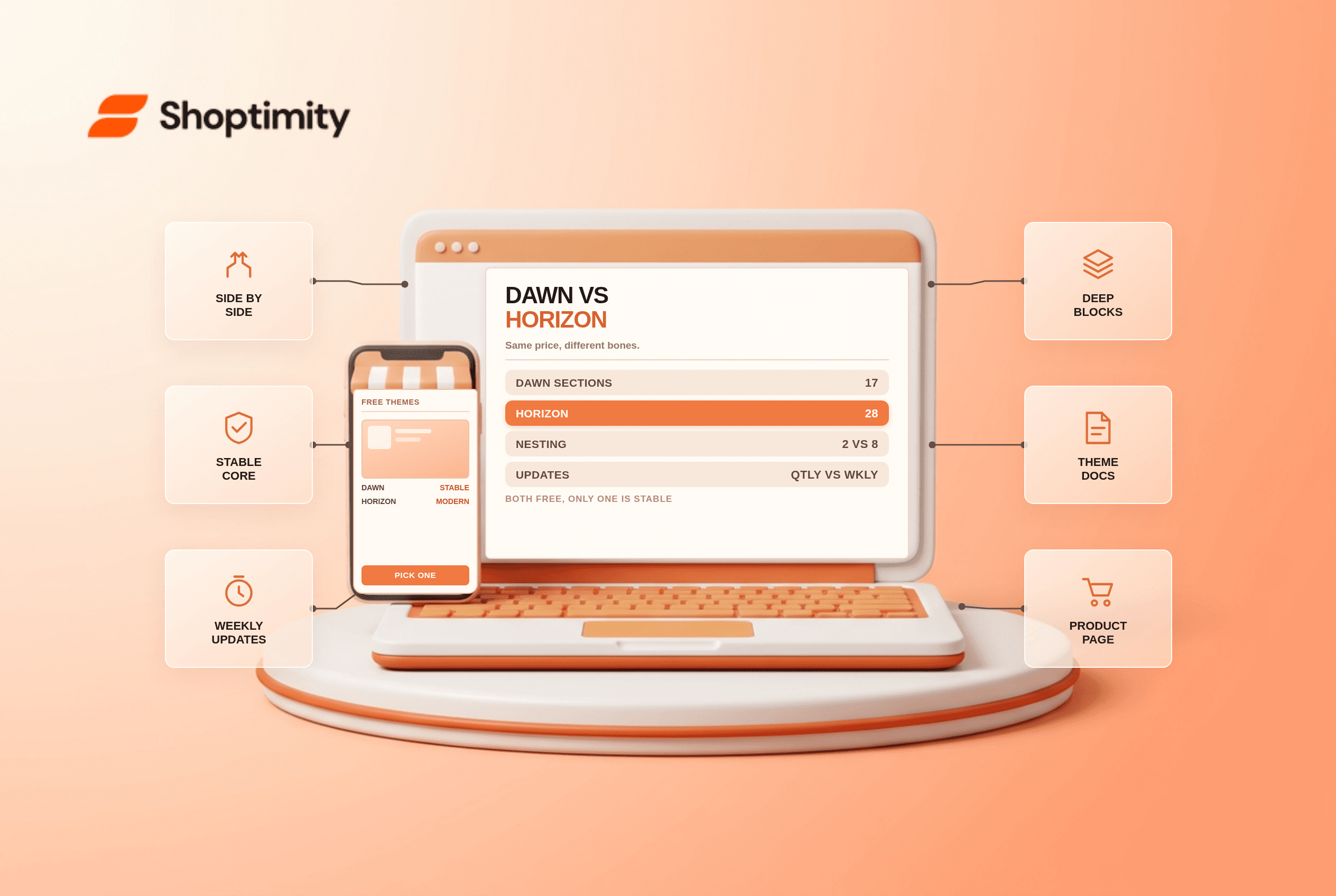
Shopify Dawn vs Horizon: Which Free Theme to Start With in 2026
Both free, very different builds. Horizon gives 28 sections and deep nesting, Dawn gives stability. ...
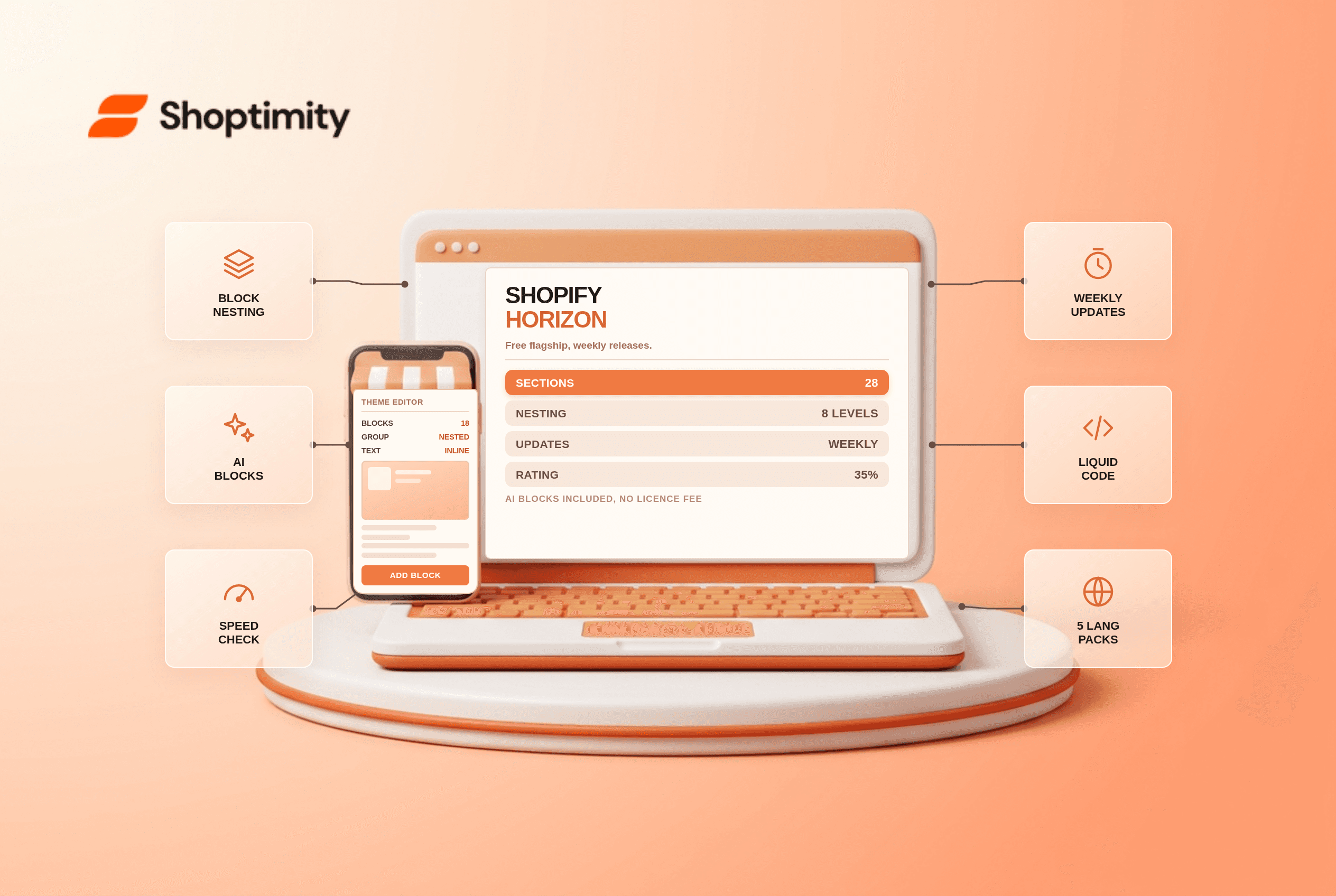
Shopify Horizon Theme Review 2026: The Best Free Theme, With a Catch
Horizon is free, block-based and AI-assisted, with a 35% merchant rating. What it does better than D...
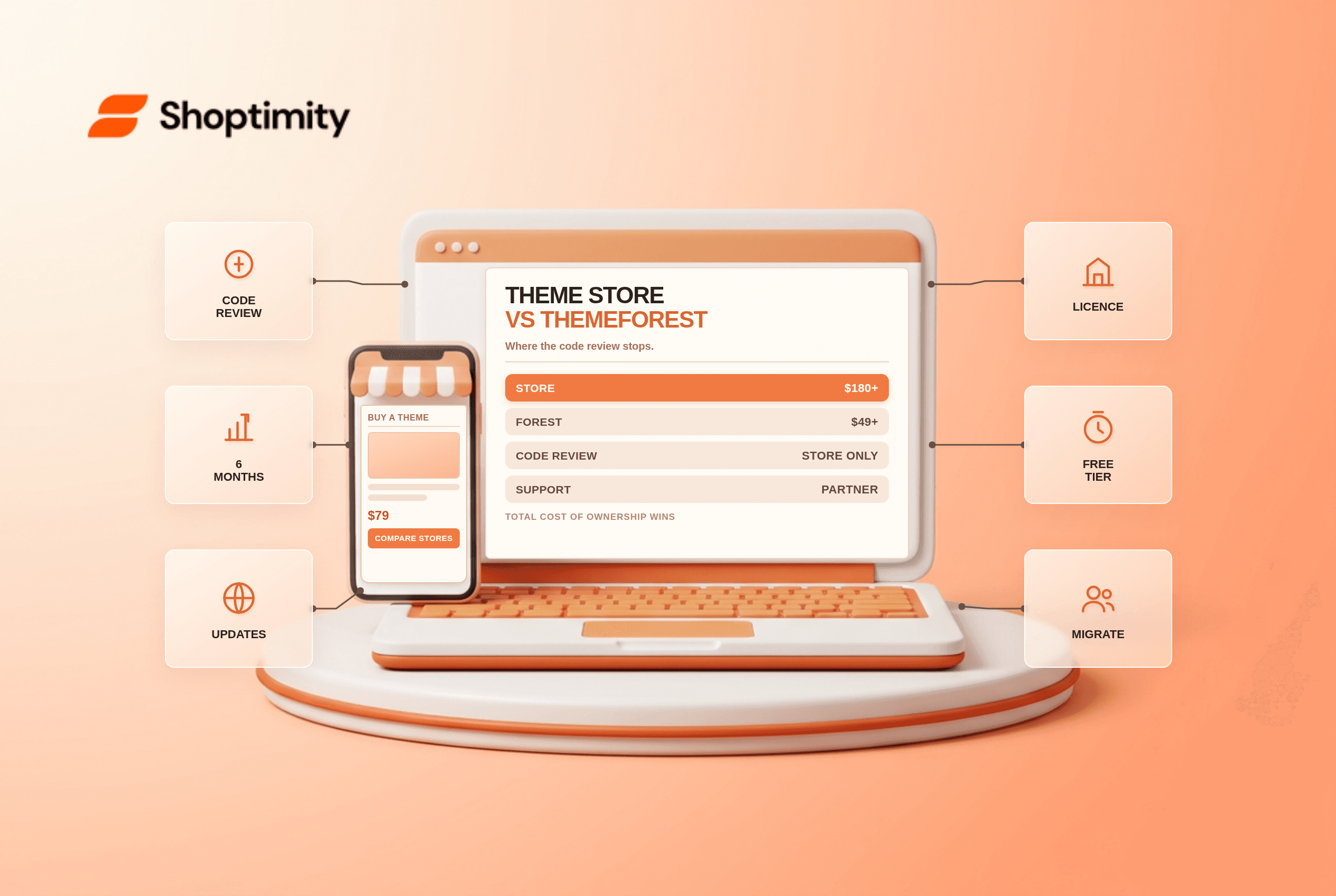
Shopify Theme Store vs ThemeForest: Where to Buy in 2026
Code review, support terms and update paths compared, plus the total cost of ownership that neither ...