
Shopify Horizon Theme Review 2026: The Best Free Theme, With a Catch
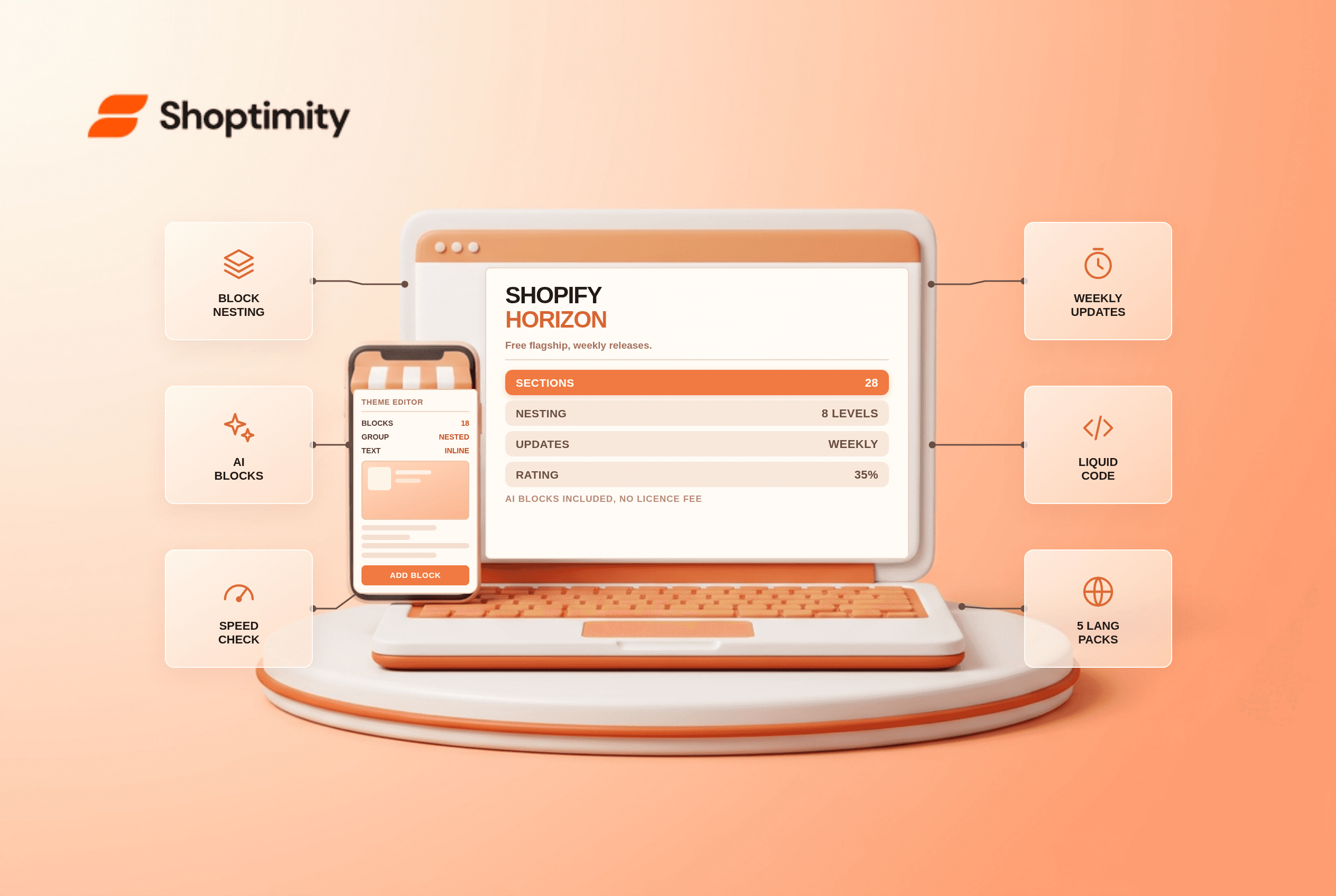
The Shopify Horizon theme is free, flagship, and the most capable theme Shopify has shipped. Nested blocks go 8 levels deep, sections number around 28, and the editor generates blocks from a written prompt. It is also the least stable free theme in the store, with a merchant rating near 35% positive.
What Horizon actually changes
Two things. The first is the block model. Where Dawn gives you sections with fixed block types, Horizon lets you nest blocks inside blocks, then style each level separately. A group block can hold another group, which holds text and image blocks, each with its own spacing and alignment.
The second is the editor. You can hover to preview a block, edit text directly on the canvas, copy blocks between templates, and right-click to duplicate or hide. None of that existed in the previous generation.
According to Shopify's theme documentation, Horizon also ships global blocks that repeat across templates, and the theme updates on a weekly cadence rather than quarterly.
The AI block generator, tested in practice
You type what you want, and Shopify Magic writes the HTML, CSS and Liquid. On simple blocks it works well: a countdown, a two-column feature row, a banner with a button. On anything with conditional logic it produces code you have to sit and fix.
In our experience, the feature earns its place as a starting scaffold. Ask for a section, then rewrite the CSS yourself. Expecting a finished component is where merchants get disappointed, and the disappointed reviews are easy to find.
Horizon versus Dawn, on the numbers that matter
| Dawn | Horizon | |
|---|---|---|
| Free | Yes | Yes |
| Section types | About 17 | About 28 |
| Nested block depth | 2 levels | 8 levels |
| AI block generation | No | Yes |
| Global reusable blocks | No | Yes |
| Default language packs | English | EN, FR, IT, DE, ES |
| Update cadence | Quarterly | Weekly |
| Merchant rating | Mid 30s percent | Low 30s percent |
The gap in section count and nesting is real and useful. A store that wants a custom product page layout without paying a developer gets further on Horizon before it hits a wall.
Where Horizon gets uncomfortable
Four things. Weekly updates mean frequent changes, and merchants report layouts shifting after an update, which is a real cost on a live storefront. The rating reflects that, not design quality.
The documentation is thinner than Dawn's, and Dawn has years of forum answers behind it. That limitation is cheap to ignore until the week it costs you a launch. When something breaks on Horizon, you are closer to the front of the queue of people figuring it out.
Theme app compatibility is uneven. Apps built years ago against Dawn's structure do not always render their blocks in nested contexts.
And the defaults assume competence. A first-time founder opening the Horizon editor sees more controls than Dawn, and more ways to make a page worse. This is a theme for someone who enjoys the editor, or has help. A founder with an hour a week cannot absorb a weekly update cadence and a shifting layout in the same month.
Who should move, and who should stay
Move to Horizon if you are launching and want the newest architecture for free, if you plan to build custom layouts with blocks rather than code, or if you want EU language packs without an app.
Stay on Dawn if your store is live and converting, if your apps are old, or if you cannot spend a morning re-testing after each theme update. The switching cost lands on re-testing, not on the licence, because the licence is $0.
Our advice: use Horizon for a new storefront on a tight budget, and keep Dawn for anything stable that pays the bills. If you are comparing paid options too, read what paid themes are worth and the theme buyer's guide before you spend.
Trying Horizon without breaking the live store
Duplicate your theme, install Horizon on the copy, and rebuild one template at a time. Start with the product page, because that is where the block nesting does the most work and where a broken layout costs the most money.
Test on a real phone before you publish. Horizon's mobile layouts are better than Dawn's defaults, and they are also where the reported regressions concentrate. The theme migration checklist covers the rest.
Ready to build a faster, higher-converting store?
Every Shoptimity theme ships with conversion widgets built in — so you get speed and features without stacking apps.
7-day free trial · all themes included · cancel anytime
Continue Reading
Shopify Dawn vs Horizon: Which Free Theme to Start With in 2026
Both free, very different builds. Horizon gives 28 sections and deep nesting, Dawn gives stability. ...
Shopify Theme Store vs ThemeForest: Where to Buy in 2026
Code review, support terms and update paths compared, plus the total cost of ownership that neither ...
Shoptimized Alternatives 2026: Four Themes That Cost Less to Own
Shoptimized still costs $199 a year while its app bundle went native. Four alternatives compared on ...