
Best Shopify Themes for Startups
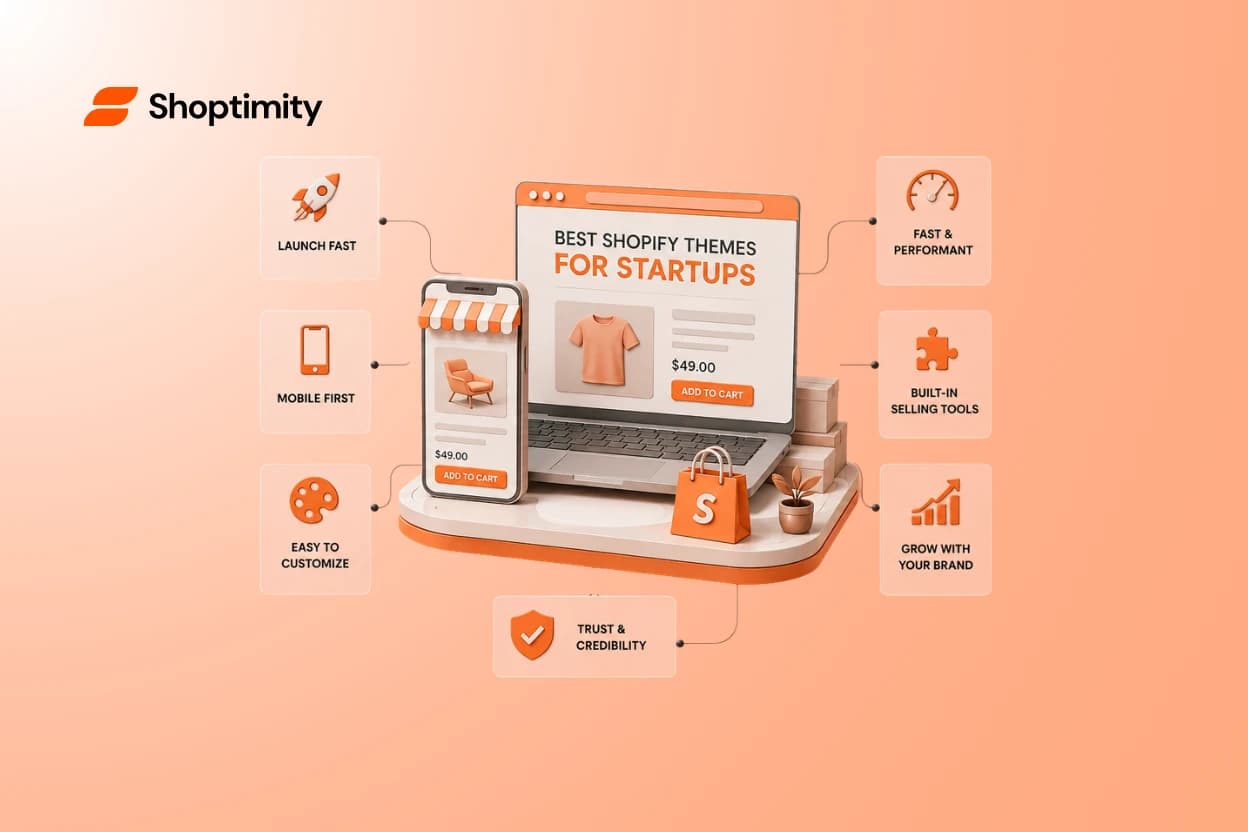
That theme with 40 sections and a cinematic demo? It'll probably slow you down, not speed you up. Early-stage brands don't need the most features — they need a clean, professional store they can launch fast and grow into. The best Shopify themes for startups are the ones that get out of your way: clear product pages, simple navigation, great mobile, and just enough customization. This guide shows you how to pick one without overspending or overbuilding.
Short answer: the best Shopify theme for a startup is fast, mobile-first, easy to customize without code, and matched to your products — not the one with the longest feature list. Start from what your store actually needs today, with room to add later.
More features isn't the flex you think it is
Startups love a loaded demo — all those sliders, mega-menus, and animated sections feel like value. But every feature you don't need is one more thing to configure, slow your site, and confuse a first-time visitor.
Complexity has a cost, and early on you pay it in time you don't have. A simpler theme you fully understand beats a powerful one you half-configure.
For a startup, the best theme isn't the one that can do everything. It's the one you can launch this week and still love in six months.
What an early-stage store actually needs
Strip it back to the essentials. These are the things that decide whether a new visitor trusts you and buys — everything else is optional for now.
The startup theme essentials:
- A professional look — clean and credible, so you don't look brand-new even though you are.
- Clear product pages — photos, price, and buy button front and center.
- Simple navigation — a shopper finds anything in a click or two.
- Strong mobile — fast and easy on a phone, where most traffic lands.
- No-code customization — change colors, sections, and copy without a developer.
- Room to grow — supports more products and features as you scale.
The startup theme trap: buying for a store you don't have yet
Here's the pattern we see with new founders. They pick a theme for a jaw-dropping demo built around a huge, established brand — then spend days trying to make ten products fill a layout designed for a thousand.
The demo's magic came from pro photography and full catalogs, not the theme itself. On a fresh store with a handful of SKUs, all those extra sections just look empty.
The better approach: start from your actual store — your products, audience, content, and customer journey — then pick the simplest theme that supports them well. Buy for where you are, with headroom for where you're going.
How to choose your startup theme in 5 steps
Skip the demo daydream and run this quick process instead. It keeps the choice tied to your real store.
- List what you sell and to whom — a few products or a growing catalog changes the fit.
- Load a real product — preview the theme with your photo, price, and copy, not the demo's.
- Check mobile and speed — open the demo on your phone; slow or clunky is a dealbreaker.
- Test customization — can you get your look without touching code?
- Ask what's missing — will you need paid apps for reviews, upsells, or filters?
That last step matters more than founders expect — a "simple" theme can turn expensive once you bolt on app after app, and each one can drag your speed down. why site speed affects conversions
The budget math startups actually face
Money is tight early, so the real question isn't "free or paid theme?" It's "what will my whole setup cost once the store works?"
- A free theme can grow costly once you add paid apps for essential selling tools.
- A one-time paid theme still often needs those same apps on top.
- A subscription that bundles themes plus tools can be cheaper and simpler to run.
For a lean startup, the app stack is the sneaky expense. With Shoptimity, $19/month gives you conversion-ready themes like Celeste with 30+ selling tools already inside — sticky cart, upsells, reviews, smart filters, a free-shipping bar — so a new store looks credible and sells well without a pile of add-ons. see pricing
Which theme approach fits your stage
Pre-launch / testing
Keep it simple and cheap. Prove demand before you invest in design.
Early traction
You want built-in selling tools without stacking apps that slow you down.
Scaling brand
Pick a theme with room to grow — more products, more features, no rebuild.
Signs you've picked the right startup theme
- You launched without needing a developer.
- Your small catalog still looks intentional, not empty.
- It's fast on mobile out of the box.
- You can grow into it without switching later. our store-setup guide
Choose a startup theme built to launch and grow
The best Shopify theme for a startup keeps things simple: professional, clear, fast on mobile, and easy to grow. Choose from your real products and stage, not a demo built for a brand ten times your size.
Ready to build a faster, higher-converting store?
Every Shoptimity theme ships with conversion widgets built in — so you get speed and features without stacking apps.
7-day free trial · all themes included · cancel anytime
Continue Reading
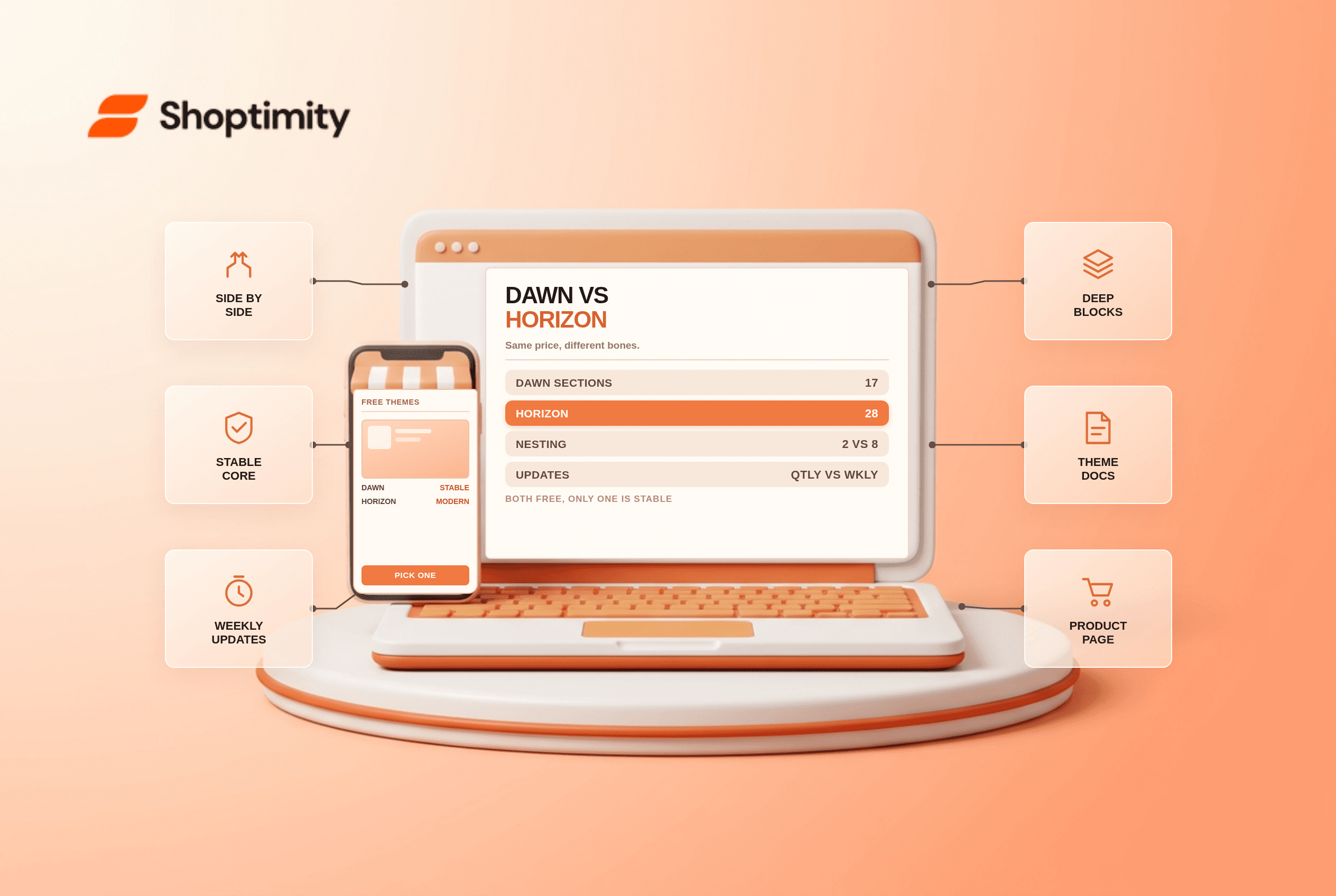
Shopify Dawn vs Horizon: Which Free Theme to Start With in 2026
Both free, very different builds. Horizon gives 28 sections and deep nesting, Dawn gives stability. ...
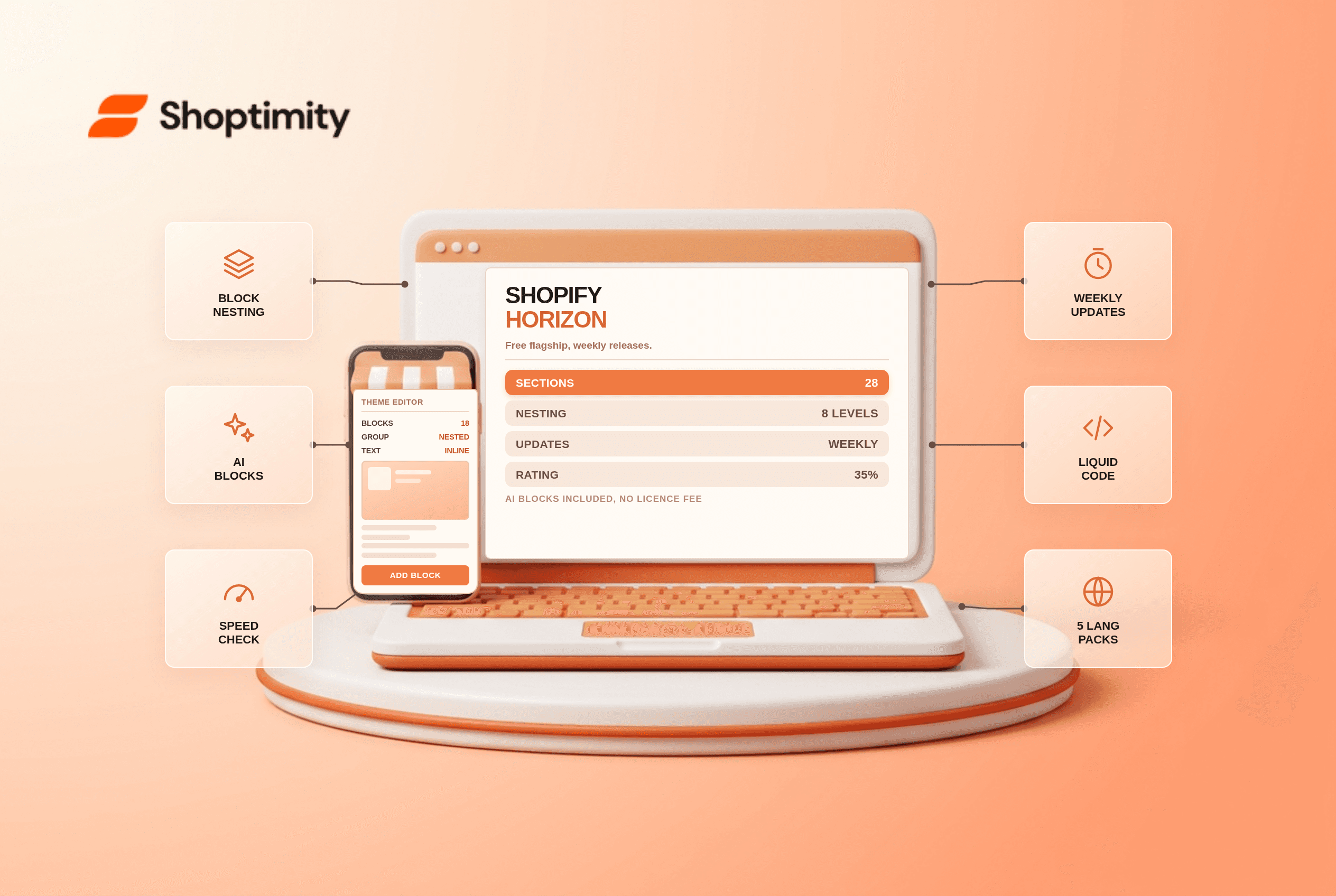
Shopify Horizon Theme Review 2026: The Best Free Theme, With a Catch
Horizon is free, block-based and AI-assisted, with a 35% merchant rating. What it does better than D...
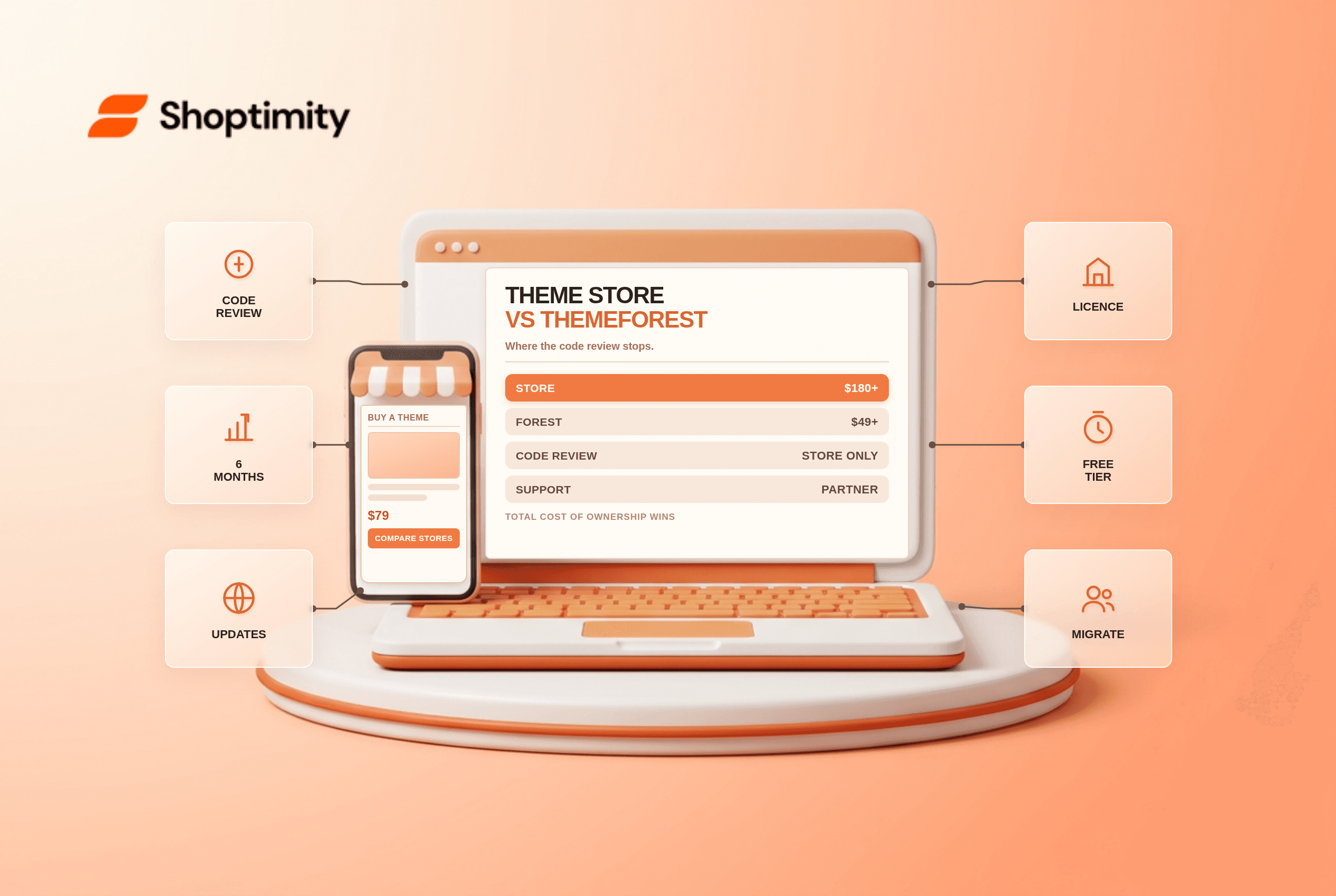
Shopify Theme Store vs ThemeForest: Where to Buy in 2026
Code review, support terms and update paths compared, plus the total cost of ownership that neither ...