
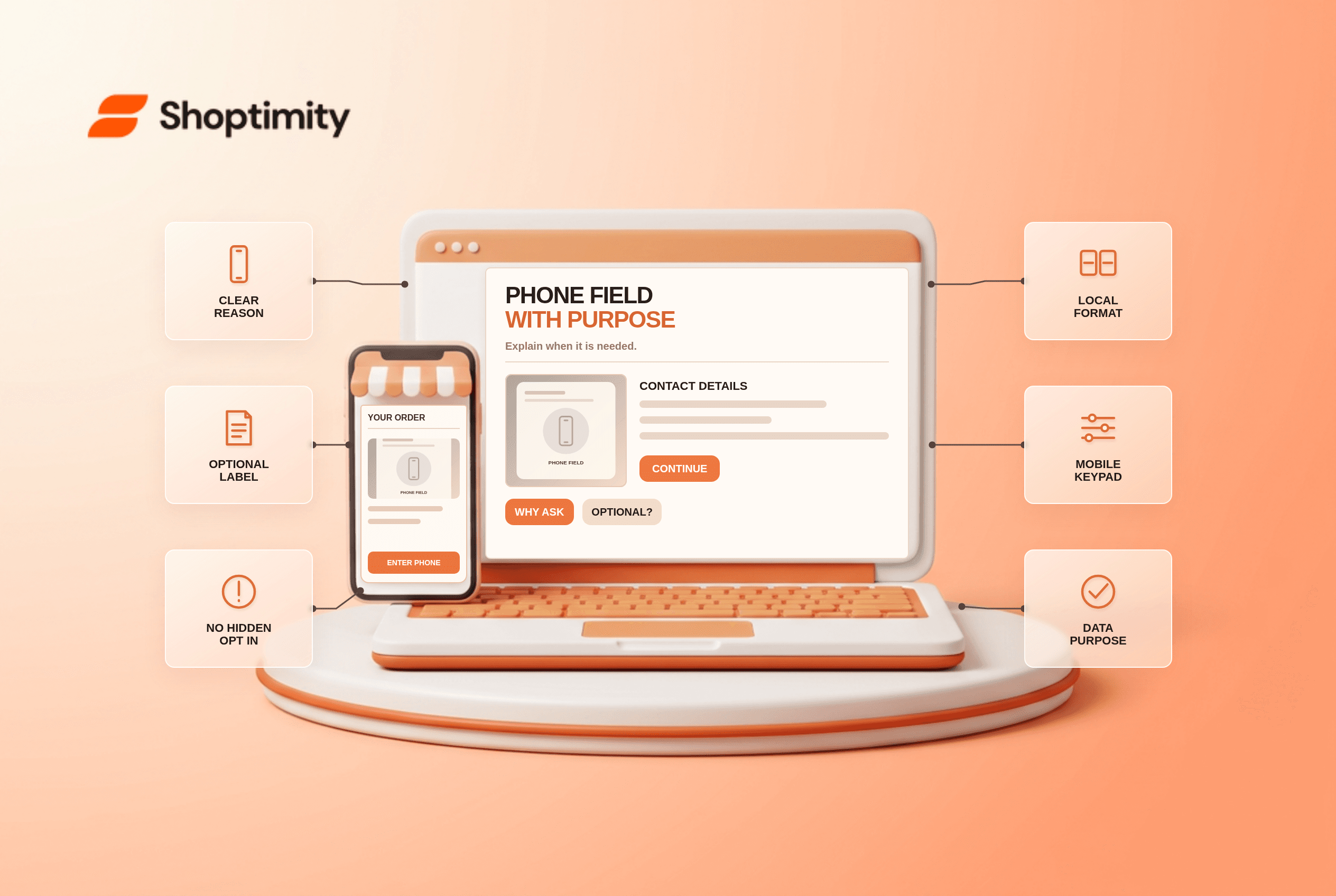
A checkout phone number field should say whether it is required and why, avoid marketing by default and accept valid local formats at every checkout. Start by testing one real customer journey and one exception before changing a template. The store needs accurate underlying data; a theme can present it, but cannot make an incorrect warehouse, catalog or payment record true.
What does the research say about checkout phone number field?
Use the finding as a diagnostic, not a conversion forecast. According to Baymard’s 2025 phone-field study, 39% of sites in its benchmark required a phone number without an explanation. Its survey of 1,026 online shoppers found 14% would never provide a phone number to an online store.
Baymard’s required-field research found only 14% of its benchmark sites explicitly marked both required and optional fields. An unmarked phone box can feel compulsory even when it is not.
When is a phone number genuinely needed?
Lead with the fact that changes the decision. Make the field optional unless a carrier, pickup workflow or legal requirement actually needs it. If required, say what it is used for, such as a delivery exception, and avoid bundling marketing consent with fulfillment contact. Mark optional and required fields explicitly. Keep the explanation beside the field, not in a buried privacy-policy link.
A customer purchasing a digital download reaches a required phone field with no explanation. Unless the payment or fraud process truly demands it, the requirement looks unrelated to delivery. A physical parcel with a carrier contact rule is different: the checkout can explain that the number is used only if the driver has a delivery problem.
What copy belongs beside the field?
Keep the message consistent after selection. A card, form or account screen is only one view of a wider system. Update the customer-facing display when the selection changes; preserve the relevant detail in cart, checkout and confirmation where applicable. If a feature depends on backend rules, give the owner of those rules a concrete test case before promising behavior in editorial copy.
How can a team test this before launch?
Test the edge case that makes the promise fail. Use a representative product, location or account alongside the happy path:
- Document the operational reason for requiring phone for each order type.
- Label the field required or optional before the shopper submits.
- Keep delivery contact separate from marketing opt-in.
- Test local and international numbers with country code changes.
- Use a mobile phone keypad without forcing an invalid format.
- Ensure the support and carrier systems receive only permitted contact data.
What exception needs special handling?
Do not turn uncertain data into a confident claim. A phone number can be shared with logistics providers or used for account verification. Make those uses clear and review retention and consent requirements with a privacy owner. Avoid claiming “never used for marketing” if another system automatically enrolls the shopper in campaigns.
What should Shoptimity merchants check?
Verify operations before polishing the storefront. Our recommendation is to confirm the customer-visible promise against the source record before launch. Shoptimity themes can display information; the merchant’s platform and connected systems own most transaction rules. See the shipping method guide and order confirmation guide for adjacent checks. We checked the cited public studies, not this merchant’s analytics or live setup. The study figures are neither Shoptimity results nor a promised sales improvement.
What signals matter after launch?
Compare what customers saw with what actually happened. Look at phone-field errors, false entries and support tickets about calls or texts. A low error count does not prove the disclosure was understood. Save dated examples so the team can diagnose a data error separately from confusing copy.
Ready to build a faster, higher-converting store?
Every Shoptimity theme ships with conversion widgets built in — so you get speed and features without stacking apps.
7-day free trial · all themes included · cancel anytime
Continue Reading

Shopify B2B Company Locations: Give Buyers the Right Access
Configure Shopify B2B company locations, verify buyer permissions and test pricing, addresses and pa...

Shopify Checkout Contact Settings: Separate Email From Shipping Phone
Configure Shopify checkout contact settings and test email, phone and shipping address requirements ...

Shopify POS Recent Carts: Share a Sale Without Reserving Stock
Learn how Shopify POS recent carts work across devices, what they do not reserve, and how to hand of...