
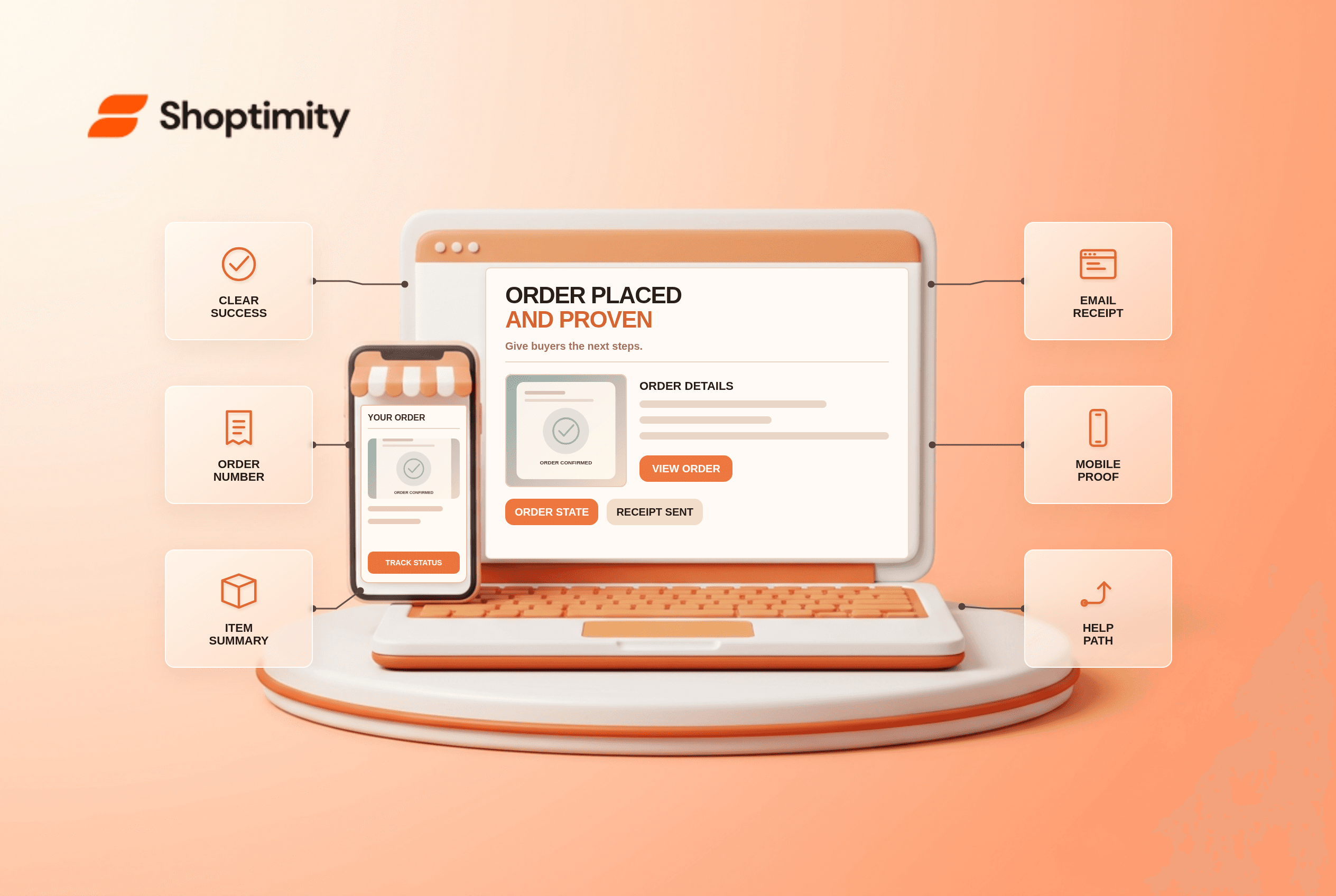
An ecommerce order confirmation page should say plainly whether the order was placed, display an order reference and summarize what the buyer purchased and paid. Show where the receipt was sent, a credible delivery estimate and a route to order support or status. Do not let a newsletter offer or product carousel obscure confirmation. If payment is pending, say so rather than presenting a false success state.
What should an ecommerce order confirmation page show first?
Lead with order state, not a promotion. Place “Order placed” or an accurate pending state above the reference number, item summary, paid total, delivery destination and next step. A guest buyer needs enough information to follow up without creating an account. Mask sensitive payment details and avoid showing private addresses on a page that remains accessible from a shared URL.
According to Baymard's 2023 confirmation-page research, 6 kinds of supplementary content can appear after the core confirmation, but none replaces the order summary, expected arrival date and emailed-receipt note. Its study describes observed user needs, not a prediction that adding recommendations will increase a particular store's sales.
How can a buyer verify the receipt?
State the destination and what will happen next. Baymard's 2026 checkout-audit guidance recommends showing the email address where confirmation was sent and including complete order details in the message. Let the buyer correct a mistyped contact address through a safe support route, without letting an unauthenticated visitor view someone else's order.
A useful test case is a guest purchase with a typo in the email field. The confirmation page should still show an order reference, details and how to reach support. “Check your email” alone fails because the receipt cannot arrive. Do not silently create an account as a condition of seeing proof of purchase.
- Complete a low-risk test order and verify the final page reflects the server's actual order and payment status.
- Check the reference, item variants, quantities, shipping method, total and destination for accuracy.
- Confirm the displayed receipt email matches the submitted address and the message actually arrives.
- Open the page on a narrow phone; keep order state and reference visible ahead of secondary offers.
- Test a guest order and a returning account without exposing one buyer's details to another.
- Simulate a pending or failed payment and ensure it never receives a misleading success heading.
- Follow the order-status and help links; verify the promised next steps remain valid after fulfillment begins.
What can sit below the confirmation?
Supplementary actions belong after the proof of purchase. An account invitation, care guide or relevant accessory can be useful if it does not delay or disguise confirmation. Use a product-specific help link when an item needs setup instructions. Do not force an app download before the buyer can retrieve an order reference.
We checked Baymard's published research, not Shoptimity order logs or a merchant's email deliverability. Our advice is to fix inconsistent order state before adding post-purchase marketing. Shoptimity themes may affect storefront visuals, but the platform can control the confirmation page. See our order-tracking checklist for the next stage after an order exists.
How should a team monitor mistakes?
Compare three records: page, receipt and order system. A mismatch in price or quantity is more urgent than a secondary button color. Review support requests asking “Did my order go through?” and receipt bounces where available. Account for payment gateways that confirm asynchronously; never declare success merely because the buyer returned from a payment redirect.
Ready to build a faster, higher-converting store?
Every Shoptimity theme ships with conversion widgets built in — so you get speed and features without stacking apps.
7-day free trial · all themes included · cancel anytime
Continue Reading

Shopify B2B Company Locations: Give Buyers the Right Access
Configure Shopify B2B company locations, verify buyer permissions and test pricing, addresses and pa...

Shopify Checkout Contact Settings: Separate Email From Shipping Phone
Configure Shopify checkout contact settings and test email, phone and shipping address requirements ...

Shopify POS Recent Carts: Share a Sale Without Reserving Stock
Learn how Shopify POS recent carts work across devices, what they do not reserve, and how to hand of...