
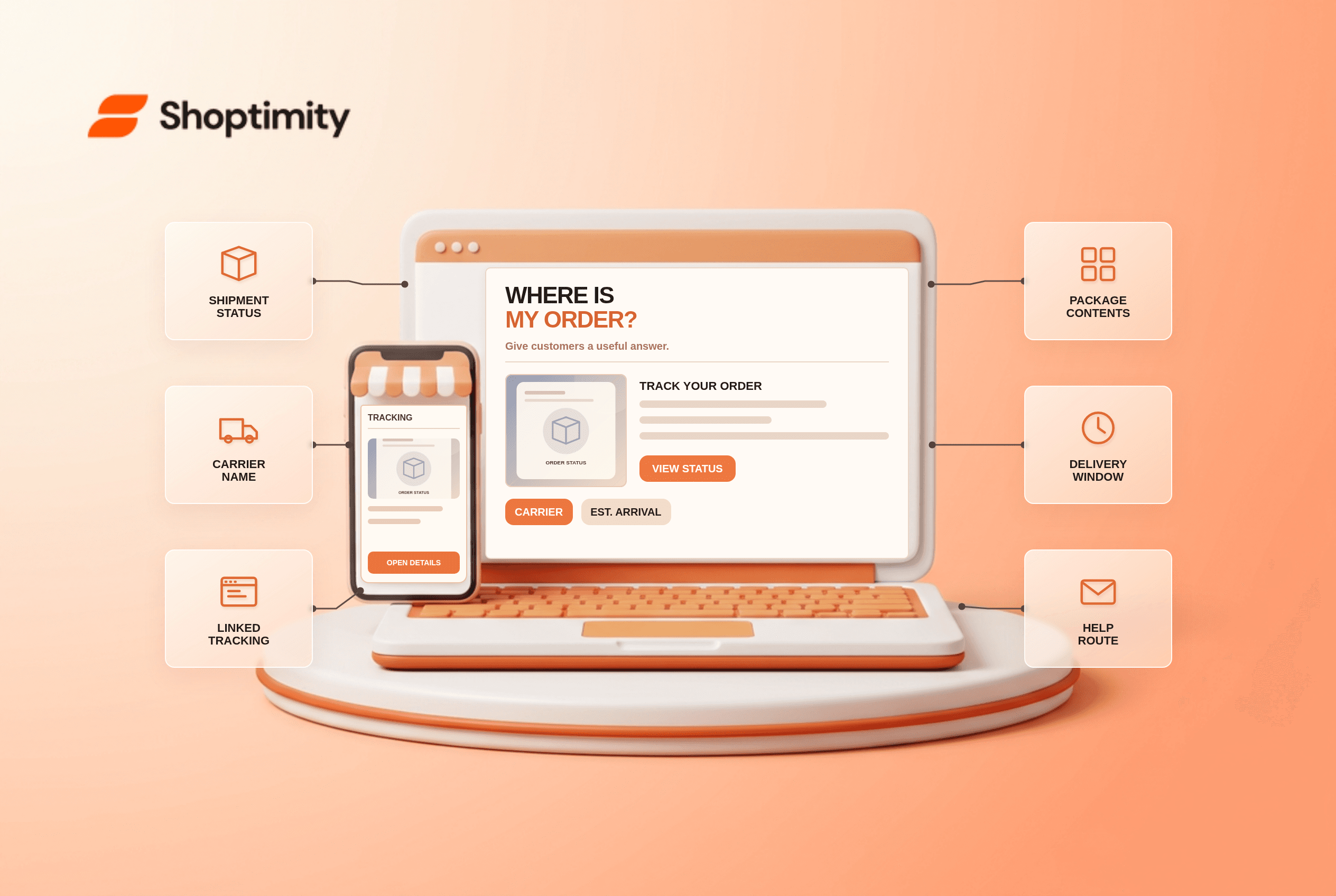
Order tracking should answer more than “Your order has shipped.” A buyer wants to know which package contains which items, where it is and when it should arrive. A carrier number buried in an email is a starting point, but it can make customers repeat the same support question when a multi-package order changes status.
What belongs on an order tracking page?
Give the customer a complete, current picture of each shipment. Baymard's order-tracking research identifies six useful details: expected delivery date, status progress, carrier name, linked tracking number, shipping history and package contents. These details are particularly important when items ship separately. Avoid a single “fulfilled” badge that implies everything has arrived when only one box has left the warehouse.
The page should work without forcing a customer to copy a tracking number into another site. A carrier link is still valuable for detailed scans, but the store should make the basics obvious. Protect order details appropriately; do not expose addresses or phone numbers to anyone who guesses an order number.
How do you audit your current journey?
Place a controlled order with at least two items and follow it end to end. Test both customer view and support view:
- Open the order confirmation and check that its order-status link works on a phone without confusing login prompts.
- Before dispatch, verify the page distinguishes “processing” from “in transit.” Do not invent a carrier scan before a label is handed over.
- Fulfill one of two items and confirm the page identifies which item shipped and which remains pending.
- Add a valid carrier and tracking number. Check that the link goes to the correct shipment, not a generic carrier homepage.
- Compare the estimated arrival with the checkout promise and the carrier's current status. Explain when either changes.
- Ask a person unfamiliar with the order to find the next action if a shipment is delayed, missing or delivered to the wrong address.
Shopify's order-tracking guide describes status visibility as a way to reduce confusion and help support teams focus on real exceptions. That benefit depends on accurate event data. A polished timeline showing stale scans can be worse than a simple truthful status.
What should happen when tracking stalls?
Set a support rule for exceptions instead of leaving the page silent. A package may show label created for a day before pickup. State when to contact support and what information to include. If an estimated arrival window has passed, display a clear help route and give agents access to the same shipment history. Do not automatically call a package “lost” because a carrier scan is late.
Keep customer communication aligned across email, account page and support replies. Our delivery-date guide covers estimating arrival before purchase; publish that draft before linking to it publicly. The self-serve returns guide covers the separate case in which the item arrives but needs to go back.
Can the storefront theme do this alone?
It can present information, but fulfillment and carrier systems provide the events. A Shoptimity theme can make order help accessible; integrations must supply reliable tracking data. Theme versus app responsibilities is relevant when choosing a portal or tracking app. We checked published usability research, not your carrier integrations. Audit an actual split order before changing post-purchase promises.
Ready to build a faster, higher-converting store?
Every Shoptimity theme ships with conversion widgets built in — so you get speed and features without stacking apps.
7-day free trial · all themes included · cancel anytime
Continue Reading

Top Shopify Theme for Wholesale: A 2026 Buyer's Guide
You've just spent weeks sourcing inventory and building supplier relationships. But when you launch ...

Ecommerce Return Status Updates: Separate Request and Refund
Ecommerce return status updates should separate request, label, receipt, inspection and refund so sh...

Ecommerce Delivery Delay Updates: Show the New Reality
Ecommerce delivery delay updates should replace stale promises with a dated revised estimate, clear ...