
Customize Your Shopify Theme Without Code or Developers
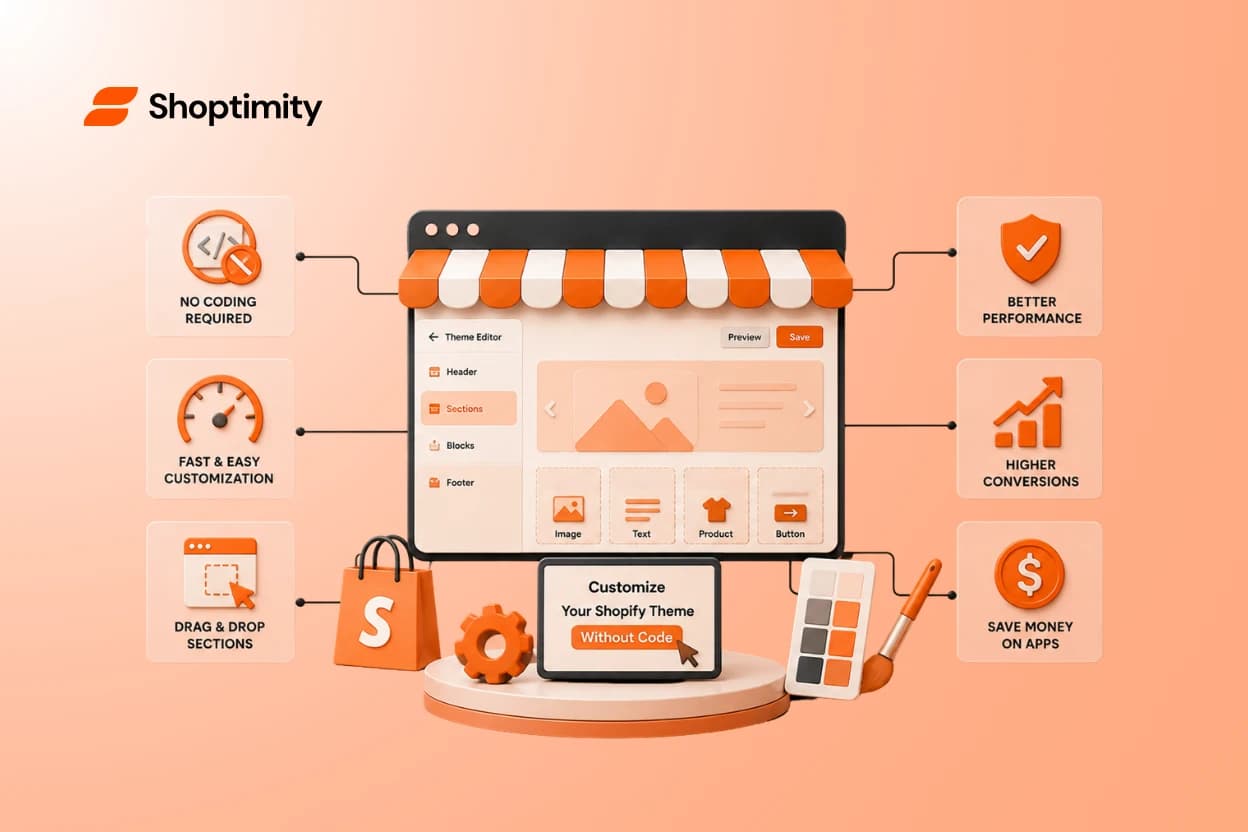
Many ecommerce founders waste money hiring developers for simple design tweaks. You do not have to operate this way. You can customize your Shopify theme without code right now, keeping full control over your storefront and your budget.
Thanks to modern Shopify architecture and advanced theme features, anyone can build a high-converting store entirely on their own.
- Use native tools: The Shopify theme editor allows you to drag and drop sections anywhere on your site.
- Avoid heavy page builders: Third-party design apps can drag down your page load speed and add monthly subscription costs.
- Use AI and modern themes: Modern tools offer AI features that let you build layouts directly from reference images.
- Keep performance first: Always prioritize a clean, mobile-first design that converts.
What Does It Mean to Customize Your Shopify Theme Without Code?
Historically, changing anything beyond basic colors and fonts in Shopify required editing Liquid, HTML, and CSS files. If you wanted a custom banner on a specific product page, you hired a programmer.
Today, no code Shopify design relies on modular components. When Shopify released its modern architecture, they introduced a structure based on templates, sections, and blocks.
Instead of touching code, you interact with a visual interface. You can add a block, drag it above another block, and change the settings using a slider. The core benefit of no-code customization is speed. You can test a new landing page layout in the morning and drive traffic to it by the afternoon.
The True Cost of Editing a Shopify Theme Easily With Page Builders
When store owners first hit a limitation with their default theme, they immediately look for page builder apps. Popular options like GemPages or PageFly offer deep customization through a drag-and-drop canvas.
These tools work well for building highly specific landing pages. However, they come with trade-offs that most beginners ignore until it is too late.
First, there is the performance hit. Adding a bulky third-party page builder often injects heavy JavaScript into your store. According to Shopify's best practices on performance, speed is key to the success of your merchant experience. Slow load times directly kill your conversion rates.
Second, relying on an app stack gets expensive fast. You end up paying monthly subscription fees just to keep your page designs active. If you ever uninstall the app, you lose those customized pages.
This is exactly why we recommend reviewing The Hidden Cost of Shopify Apps: Stop Overpaying before adding another recurring fee to your monthly bill. To protect your site speed, handle the majority of your visual customization directly within a feature-rich Shopify theme.
How to Customize Your Shopify Theme Without Code Using Native Tools
If you want to edit your store without external apps, the native Shopify theme editor is your best option.
According to a comprehensive guide by Shopify, you can handle almost every visual change from your admin dashboard. Here is the exact process to customize your Shopify theme without code:
- Go to your Shopify admin dashboard.
- Click Online Store, then select Themes.
- Find your active theme and click the Customize button.
- Use the dropdown menu to select the specific page you want to edit.
- Look at the left sidebar for Sections and Blocks.
- Click Add section to drop in new elements like a slideshow or rich text.
- Drag the icon next to any section to rearrange the order vertically.
- Click directly on any block to open its specific settings panel on the right side, where you can swap colors, adjust text, and upload images.
- Click Save when you are happy with the real-time preview.
This simple workflow covers what most stores need to launch and test new offers quickly.
Why Shoptimity Outperforms Traditional No Code Shopify Design
Even with the native theme editor, many standard themes lack the built-in elements needed to drive high sales. You might be able to edit a Shopify theme easily, but if the theme itself is basic, your store will still look generic.
This is where a premium option like the Shoptimity Theme Club changes the equation. Instead of buying a static theme and patching it with costly apps, Shoptimity provides an ongoing subscription model designed for performance and scale.
You can read more about why this model wins in our breakdown of Shopify Subscription Themes vs One-Time Purchases.
Premium themes are built natively on updated architecture to avoid legacy Liquid bloat. This lean structure keeps your site loading quickly.
More importantly, utilizing a modern theme removes the need for developers through two main advantages:
- Built-in Conversion Elements: Quality themes often include features that replace the need for extra apps. You get more sections ready to use right out of the box without needing to configure external tools.
- AI Integrations: Modern tools are beginning to introduce AI features to speed up design. For example, some page builders now use AI to turn reference images into editable layouts, completely removing the manual work of building a section from scratch.
You get the ultimate design flexibility without ever touching a line of code or paying a freelance developer.
Ready to build a faster, higher-converting store?
Every Shoptimity theme ships with conversion widgets built in — so you get speed and features without stacking apps.
7-day free trial · all themes included · cancel anytime
Continue Reading

Why Most Shopify Widgets Will Break Your Store In 2026
August 26, 2026 is approaching fast. Many non-Plus stores still rely on custom tracking code or lega...

AI Shopify Theme Builder: How to Build a Store in Minutes
Seventy percent of retail executives plan to implement AI tools this year. Today, that shift is no l...
How to Scale Conversions with an AI Shopify Theme Store Builder
Seventy percent of retail executives plan to implement artificial intelligence tools in 2024 to stay...