
Dimensional Weight for Shopify Shipping: Measure the Real Parcel
title: Dimensional Weight for Shopify Shipping: Measure the Real Parcel slug: dimensional-weight-for-shopify-shipping-guide meta_title: Dimensional Weight for Shopify Shipping meta_description: Understand dimensional weight for Shopify shipping, compare billable and scale weight, measure parcels and check carrier-specific rules for store teams. primary_keyword: dimensional weight for Shopify shipping secondary_keywords:
- Shopify merchant guide
- ecommerce operations author: The Shoptimity Team date: 2026-11-04 category: Operations schema: BlogPosting, FAQPage
Dimensional Weight for Shopify Shipping: Measure the Real Parcel
Dimensional weight for Shopify shipping can make a light, bulky parcel cost more than its scale weight suggests. Carrier rules vary by service and contract, so measure the actual packed box, check the applicable divisor and compare the quote with the final carrier invoice.
Scale weight versus dimensional weight
Shopify's shipping terminology guide describes dimensional weight as package length multiplied by width and height, divided by a carrier-specific volumetric divisor. A carrier may bill based on the greater of actual and dimensional weight, subject to its own rounding, minimums and service rules.
| Measurement | Includes | Why it matters |
|---|---|---|
| Product weight | Weight entered for each item | Contributes to checkout and label calculations |
| Packed scale weight | Items plus box and packing material | Actual weight of the shipped parcel |
| Dimensional weight | Parcel volume divided by applicable divisor | Accounts for space occupied in transit |
| Billable weight | Weight used under the carrier's rules | Can differ from the scale reading |
For an illustrative calculation only, a 40 × 30 × 20 cm box divided by a divisor of 5,000 gives 4.8 kg dimensional weight. If the packed parcel weighs 2 kg, the carrier may use the higher dimensional weight before its own rounding and rules. The divisor is an example, not a universal rate; confirm units and the actual service terms.
Set up sensible package data
Shopify says the store default package's dimensions and weight are factored into weight-based and carrier-calculated checkout rates. Choose a representative default, enter accurate product weights and review the actual package selected when buying a label. A default box cannot accurately represent every possible combination of products and packages.
The checkout quote and the final carrier bill are different stages. The actual parcel may use a different box, split into several shipments or incur surcharges. Shopify's shipping-rate guide explains that carrier rates depend on details including weight, dimensions and destination. Check eligibility for carrier integrations and your own carrier account separately.
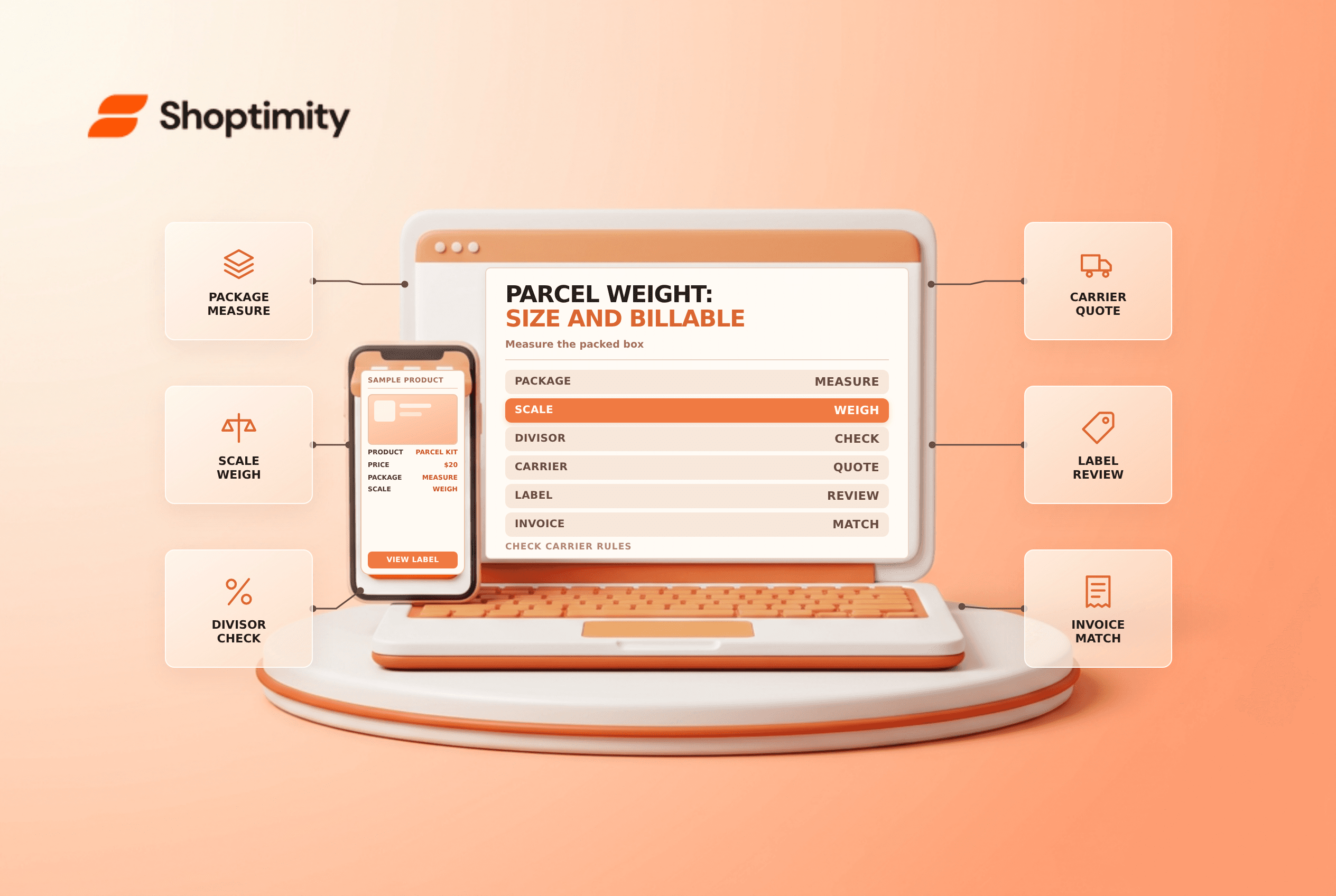
Measure after packing
- Select packaging that protects the goods, not just the smallest box.
- Measure external length, width and height including bulges where the carrier requires them.
- Weigh the sealed package, including packing material and labels.
- Check the carrier's divisor, rounding, size limits and surcharge rules.
- Enter the actual package details for the label and retain the quote.
- Compare the carrier adjustment or invoice with the measured parcel.
Do not compress or remove protective material if that makes damage more likely. The cheapest dimensional weight is not necessarily the lowest total fulfillment cost once claims and replacements are considered.
Investigate a mismatch
If a carrier bills more than expected, compare the service, package dimensions, weight, destination, extra services and carrier adjustment. Retain photos and scale records when contesting an adjustment, and follow the carrier's current dispute process. A checkout shipping price paid by the customer is not the same as your final carrier charge.
Test a small, heavy product; a light, bulky product; and a mixed cart. See weight-based rate tiers and mixed shipping profiles for related checkout issues.
Include parcel data in your packaging standards for repeat orders. A periodic measurement check can catch a supplier box change before an adjustment appears repeatedly on carrier invoices.
Ready to build a faster, higher-converting store?
Every Shoptimity theme ships with conversion widgets built in — so you get speed and features without stacking apps.
7-day free trial · all themes included · cancel anytime
Continue Reading

Shopify B2B Company Locations: Give Buyers the Right Access
Configure Shopify B2B company locations, verify buyer permissions and test pricing, addresses and pa...

Shopify Checkout Contact Settings: Separate Email From Shipping Phone
Configure Shopify checkout contact settings and test email, phone and shipping address requirements ...

Shopify POS Recent Carts: Share a Sale Without Reserving Stock
Learn how Shopify POS recent carts work across devices, what they do not reserve, and how to hand of...