
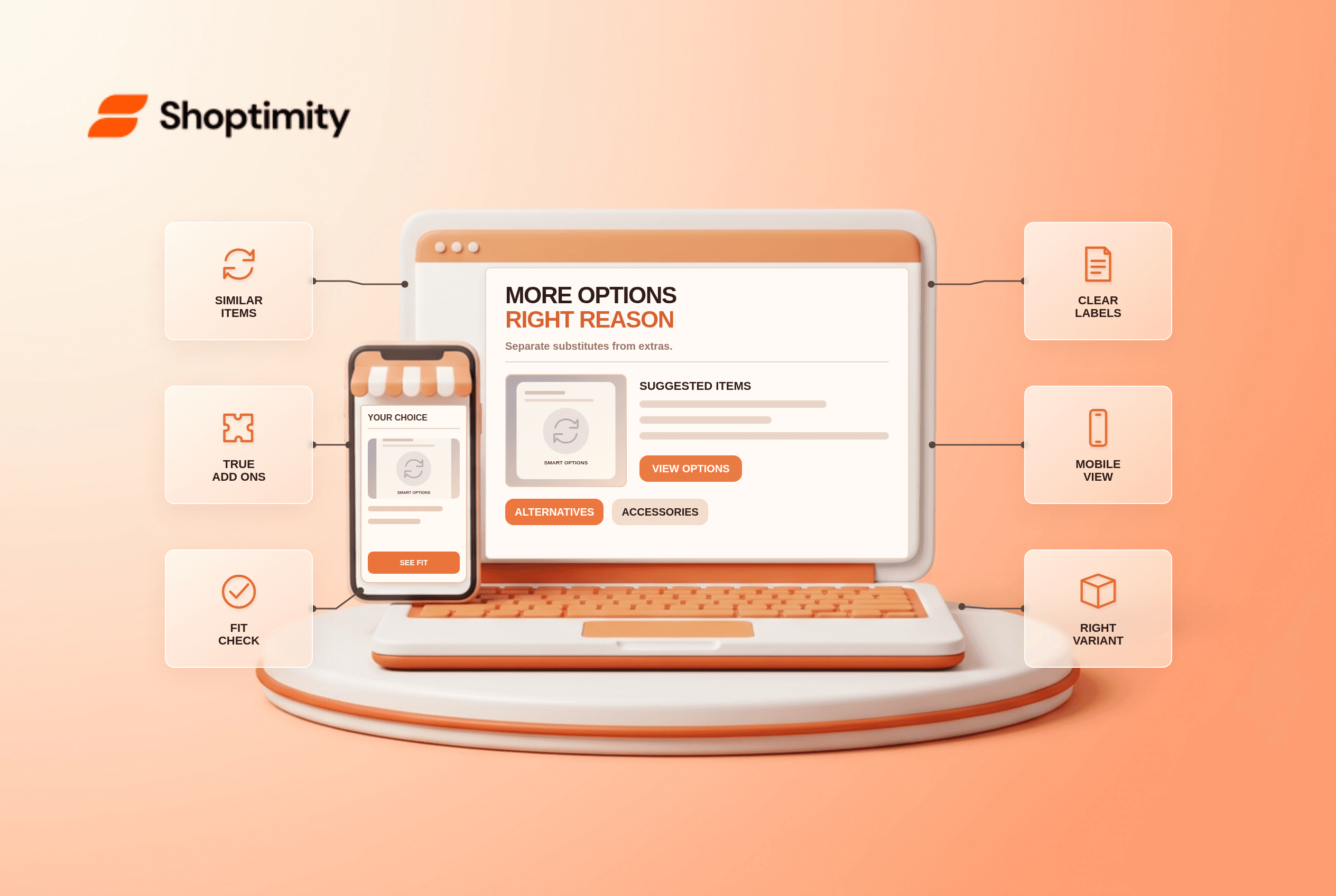
Alternative and accessory products serve different shopping tasks. Label replacement choices separately from compatible add-ons on the product page. Start by testing one real customer journey and one exception before changing a template. The store needs accurate underlying data; a theme can present it, but cannot make an incorrect warehouse, catalog or payment record true.
What does the research say about alternative and accessory products?
Use the finding as a diagnostic, not a conversion forecast. According to Baymard’s product-suggestion study, 58% of sites in its 2014 benchmark offered only one type of suggestion or mixed alternatives and supplements in one module. These are different tasks: find a better main product, or complete the chosen one.
Baymard’s cross-sell information research reported that 68% of benchmarked desktop sites omitted at least one recommended-item attribute. A recommendation is not useful if buyers cannot tell whether an accessory fits.
When is a recommendation an alternative?
Lead with the fact that changes the decision. Label substitutes “Similar options” and show price, size and the specific tradeoff relative to the current item. Label complements “Works with this product” only after fit is verified. Do not put a cheaper alternative into an “Add to your order” section that implies it belongs alongside the selected item. Keep each module short enough to explain its purpose.
A shopper viewing a camera could want a lower-cost camera or a compatible memory card. A second camera is an alternative; the correct memory card is a supplement. Mixing both under “Frequently bought together” suggests a buyer needs two cameras and gives no assurance that the card actually fits.
When should an accessory appear instead?
Keep the message consistent after selection. A card, form or account screen is only one view of a wider system. Update the customer-facing display when the selection changes; preserve the relevant detail in cart, checkout and confirmation where applicable. If a feature depends on backend rules, give the owner of those rules a concrete test case before promising behavior in editorial copy.
How can a team test this before launch?
Test the edge case that makes the promise fail. Use a representative product, location or account alongside the happy path:
- Classify each suggested SKU as alternative or complement.
- Verify accessories against selected model, variant and connector.
- Display enough specs and price to compare alternatives.
- Avoid duplicates, unavailable variants and current-product self-links.
- Check the carousel title explains the task on mobile.
- Test a deliberately incompatible accessory is excluded.
What exception needs special handling?
Do not turn uncertain data into a confident claim. A similar-looking product may differ in safety rating or region-specific plug. When the fit database is incomplete, show a neutral category link rather than a verified compatibility claim. Distinguish editorial recommendations from observed co-purchases if the label implies purchase behavior.
What should Shoptimity merchants check?
Verify operations before polishing the storefront. Our recommendation is to confirm the customer-visible promise against the source record before launch. Shoptimity themes can display information; the merchant’s platform and connected systems own most transaction rules. See the product compatibility guide and product bundle checklist for adjacent checks. We checked the cited public studies, not this merchant’s analytics or live setup. The study figures are neither Shoptimity results nor a promised sales improvement.
What signals matter after launch?
Compare what customers saw with what actually happened. Audit accessory returns for mismatched fit and whether shoppers explore a more suitable alternative. Do not infer incremental revenue from recommendation impressions. Save dated examples so the team can diagnose a data error separately from confusing copy.
Ready to build a faster, higher-converting store?
Every Shoptimity theme ships with conversion widgets built in — so you get speed and features without stacking apps.
7-day free trial · all themes included · cancel anytime
Continue Reading
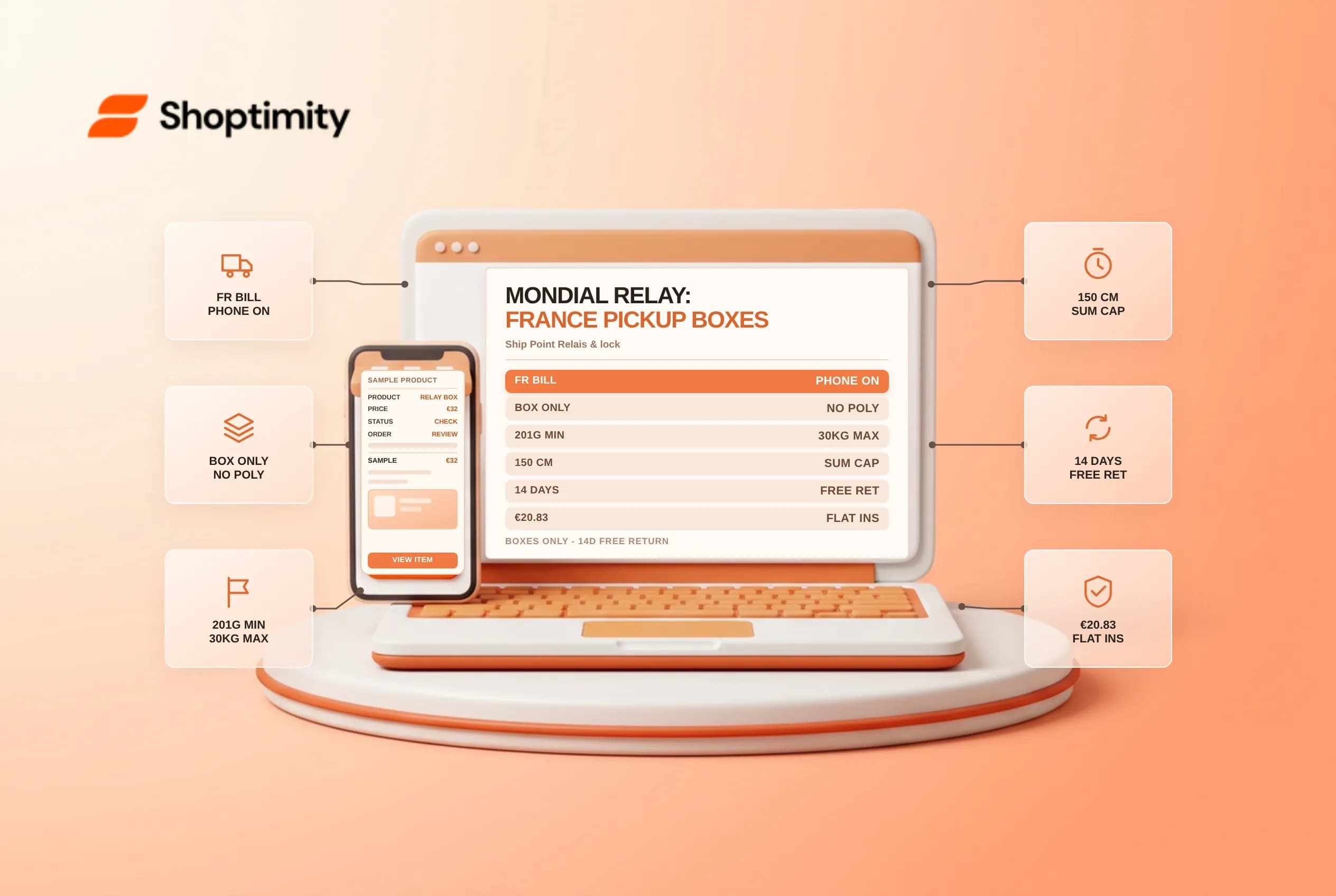
Shopify Mondial Relay: Ship France Box Relay Orders
Set up Shopify Mondial Relay for domestic French Point Relais and locker boxes, require French billi...
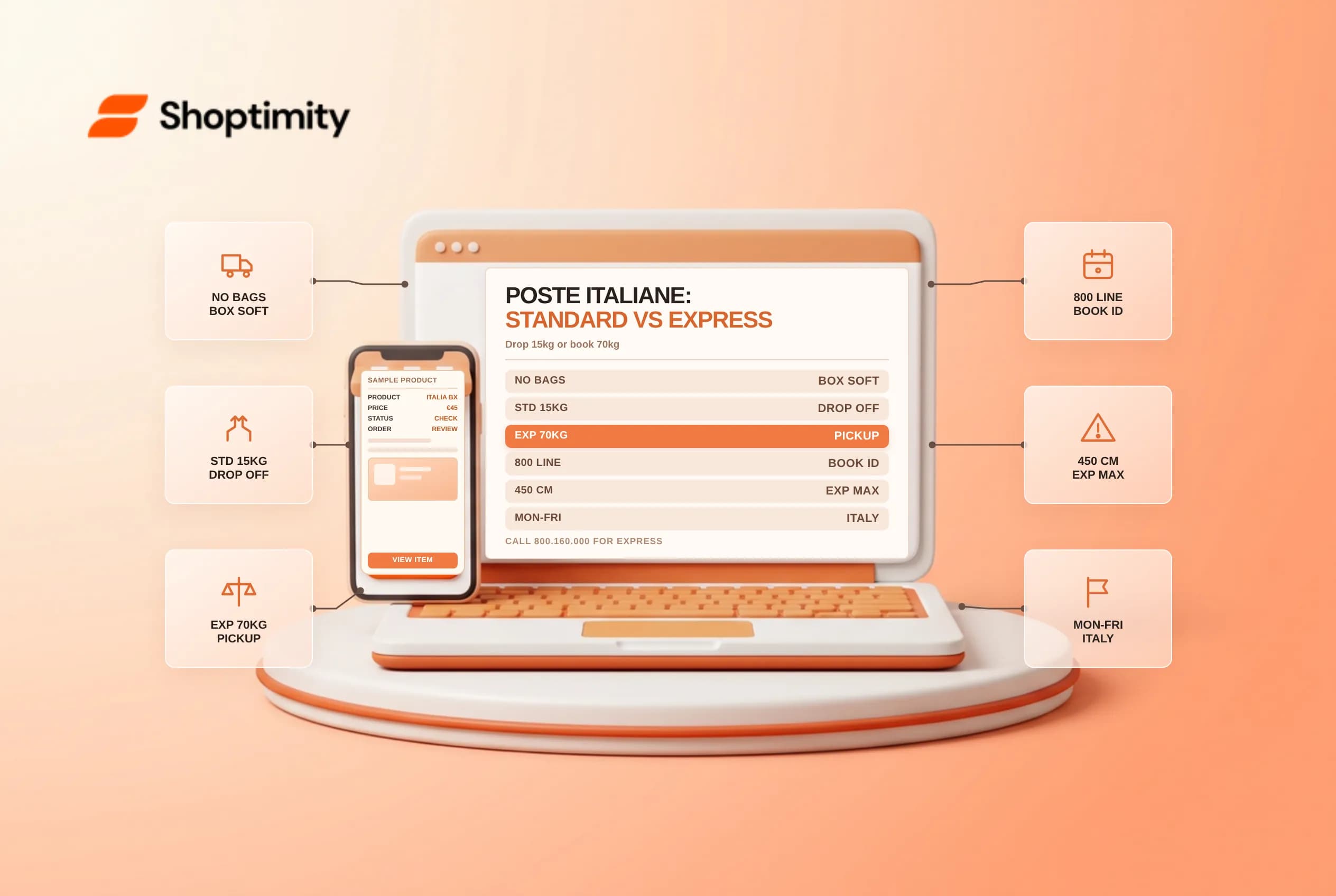
Shopify Poste Italiane: Ship Domestic Italy Parcels
Configure Shopify Poste Italiane domestic Standard drop-offs and 70 kg Express pickups, avoid banned...
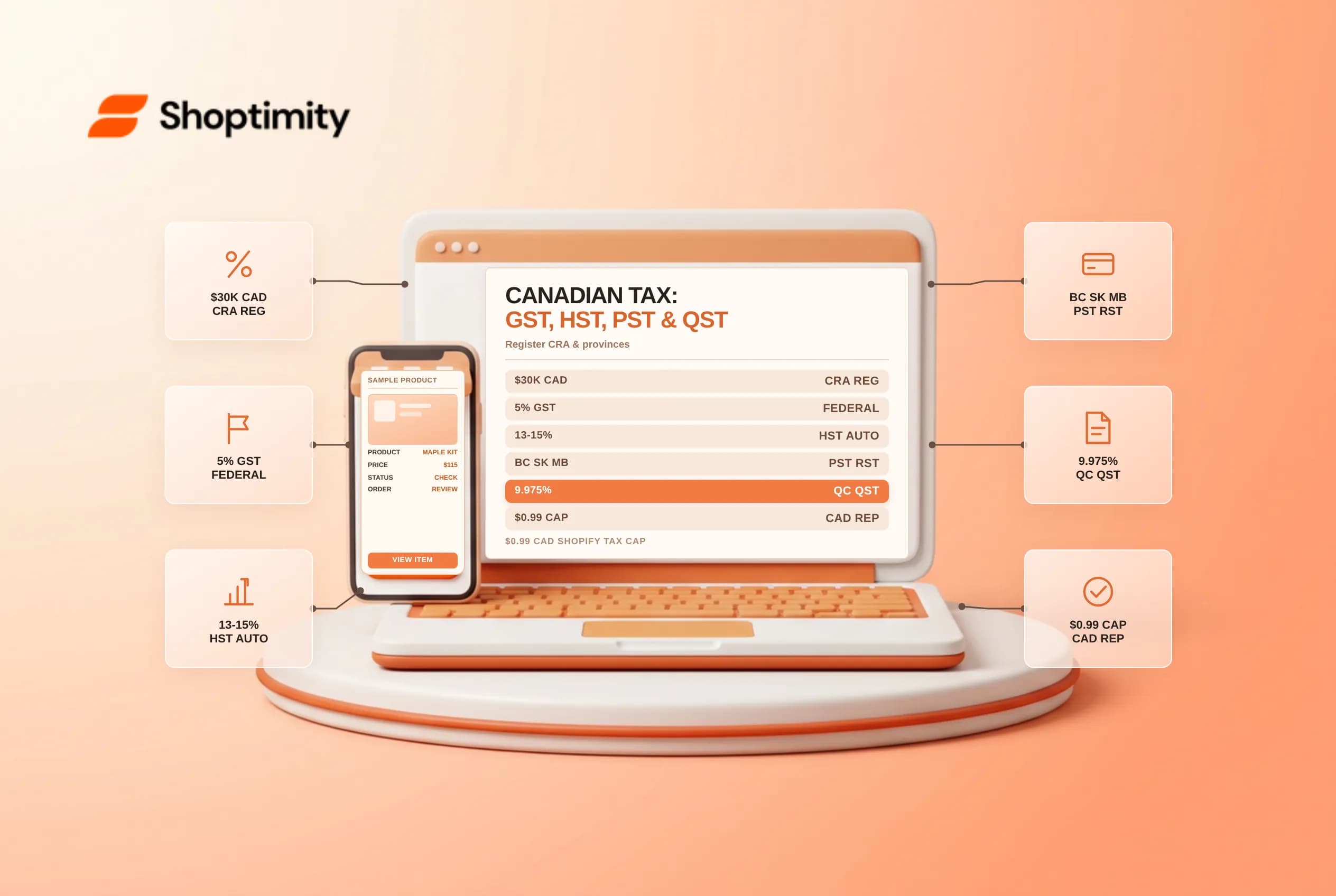
Canadian Sales Tax: Set Up Shopify GST, HST and QST
Configure Canadian sales tax in Shopify across the $30,000 CAD CRA threshold, 5% GST, 13% to 15% HST...