
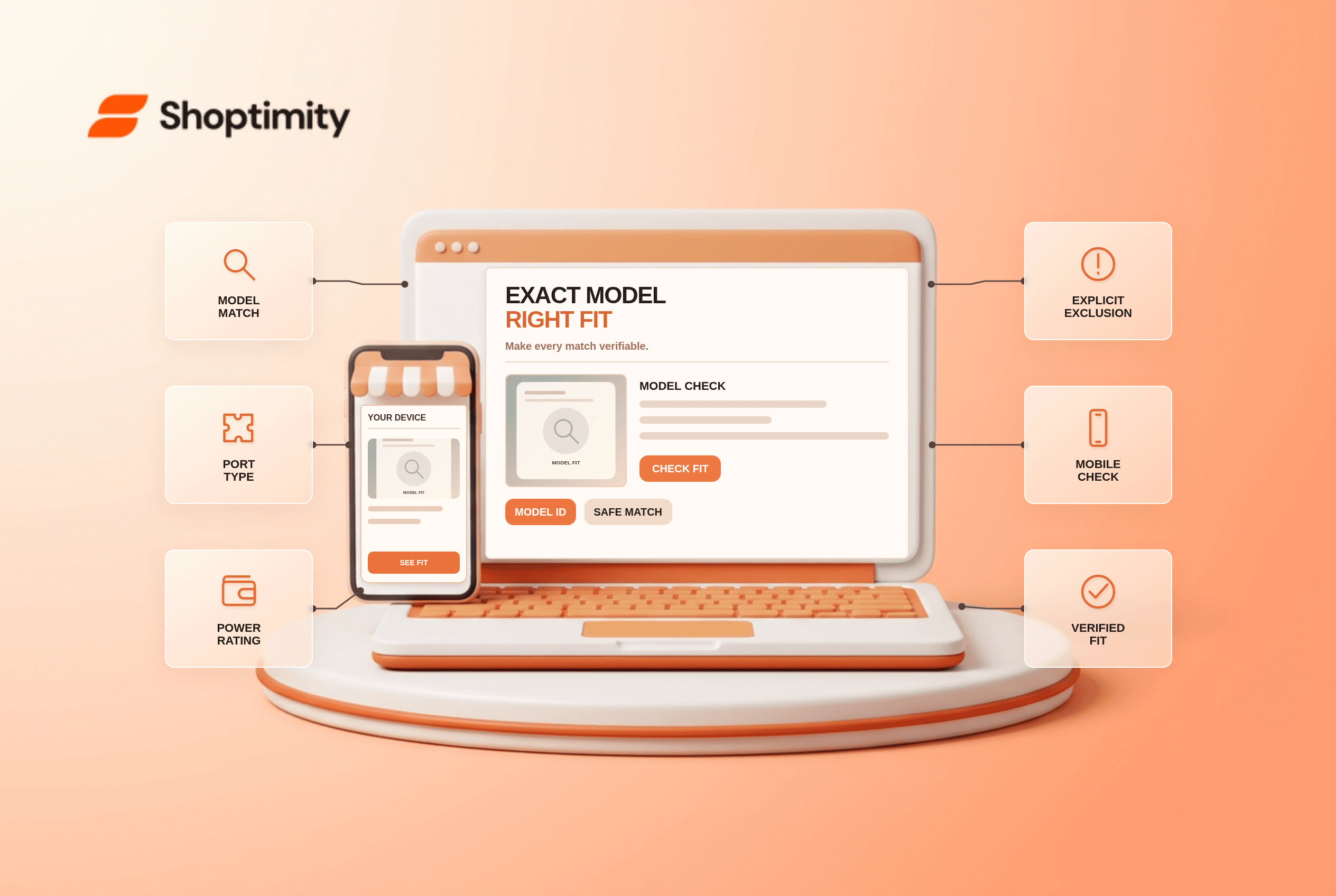
Ecommerce product compatibility should answer the buyer's actual decision, not just decorate a page. Keep one maintained fit table keyed by exact model identifiers, generation, connector and region when relevant. The right presentation depends on the merchant's product data and operating rules. Treat the checks below as a test plan, not a promise that Shoptimity or a theme can implement every backend behavior by itself.
What does the evidence say about ecommerce product compatibility?
The useful takeaway is a clear, testable customer answer. According to Baymard’s 2015 compatibility research, compatibility-dependent product finding in its tests was almost twice as successful on sites with compatibility filters as on sites without them. That observation does not predict results for every catalog.
Baymard’s 2021 product-description study found 10% of benchmarked large sites lacked consistently detailed product descriptions and identified compatibility as a critical attribute for dependent products. A filter is useful only when the underlying product-to-model data is correct.
What should the interface say first?
Show the essential fact before a shopper reaches an irreversible step. Keep one maintained fit table keyed by exact model identifiers, generation, connector and region when relevant. Put the answer beside the purchase decision: “Fits Model A, generation 3” and “Does not fit Model B.” Explain whether an adapter is included. A long list of brand names without model numbers is not a verified fit statement.
Consider a power adapter labeled “works with Brand X laptops.” Two devices from the same brand may use different tips and wattages. The page should show the supported model numbers, input/output ratings and what to check on the existing charger. If fit is uncertain, ask the shopper to confirm a model rather than promising universal compatibility.
How should a merchant test the flow?
Test a real edge case, not only the happy path. Run these checks on a product, cart and mobile device that reflect the catalog and workflow:
- Import manufacturer fit data with a named owner and last-reviewed date.
- Search an exact model number and a common alternate model name.
- Check connector, power rating and region against every supported variant.
- Test a known incompatible model and show a clear negative result.
- Switch product variants and ensure the fit statement changes with the selected item.
- Verify old and new product listings reference the same maintained fit record.
What breaks when information is missing?
A confident-looking interface can still make a false promise. If the shopper only knows a broad product family, show possible matches as unconfirmed until the exact model is chosen. Avoid inferring that all generations in a series share the same port. When a supplier cannot confirm an old model, mark it “fit unconfirmed.” Give a support route and leave the item unverified.
A team should record who owns the source data and which event updates the customer-facing message. Test a changed selection or an unavailable option after the first screen has loaded. If a requirement cannot be met by a theme alone, route the change through the commerce platform, inventory service, fulfillment system or payment provider as appropriate.
How does this fit into a Shoptimity storefront?
Start with reliable information and then improve presentation. Shoptimity themes can help present storefront content, but operational rules may live elsewhere. See our product comparison guide and product descriptions checklist for adjacent checks. We checked the cited public research, not this merchant's analytics or implementation. We have not tested this merchant's live setup. Avoid claiming that a benchmark proves an expected conversion gain for this store.
What should be measured after launch?
Verify the actual outcome against the visible promise. Monitor fit-related support questions and returns with the relevant model recorded. Distinguish bad fit data from unclear presentation; adding an attractive compatibility badge cannot fix an incorrect supplier table. Keep a dated sample of real customer journeys, including a mobile case and one exception, for an editorial and operational review after any configuration change.
Ready to build a faster, higher-converting store?
Every Shoptimity theme ships with conversion widgets built in — so you get speed and features without stacking apps.
7-day free trial · all themes included · cancel anytime
Continue Reading
Shopify Checkout and Accounts Editor: Set Page Blocks
Use the Shopify checkout and accounts editor to place Thank you and Order status app blocks, check B...
Shopify Marketplace Connect: Sync Amazon and eBay Stock
Sync listings and orders with Shopify Marketplace Connect across Amazon, eBay, Walmart and Target Pl...
Shopify Audiences: Export Plus Ad Lists and Benchmarks
Export Shopify Audiences lists on Shopify Plus to Meta, Google, TikTok and Pinterest, match refresh ...