
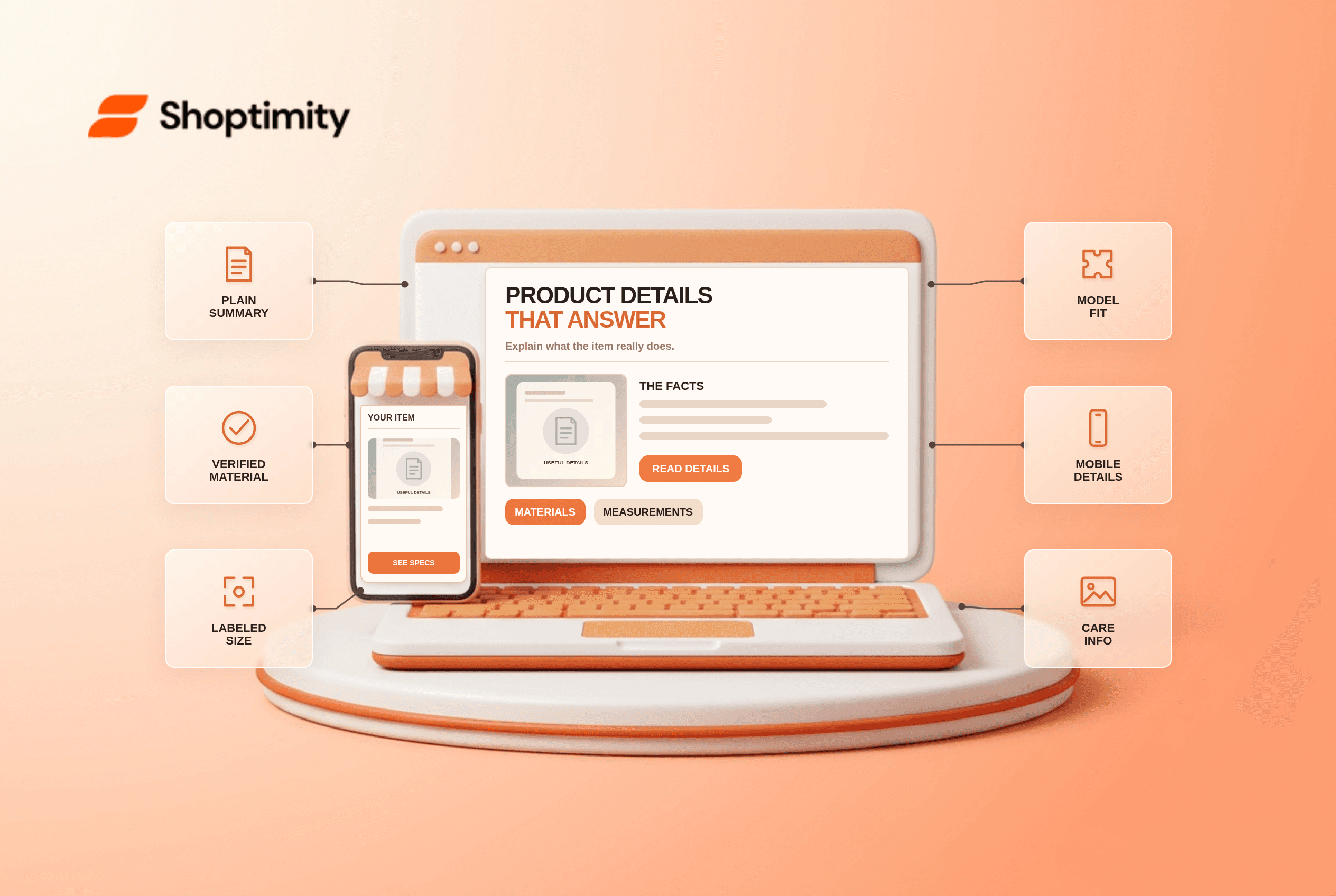
Ecommerce product descriptions should help a shopper decide whether a specific item fits their needs. Start with what the product is and who it suits, then add verified materials, labeled dimensions, compatibility and care information. Use clear subheadings or a short spec table for details that shoppers compare. Avoid generic claims such as “premium quality” in place of facts a buyer can check.
What belongs in ecommerce product descriptions?
Include the facts that can prevent a wrong purchase. A chair needs overall and seat dimensions, a bag may need laptop-compartment measurements, and a cosmetic product may need ingredients and usage instructions. The correct attributes depend on the product. Label units and the part being measured; “50 cm” alone does not tell a reader whether it means height or depth.
According to Baymard's product-description research, 10% of benchmarked large ecommerce sites did not consistently provide enough description detail, while 90% met its quality standard. Baymard identifies materials, dimensions and compatibility as common missing decision details. Those observations are about a benchmark, not a rule that every SKU needs the same paragraph length.
How should long details be organized?
Let shoppers find the answer without reading a wall of copy. Put a concise explanation near the buy section, then group technical facts under meaningful headings. Baymard's spec-sheet research found that 23% of its benchmarked sites failed to group specifications semantically. A table can help with comparable values, but it must work on a narrow phone and retain readable labels.
A useful example: “compatible with Model A” is insufficient if the product fits only Model A revisions from a particular year. Show the supported model numbers and exceptions after checking manufacturer data. Never imply universal compatibility from a photo. Pair claims in images with accessible text for buyers who cannot inspect small labels.
- List the top questions a buyer asks before selecting this product category.
- Check each answer against manufacturer documentation and the actual catalog record.
- Lead with a plain-language summary of the item's function and important limitation.
- Label measurements with units and what was measured; separate internal from external dimensions.
- Group materials, fit, compatibility, care and included contents under scannable headings.
- Switch variants and markets to verify details change when dimensions or ingredients differ.
- Review the mobile layout and compare page claims against packaging, images and the cart.
Should every product use the same template?
Use a shared structure, not identical filler. A consistent layout helps shoppers compare comparable items, but a lamp, skin-care product and storage drive need different facts. Baymard's feature-highlights study notes that descriptive sections with relevant imagery can help explain more complex products, while simple items may need only text and bullets. Do not create decorative sections that hide important specifications.
We checked public Baymard studies, not a merchant's manufacturer sheets. Our advice is to remove unsupported claims before polishing headlines. Shoptimity themes can present details consistently; the merchant owns content accuracy. See our product comparison guide for cross-item decisions and product card checklist for the information visible before a click.
How can you audit a description quickly?
Try to answer three buying questions without guessing. Choose an item where fit or compatibility matters and locate its composition, relevant dimensions and restrictions. If any is absent, verify the missing fact before publishing. Review returns and support contacts for repeated “Will this fit?” questions, but do not invent customer quotations to fill the gap.
Ready to build a faster, higher-converting store?
Every Shoptimity theme ships with conversion widgets built in — so you get speed and features without stacking apps.
7-day free trial · all themes included · cancel anytime
Continue Reading
Shopify Apple Pay: Check Wallets, Subscriptions and B2B
Activate Shopify Apple Pay with network tokenization, verify Visa or Mastercard subscription rules, ...
Shopify Order Notes: Capture Cart Instructions Cleanly
Enable Shopify order notes on Online Store 2.0 carts, separate notes from cart attributes and checko...
Shopify Planet: Add Carbon-Neutral Shipping Badges
Set up Shopify Planet carbon-neutral shipping, match Marketing vs $0.50 Engagement badge modes to yo...