
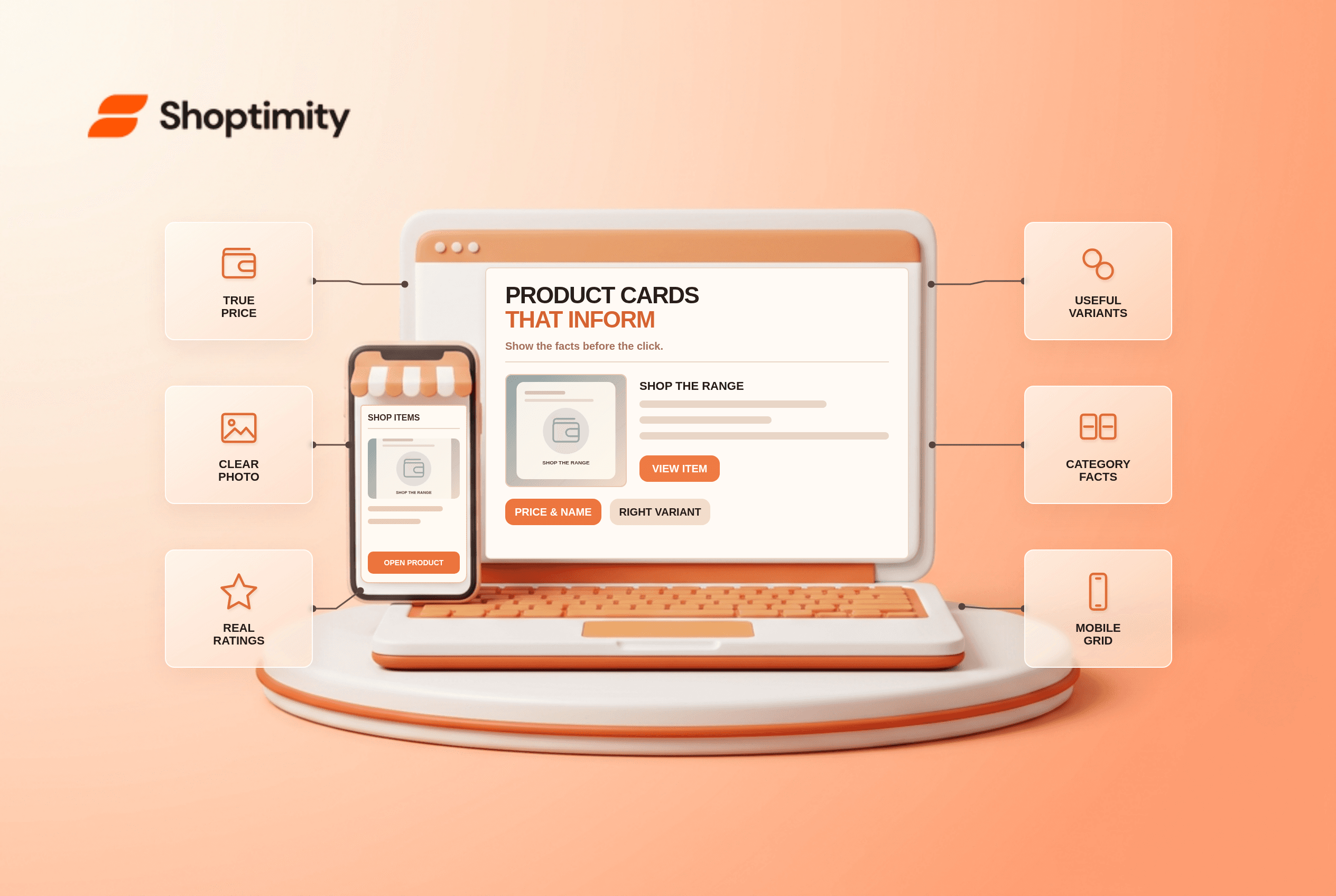
Ecommerce product cards should give shoppers enough information to decide which items are worth opening. Show a recognizable image, product name or type, current price and meaningful variations; add ratings with their count when authentic reviews exist. Then include a few category-specific facts, such as capacity or material. Keep the same attributes in the same positions across a listing so comparisons do not become a guessing game.
Which details belong on every card?
Start with the facts a shopper needs to scan a row of alternatives. In Baymard's 2023 product-list research, 50% of benchmarked ecommerce sites lacked adequate listing attributes. Baymard identifies five widely useful attributes: price, title or type, thumbnail, rating plus count, and variations. A product without reviews should not display invented stars merely to fill that slot.
A name such as “Series X” may be meaningful internally but vague to a new visitor. Add a product type such as “3-seat sofa” where it clarifies what is being sold. Use a representative image for the item and selected variant. If a bundle image shows five pieces but the card price covers one, clarify the offer before the shopper opens the page.
What should vary by product category?
Show the attribute that changes suitability. A water bottle card may need volume and insulation type; a monitor card may need size and connection type. One generic “premium quality” label helps neither shopper. According to Baymard's product-listing page guide, scannability depends on consistent attribute presentation and accurate thumbnails, not an ever-growing pile of badges.
- Pick one listing where customers compare similar items and record the decisions those items require.
- Confirm title, thumbnail, live price, relevant option and stock status against the underlying variant.
- Display authentic rating averages with their rating counts when available. Do not equate a single review with a large sample.
- Choose one to three category-specific facts that customers use before opening a product.
- Apply consistent placement and labels across every card in that product group, including sale and full-price items.
- Test a narrow phone: verify truncation, tap targets, image cropping and whether a swatch updates the price or picture correctly.
- Open a card and confirm its destination, selected variant and price match what was shown in the list.
We checked Baymard's published research, not Shoptimity listing analytics or a particular store's catalog. The trade-off is density: a card that shows every specification can become less scannable than a card that displays a few decisive facts. The detailed product page remains the place for full specifications.
What if images or ratings are incomplete?
Fix the source data rather than decorating the gap. An unavailable product photo needs an accurate replacement; a fabricated rating is not an alternative. Baymard's listing-design analysis stresses consistent presentation and distinct visual treatment for attributes. “No reviews yet” is more honest than an empty five-star graphic that implies a rating.
Shoptimity themes can render a product grid, but the merchant owns titles, imagery, pricing and review integrity. See our filtering troubleshooting guide for a different listing problem: controls that fail to appear. Our advice is to fix incorrect prices and variant links before adding merchandising labels. A polished card with wrong data is worse than a plain accurate one.
Ready to build a faster, higher-converting store?
Every Shoptimity theme ships with conversion widgets built in — so you get speed and features without stacking apps.
7-day free trial · all themes included · cancel anytime
Continue Reading
Shopify Apple Pay: Check Wallets, Subscriptions and B2B
Activate Shopify Apple Pay with network tokenization, verify Visa or Mastercard subscription rules, ...
Shopify Order Notes: Capture Cart Instructions Cleanly
Enable Shopify order notes on Online Store 2.0 carts, separate notes from cart attributes and checko...
Shopify Planet: Add Carbon-Neutral Shipping Badges
Set up Shopify Planet carbon-neutral shipping, match Marketing vs $0.50 Engagement badge modes to yo...