
Shopify Order Notes: Capture Cart Instructions Cleanly
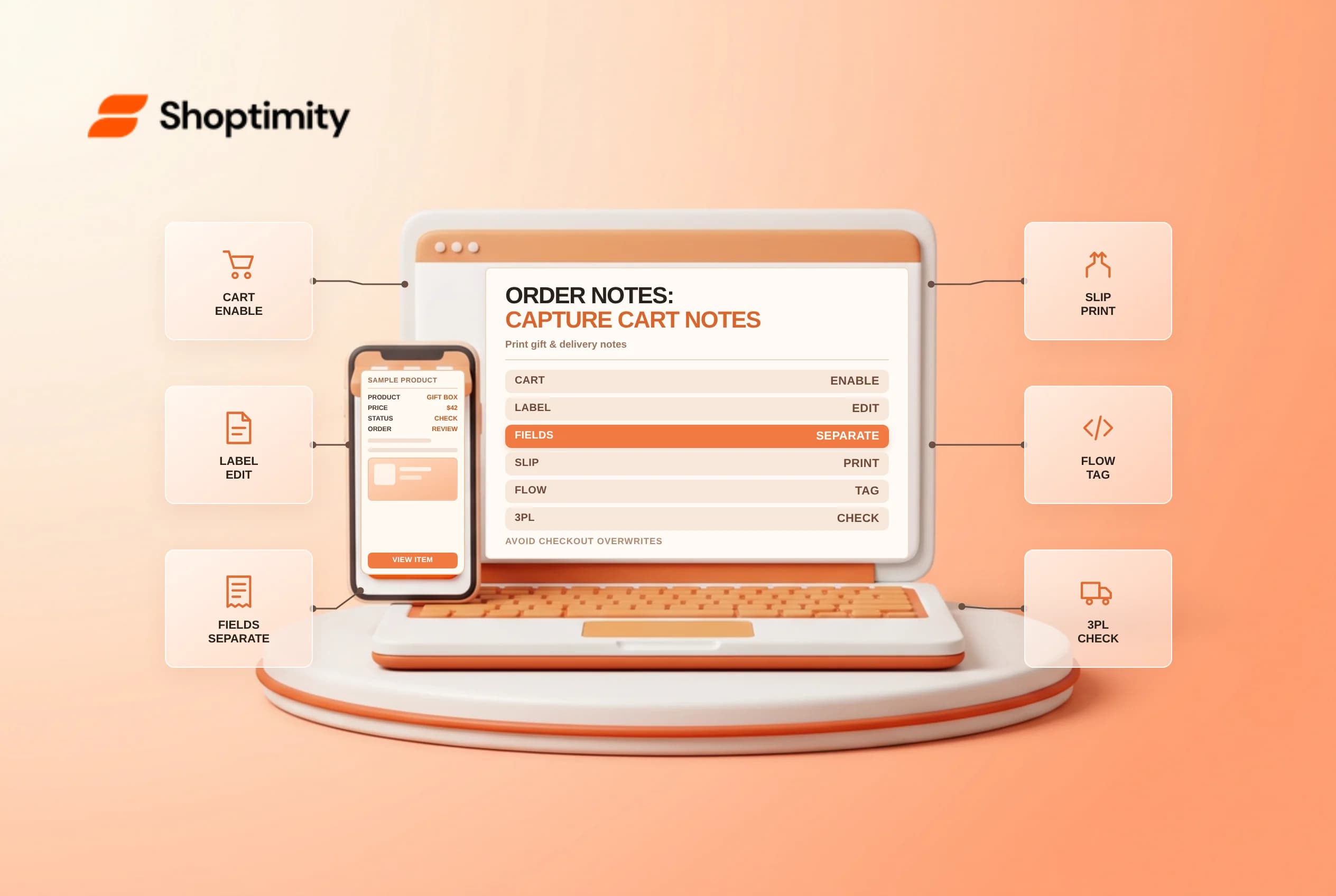
Shopify order notes give shoppers a single text box on the cart page or cart drawer to leave delivery gate codes, gift messages or packing requests before entering checkout. Confusion starts when developers mix native order notes with cart attributes, line-item properties or Plus checkout custom fields, causing warehouse packing slips to drop buyer instructions or overwrite earlier text. Separate each data type, check draft-order limits and test packing-slip printouts before enabling notes.
Turn on cart notes and customize the prompt label
In any free Online Store 2.0 theme, Shopify's add order notes on your cart page guide activates the text box without custom code:
- Go to
Online Store > Themes > Customize, switch the top page dropdown to Cart, select Subtotal underTemplate(or checkTheme settings > Carton themes with slide-out cart drawers) and check Enable cart note (you can also ask Sidekick in the theme editor to toggle cart notes on). - Customize the default
"Add a note to your order"prompt underOnline Store > Themes > ... > Edit default theme content > Sections > Cart > Noteso shoppers know what you can and cannot honor, for example,"Gift note (no prices on slip), carrier delivery dates cannot be guaranteed here."
Note from Shopify's Buy Button customization guide that embedded Buy Button carts manage their own separate Order note toggle whenever the button action is set to Add product to cart or Open product details.
Separate order notes from attributes and metafields
Shopify's custom field blocks documentation contrasts four different ways customer instructions attach to an order:
| Input mechanism | Best use case | Critical operational limitation |
|---|---|---|
Order note (cart note) | General gift message or packing request per order | Incompatible with draft orders; overwritten if a checkout block also writes to Order note |
| Order metafield (Plus checkout custom field) | Structured checkout inputs (po_ref, delivery window) | Most reliable option for packing slips, draft orders and Flow automation |
Cart / order attributes (note attributes) | Custom cart-page form checkboxes or date pickers | Incompatible with Shopify's default packing slips and draft orders |
| Line item properties | Per-SKU engraving text or monogram initials | Attached to the specific line item rather than the whole order |
cart note)Order notenote attributes)Pay close attention to the overwrite trap on Shopify Plus: if you add a Checkout Blocks custom field inside checkout and configure it to save to the Order note destination, any note the shopper already typed in the theme's cart drawer is replaced if edited or overwritten, or forces duplicate prompts unless you turn the theme's cart note off and collect the note once inside checkout.
Surface order notes on packing slips and Flow queues
Unmonitored order notes create support tickets when customers ask "Ship after Friday" and automated warehouse software prints a label ten minutes later:
- Verify your packing slip template: Confirm that
Settings > Shipping and delivery > Packing slipincludes{{ order.note }}inside a prominent bordered box so packers spot gift messages before dropping priced invoices inside cartons. - Route non-empty notes with Shopify Flow: Build a simple
Order createdFlow workflow checking whetherorder.noteis not empty, automatically adding an order tag likehas-order-noteor placing a brief fulfillment hold if keywords such ascancel,addressorallergenappear so support reviews the request before dispatch. - Check ERP and 3PL field character limits: Many warehouse management systems truncate notes past
250or500characters, so keep storefront prompts concise and test an end-to-end sample shipment before peak gift-giving weeks.
Related guides: customizing and printing packing slips and Checkout Blocks plan limits.
Ready to build a faster, higher-converting store?
Every Shoptimity theme ships with conversion widgets built in — so you get speed and features without stacking apps.
7-day free trial · all themes included · cancel anytime
Continue Reading
Shopify Apple Pay: Check Wallets, Subscriptions and B2B
Activate Shopify Apple Pay with network tokenization, verify Visa or Mastercard subscription rules, ...
Shopify Planet: Add Carbon-Neutral Shipping Badges
Set up Shopify Planet carbon-neutral shipping, match Marketing vs $0.50 Engagement badge modes to yo...
Shopify Tap to Pay: Check iPhone and Android Limits
Enable Shopify Tap to Pay on iPhone and Android POS, check NFC and OS security rules, plan around ba...