
Shopify Tap to Pay: Check iPhone and Android Limits
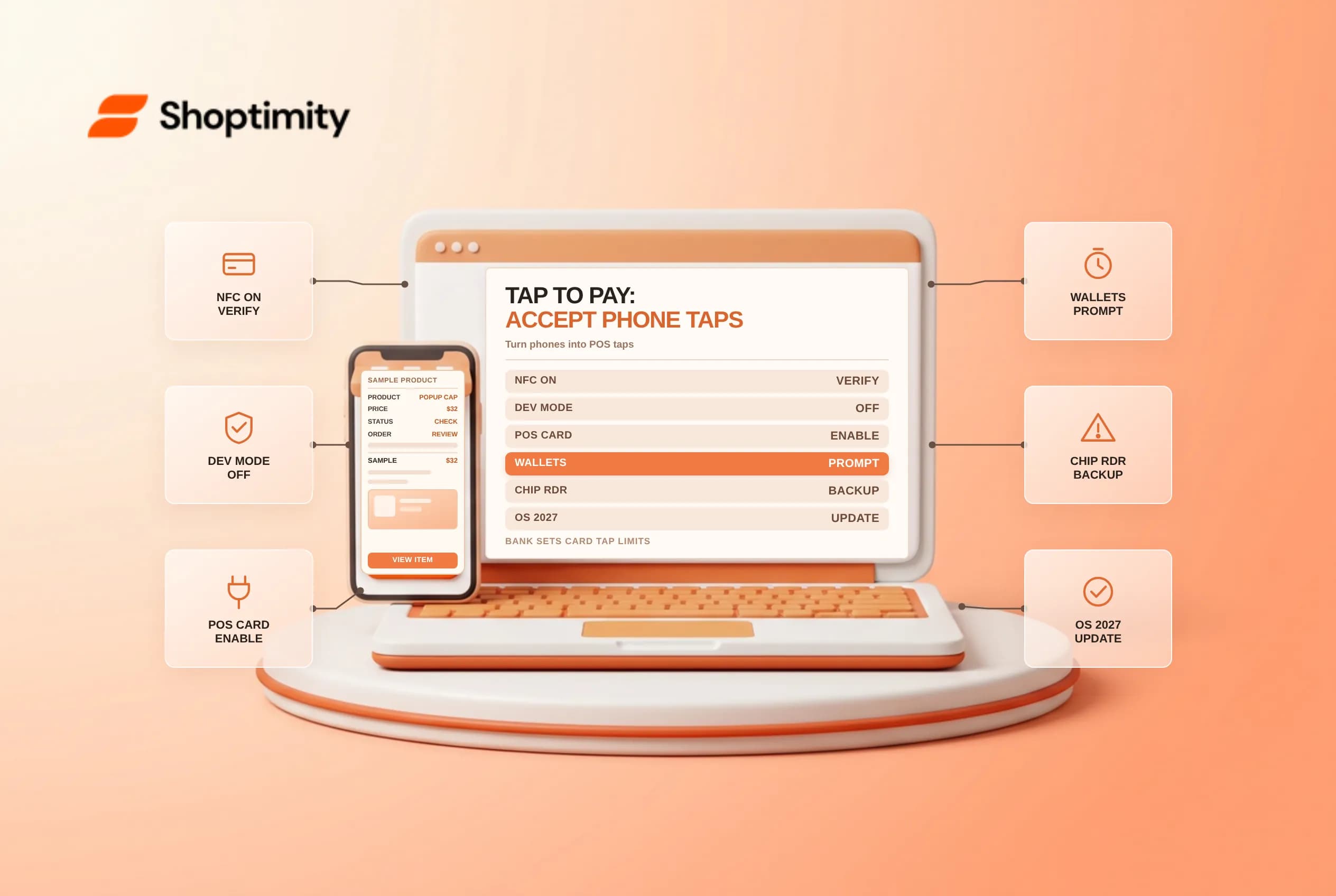
Shopify Tap to Pay turns a compatible iPhone or NFC-enabled Android phone into a contactless payment terminal inside the Shopify POS app without pairing external card readers. Because contactless acceptance relies on bank-enforced tap thresholds, mobile OS security checks and live internet connectivity, staff need clear fallback procedures at busy counters or pop-up booths. Verify device OS rules, POS checkout toggles and card-issuer tap limits before leaving hardware readers behind.
Compare iPhone and Android device and activation rules
Shopify's retail setup guide and POS hardware requirements set distinct prerequisites for Apple and Android handsets:
| Requirement | Tap to Pay on iPhone | Tap to Pay on Android |
|---|---|---|
| Payment provider | Active Shopify Payments account + Point of Sale channel | Active Shopify Payments account + Point of Sale channel |
| OS & security baseline | iOS version still actively supported by Apple (within 1 year of release); iOS 18+ required for POS starting Jan to June 2027 | Android 13 or higher, security patch within the last 12 months, NFC enabled and Developer mode turned off |
| Device settings | Internet connection + Location Services turned on | Internet connection + Location Services + Google Play Services active |
| Activation flow | Staff with Manage payment settings opens POS > Settings > Payments > Tap to Pay on iPhone and links an Apple ID | Activates automatically on compatible Android devices with active Shopify Payments |
Shopify Payments account + Point of Sale channelShopify Payments account + Point of Sale channeliOS 18+ required for POS starting Jan to June 2027Android 13 or higher, security patch within the last 12 months, NFC enabled and Developer mode turned offManage payment settings opens POS > Settings > Payments > Tap to Pay on iPhone and links an Apple IDAfter activating on iPhone, open your Shopify admin (Sales channels > Point of Sale > Edit Point of Sale > Checkout) and confirm that both Card and Tap to Pay are toggled on and saved in default POS payment options.
Plan for bank-enforced contactless tap limits and PIN prompts
Merchants often ask how to raise the maximum dollar amount a customer can tap on a physical debit or credit card. Under Shopify's POS checkout security guidelines, contactless tap limits are set by the card network and issuing bank, not by Shopify Payments, and cannot be raised in your admin:
- Tap to Pay shares the exact same card tap limits as physical readers: Unlike a docked chip-and-PIN reader, a standalone phone cannot accept a physical EMV chip insert if a bank declines a high-ticket contactless tap and demands chip insertion.
- Use mobile wallets for higher-value sales: Apple Pay, Google Pay and Samsung Pay authenticate biometrically on the buyer's phone and typically carry higher or unlimited contactless thresholds compared to plastic cards.
- Keep one physical Tap & Chip reader at flagship counters: When high-AOV shoppers carry corporate or international plastic cards that force chip-and-PIN entry, a backup hardware reader prevents lost in-person checkouts. Train associates to show buyers the exact NFC antenna zone at the top of an iPhone or center-back of an Android phone so thick wallet cases or metal card sleeves do not trigger premature card-read timeouts.
Audit OS deadlines and multi-entity permissions
Before rolling Tap to Pay out across pop-up teams or seasonal staff phones, check three operational guardrails:
- 2027 POS operating-system cutoff: Beginning in January 2027 (enforced June 6, 2027), all Shopify POS devices must run iOS 18+ or Android 13+ with unmodified bootloaders (no jailbroken or rooted devices).
- Android Developer mode blocks: If a warehouse or developer test phone has Android
Developer optionsenabled, Tap to Pay fails security attestation until Developer mode is turned off. - Review your setup alongside POS staff PINs and permissions, POS offline payment limits and POS discount stacking rules.
Ready to build a faster, higher-converting store?
Every Shoptimity theme ships with conversion widgets built in — so you get speed and features without stacking apps.
7-day free trial · all themes included · cancel anytime
Continue Reading
Shopify Apple Pay: Check Wallets, Subscriptions and B2B
Activate Shopify Apple Pay with network tokenization, verify Visa or Mastercard subscription rules, ...
Shopify Order Notes: Capture Cart Instructions Cleanly
Enable Shopify order notes on Online Store 2.0 carts, separate notes from cart attributes and checko...
Shopify Planet: Add Carbon-Neutral Shipping Badges
Set up Shopify Planet carbon-neutral shipping, match Marketing vs $0.50 Engagement badge modes to yo...