
Shopify POS Discounts: Fix Custom Fees and Stacking Rules
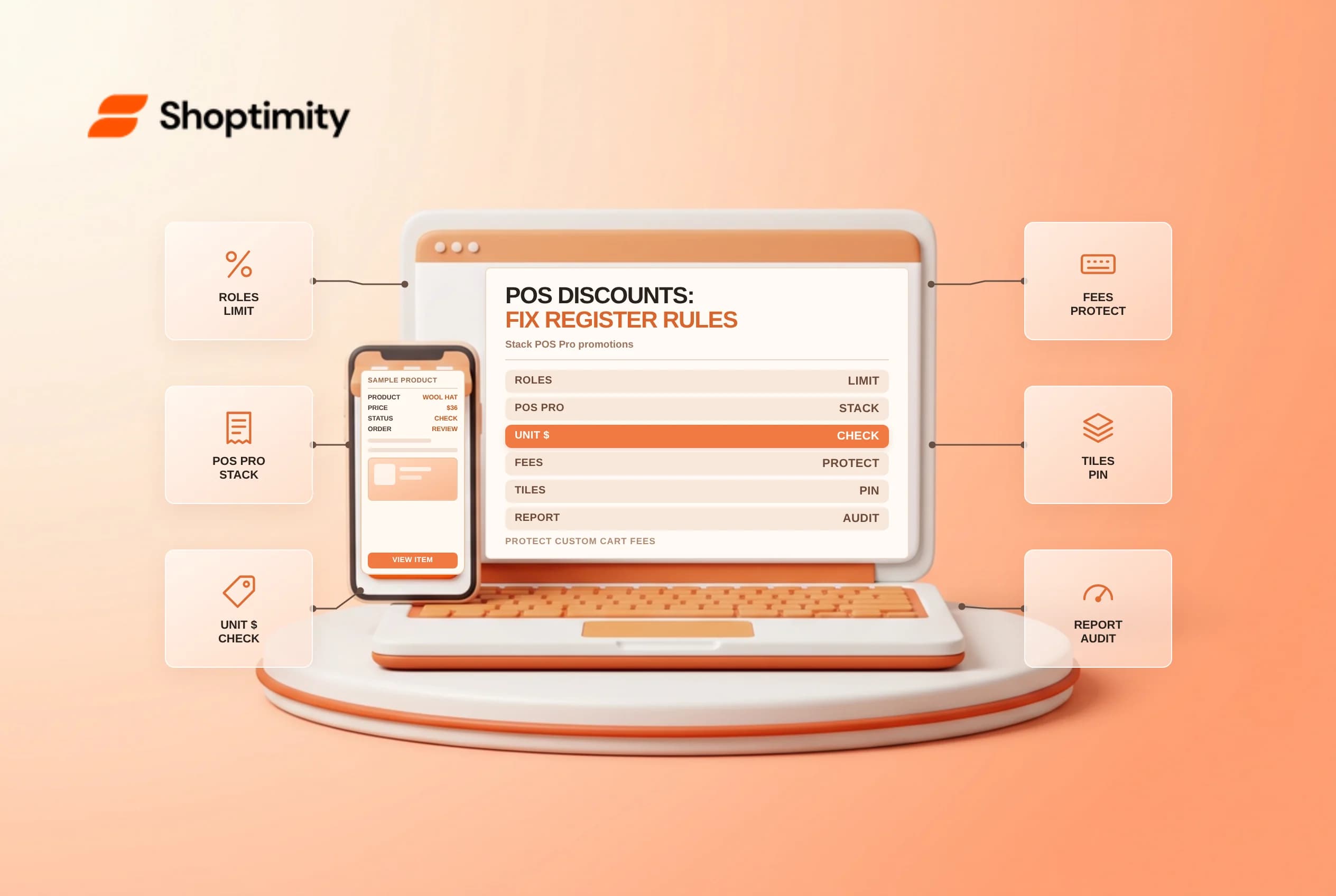
Applying Shopify POS discounts at the retail register looks simple until a cashier discounts an entire cart containing an alteration fee, enters a $20 dollar-off markdown on a multi-unit line item or tries stacking promo codes on POS Lite. Because manual custom discounts, automatic promotions and split line items follow strict POS calculation rules, store managers should configure staff permissions and POS Pro settings before peak weekend foot traffic.
Check POS Pro requirements and staff permissions
Shopify's POS discount management overview and POS discount combination guide separate what works on every retail plan from capabilities requiring Shopify POS Pro:
| Retail discount capability | Plan & permission requirement | Register behavior to know |
|---|---|---|
| Manual custom cart or line-item discount | Any POS plan + Apply custom discounts staff role permission | Always applies, overriding standard admin discount combination blocks |
| Automatic discounts & discount combinations | Shopify POS Pro location subscription + Combine with admin checkboxes | Evaluates eligible product, order and shipping combinations up to 5 discounts |
Dollar-amount ($) custom line-item discount | Apply custom discounts permission | Deducts per unit ($20 off a line with quantity 2 subtracts $40 total) |
| Split line items in POS cart | POS cart line actions | Cannot receive a custom line-item discount once split |
Apply custom discounts staff role permissionCombine with admin checkboxes$) custom line-item discountApply custom discounts permission$20 off a line with quantity 2 subtracts $40 total)Train new associates specifically on per-unit dollar markdowns: when a shopper buys two slightly scuffed display chairs on one line item (Qty: 2) and the manager approves "$20 off total", typing $20 as a line-item dollar discount takes $20 off each chair ($40 off). Either adjust the per-unit deduction to $10 or isolate the single scuffed unit before discounting.
Avoid accidental markdowns on custom fees and stacked items
Three subtle interactions inside Shopify POS sales transaction processing catch boutique and service-retail teams off guard:
- Percentage cart discounts reduce custom fees too: If an associate adds a
$25HemmingorLocal Assemblycustom fee to the cart and then applies a20%cart-wide discount, Shopify POS discounts the service fee down to$20alongside the merchandise because custom fees are not exempt from percentage cart discounts. Instruct staff to apply line-item discounts to eligible products instead whenever non-discountable service fees sit in the cart. - Custom line-item discounts block extra product codes on that item: Once a cashier applies a manual custom discount to a specific line item, that item cannot also receive an additional product-specific discount code (unless your store is on Shopify Plus using multiple product discounts).
- Removing cart codes requires clearing the discount: Double-check the POS totals drawer whenever toggling between automatic promotions and manual overrides, because manual custom discounts force their way onto the cart regardless of
Combine withrestrictions set in Shopify admin.
Audit register markdown reasons weekly
Require cashiers to enter a clear Discount reason (Damaged box, Price match, VIP event) on every manual POS markdown, and restrict the Apply custom discounts permission on entry-level POS roles so associates use pre-built smart-grid discount tiles rather than ad-hoc percentage overrides. Reviewing your Sales by discount analytics report by retail location each Monday spots outlier markdown habits early, highlights staff training gaps before seasonal clearance weekends and keeps store gross margins aligned with online promo calendars.
Related guides: managing active automatic discount limits and priority, configuring POS staff PINs and register permissions and setting up POS Smart Grid tiles by location.
$) custom line-item discounts in Shopify POS apply to each unit on that line, so a $20 line-item discount on a quantity of 2 deducts $40 total.Ready to build a faster, higher-converting store?
Every Shoptimity theme ships with conversion widgets built in — so you get speed and features without stacking apps.
7-day free trial · all themes included · cancel anytime
Continue Reading
Shopify Apple Pay: Check Wallets, Subscriptions and B2B
Activate Shopify Apple Pay with network tokenization, verify Visa or Mastercard subscription rules, ...
Shopify Order Notes: Capture Cart Instructions Cleanly
Enable Shopify order notes on Online Store 2.0 carts, separate notes from cart attributes and checko...
Shopify Planet: Add Carbon-Neutral Shipping Badges
Set up Shopify Planet carbon-neutral shipping, match Marketing vs $0.50 Engagement badge modes to yo...